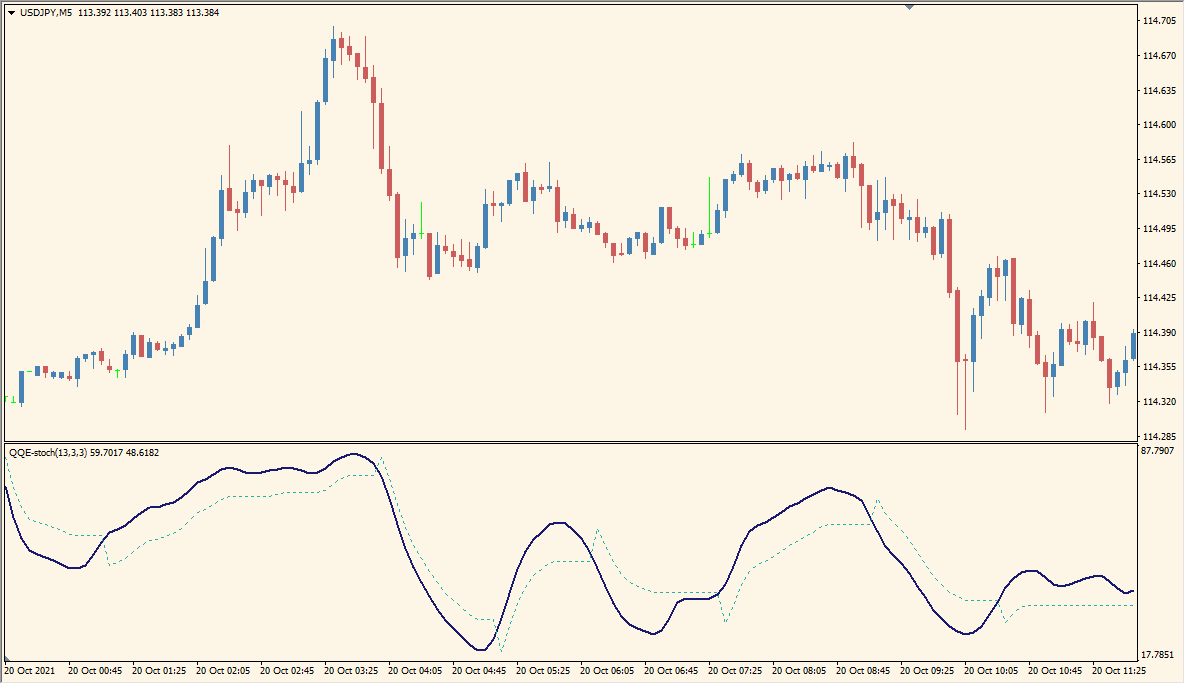
What is QQE-stoch Indicator?
QQE Stoch for MT4 combines a smoothed momentum calculation with Stochastic readings. The display retains the familiar oscillator structure while applying an additional smoothing layer to reduce short-term variation.
kPeriod, dPeriod, and slowing control the Stochastic calculation and its smoothing. The resulting lines can be compared with the displayed extreme levels and the price structure on the main chart.
How to Use It in Practice
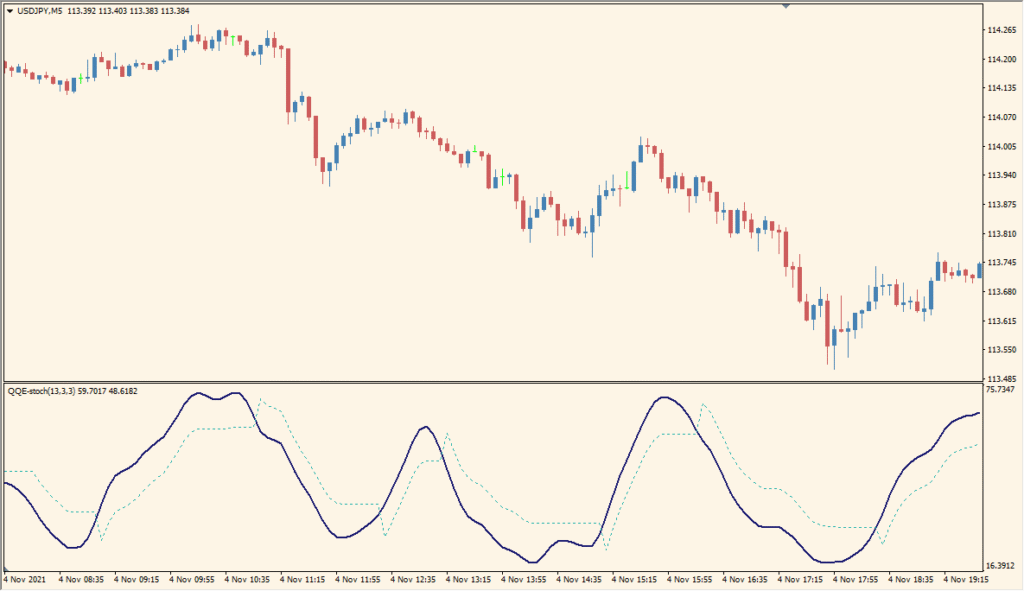
QQE-stoch keeps the familiar Stochastic scale while applying QQE-style smoothing; 70 and 30 are the displayed upper and lower reference levels.
- Read the oscillator’s position relative to 70 and 30 as you would an ordinary Stochastic oscillator.
- Use kPeriod to change the calculation period and increase slowing when a less reactive line is required.
- Changing dPeriod has little visible effect, so check that setting against kPeriod and slowing rather than treating it as the main adjustment.
- During a long, quiet sideways range, a small price move can produce a large oscillator move because the calculation measures position within its recent range.
QQE-style smoothing and Stochastic readings share one display, the three core periods are configurable, and the oscillator remains easy to compare with price movement.
MT4 Indicator Parameters
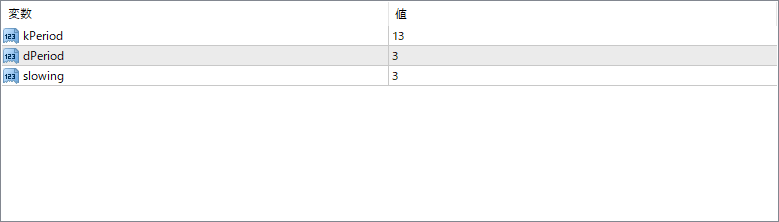
The screenshot above shows the default input parameters in the MT4 settings window.
| Parameter | Description |
|---|---|
| kPeriod | This defines the period used to calculate the %K line of the stochastic component, which is the fast-moving part of the oscillator. |
| dPeriod | Sets the period for the %D line, which is the slower moving average of the %K line, used for signal line crossovers. |
| slowing | Applies additional smoothing to the %K line before calculating the %D, making the signals more stable and reducing noise. |


