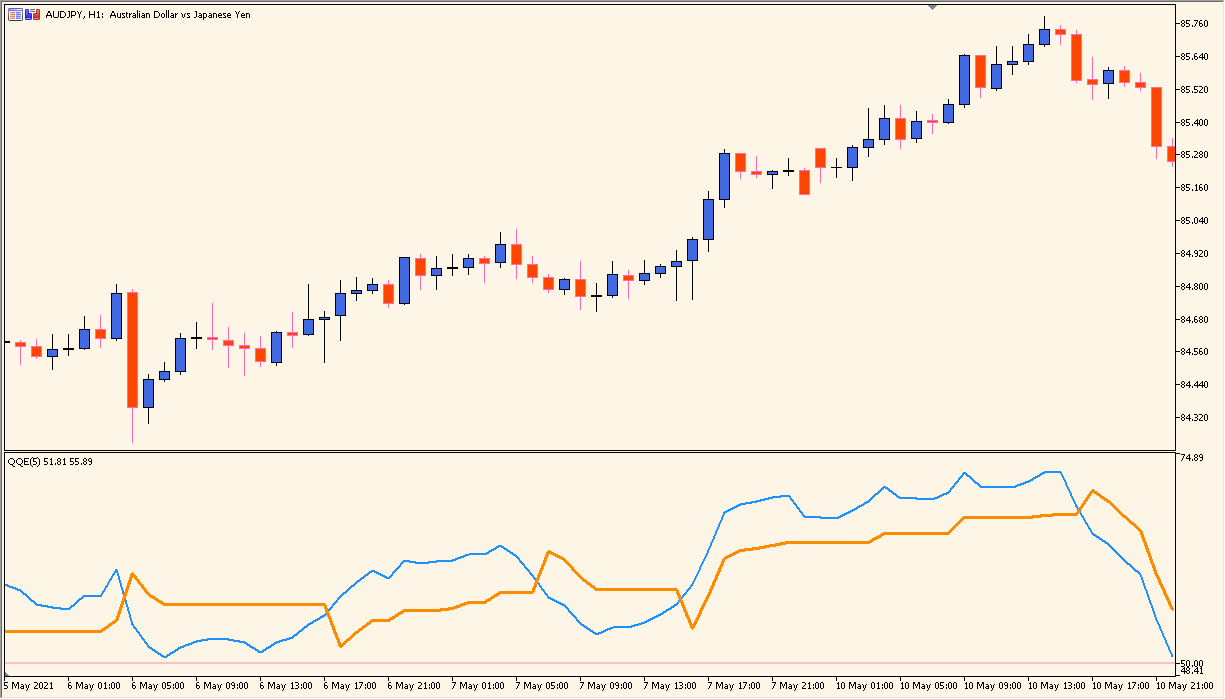
What is QQE Indicator?
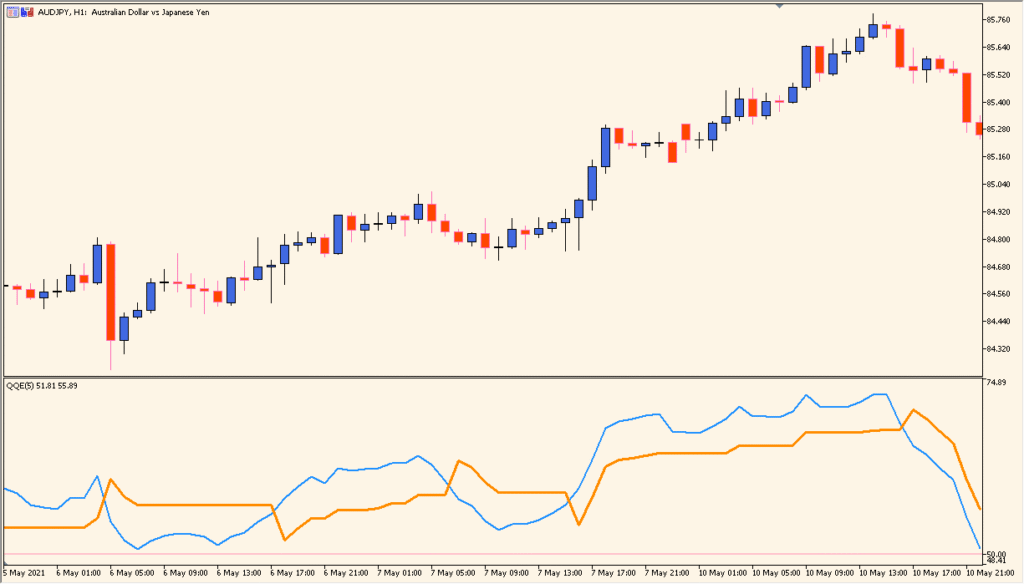
QQE is an MT5 subwindow indicator that applies smoothing to an RSI-based reading and displays it with configurable reference levels. RSI period, smoothing factor, levels, colors, and alert options shape the pane.
The smoothed line provides visual context for comparing momentum conditions and changes across bars. Alerts support monitoring the display and do not define a required response.
How to Use It in Practice
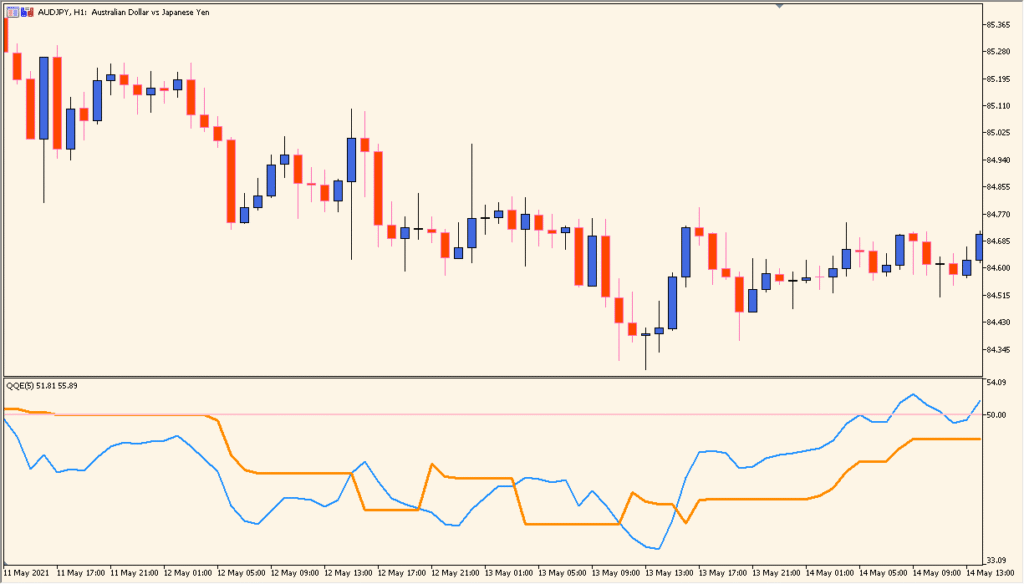
Read QQE from its two subwindow lines and the pink 50-level: the blue short line and orange long line are read together to show their position above or below that central reference.
- Compare both colored lines with the pink 50-level before considering their crossover relationship.
- Use a 15-minute chart or higher, and compare the pane with nearby horizontal or Fibonacci references.
- Increase SmoothingFactor to make the lines smoother, while leaving AlertLevel at its documented 50 unless the display requirement differs.
- Use message, sound, or email alert options only to monitor the displayed level conditions.
RSI smoothing reduces visual noise, configurable levels organize the pane, and optional alerts help monitor changes in the display.
MT5 Indicator Parameters
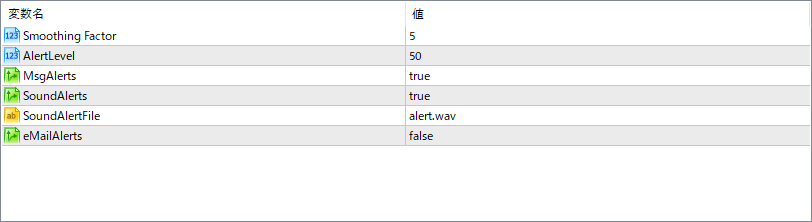
The screenshot above shows the default input parameters in the MT5 settings window.
| Parameter | Description |
|---|---|
| Smoothing Factor | Defines the level of smoothing applied to the RSI calculation to reduce noise and create a cleaner signal line. |
| AlertLevel | Sets the horizontal threshold line at which alerts are triggered when crossed by the QQE line. |
| MsgAlerts | Enables or disables pop-up message alerts when the alert condition is met. |
| SoundAlerts | Enables or disables sound alerts for crossing events. |
| SoundAlertFile | Specifies the audio file to play when a sound alert is triggered. |
| eMailAlerts | Enables or disables email alerts when the QQE crosses the defined alert level. |


