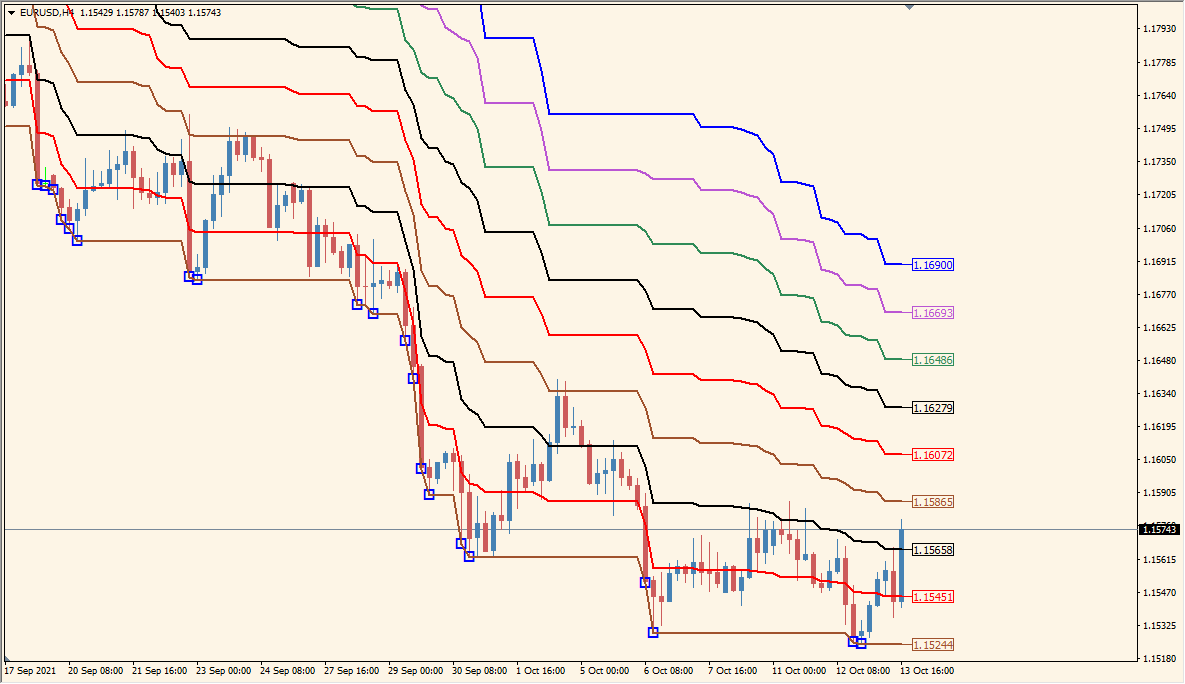
What is Quantum_Donchain_MurreyMath_V1 Indicator?
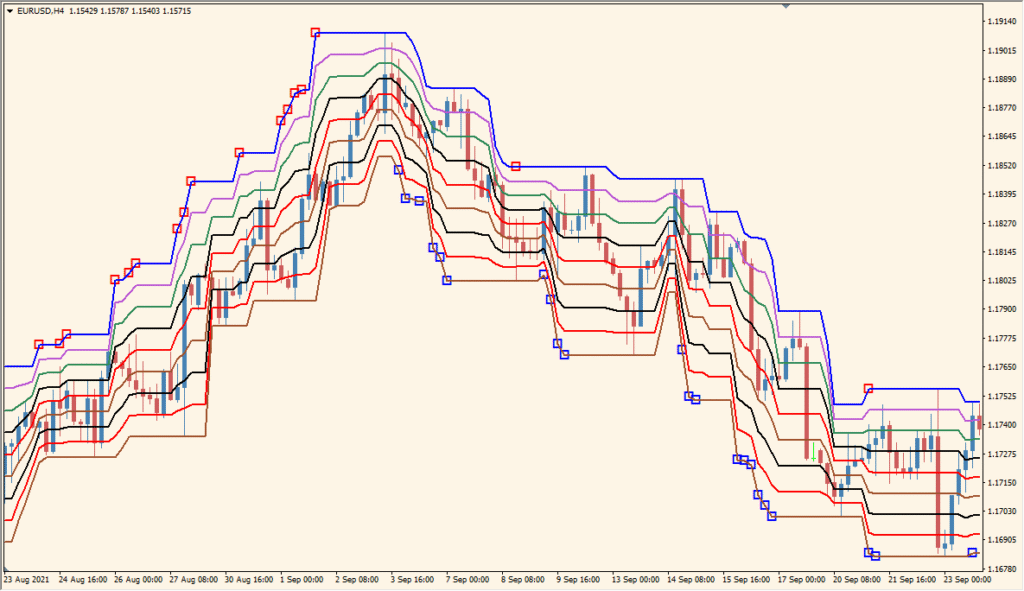
Quantum Donchian Murrey Math V1 for MT4 calculates a historical high-low range and divides it into a set of horizontal reference levels. The display combines Donchian range context with Fibonacci and Murrey Math spacing.
Quantum_Period controls the history window, while indShift, LineWidth, and the individual Fibonacci color settings control position and presentation. The colored levels make the price-range structure easier to compare on the chart.
How to Use It in Practice
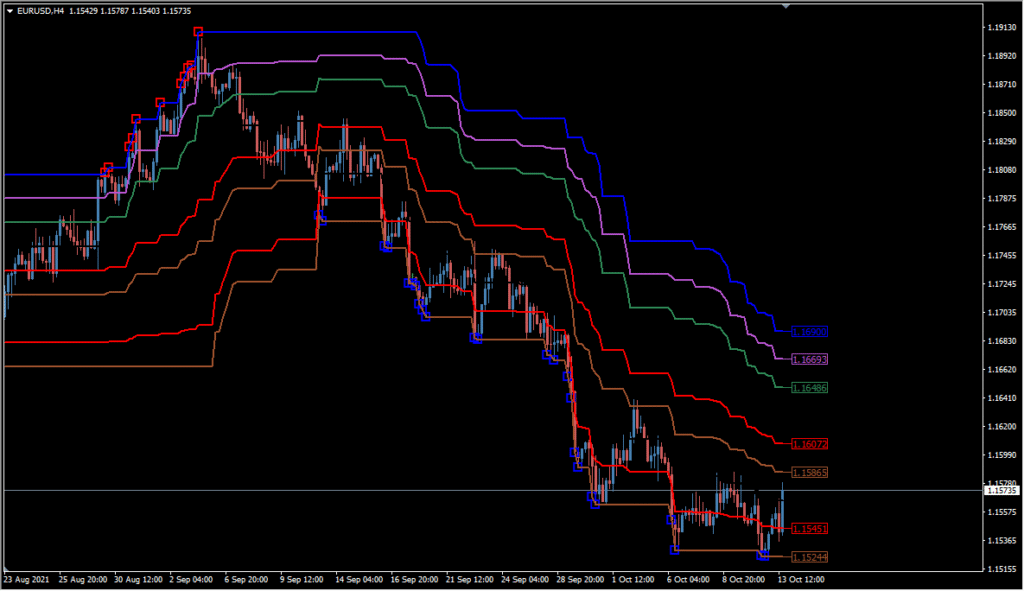
Quantum Donchain MurreyMath V1 combines a Donchian channel with Fibonacci lines: an orange centre line runs through the channel, while red and blue square marks appear when a new channel high or low is crossed.
- Read the orange centre line, the channel edges, the Fibonacci overlay, and the red or blue square annotations as separate chart elements.
- Set Quantum_Period for the Donchian lookback; the default is 64, while 14 is a commonly used shorter period.
- Increase indShift to move the plotted channel to the right or use a negative value to move it left.
- The Fibonacci overlay can make the channel lines harder to distinguish, and low-volatility conditions can limit the follow-through after a channel extreme is crossed.
Donchian range, Fibonacci spacing, and Murrey Math references are combined in one display, while the range period and level styling remain configurable.
MT4 Indicator Parameters
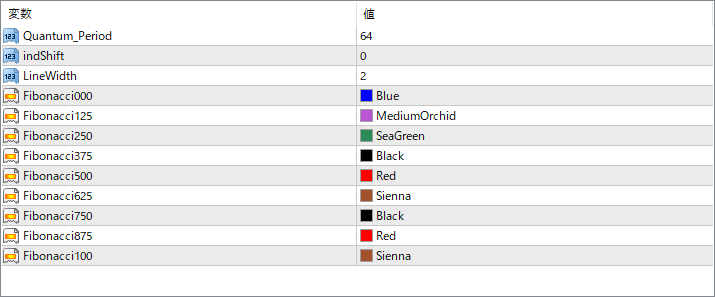
The screenshot above shows the default input parameters in the MT4 settings window.
| Parameter | Description |
|---|---|
| Quantum_Period | Sets the lookback period for calculating the Donchian channel highs and lows. A larger value widens the bands based on broader price history. |
| indShift | Shifts the entire indicator left or right on the chart for visualization purposes without affecting calculations. |
| LineWidth | Sets the thickness of the horizontal lines drawn on the chart. Thicker lines offer stronger visual emphasis. |
| Fibonacci000 | Color for the 0% Fibonacci level (bottom line). |
| Fibonacci125 | Color for the 12.5% level. |
| Fibonacci250 | Color for the 25% level. |
| Fibonacci375 | Color for the 37.5% level. |
| Fibonacci500 | Color for the midpoint 50% level, often seen as key support or resistance. |
| Fibonacci625 | Color for the 62.5% level. |
| Fibonacci750 | Color for the 75% level. |
| Fibonacci875 | Color for the 87.5% level. |
| Fibonacci100 | Color for the top 100% Fibonacci level (upper Donchian boundary). |


