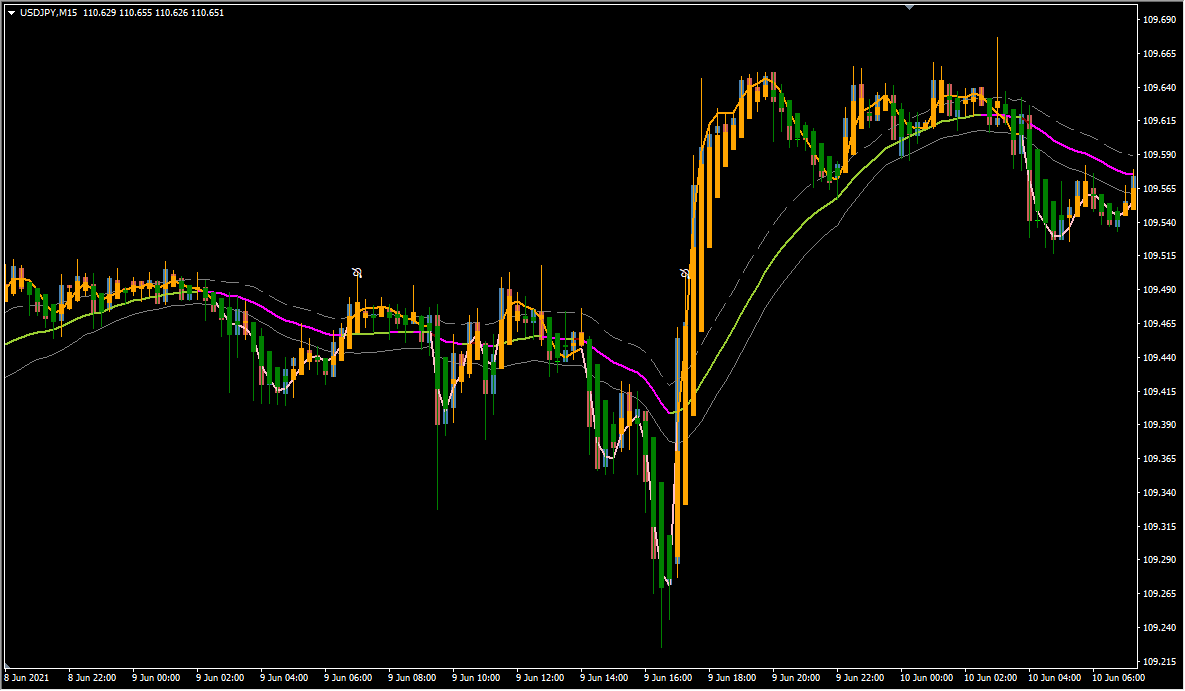
What is Reaper_man?
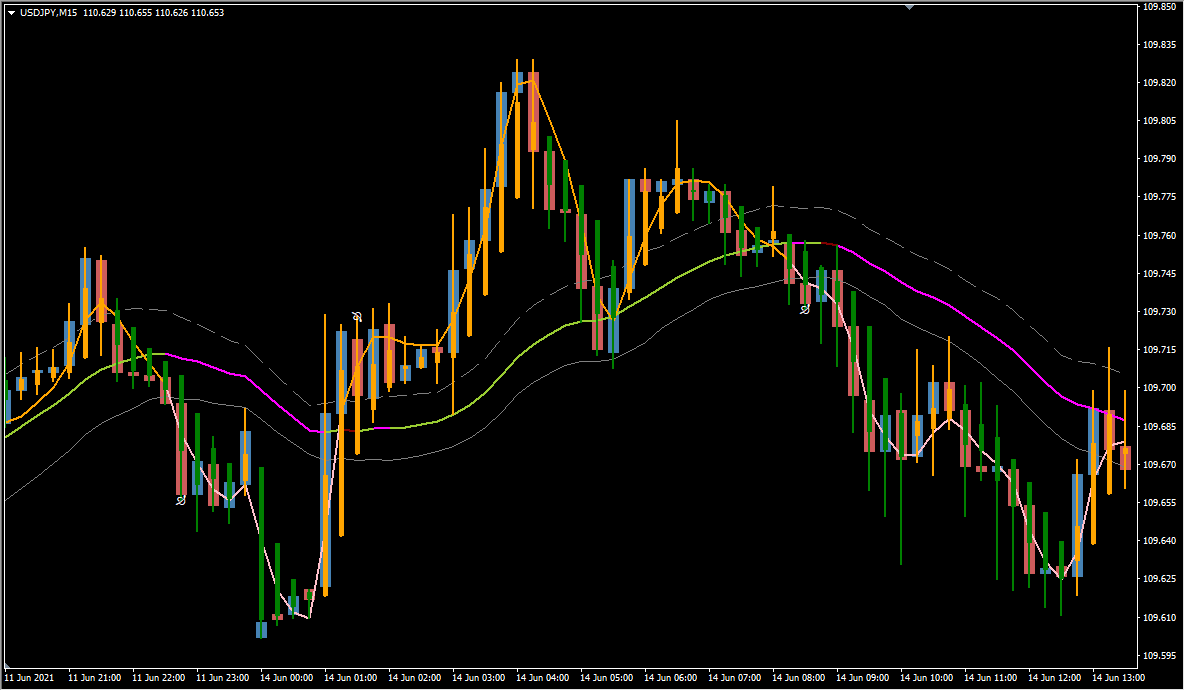
Reaper_man is an MT4 signal tool that plots a Keltner Channel on Heikin Ashi candles. Its signs are written to the Terminal tab instead of the chart, so a sign-reading tool is needed to show them.
The channel is built from an EMA centre line with ATR-based bands above and below it. The parameters cover the alert settings only, and no parameter controls the sign itself.
How to use Reaper_man
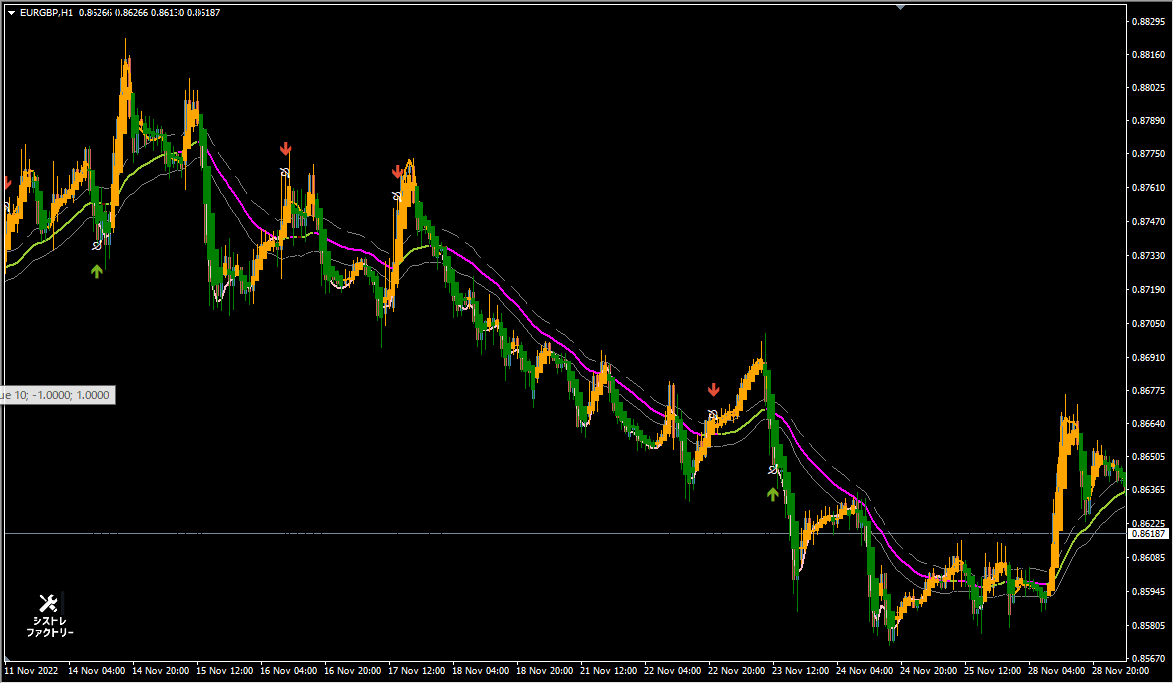
Signs appear when price breaks the Keltner Channel. A Low sign is printed while the Heikin Ashi candles are orange and a High sign while they are green.
On the default the alert sounds while no sign is drawn on the chart. The arrows in the screenshot above were made visible with a separate sign-reading tool.
Where it helps
MT4 Indicator Parameters
The table below lists the available MT4 indicator parameters. You can customize these options in the MetaTrader Inputs dialog to match your trading preferences.
| Parameter | Description |
|---|---|
| alertsOn | — |
| alertsOnCurrent | — |
| alertsMessage | — |
| alertsSound | — |
| alertsEmail | — |
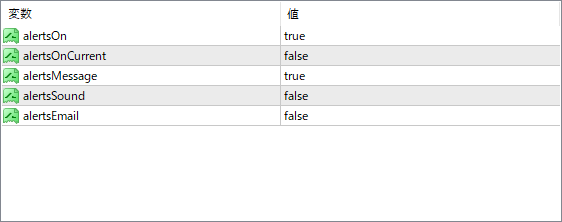
The screenshot above shows the default input parameters in the MT4 settings window.
How to Install .ex4 Indicator in MetaTrader 4
- Download the ZIP file and extract it.
- In MT4, select File → Open Data Folder.
- Open MQL4 → Indicators and copy the EX4 or MQ4 file into it.
- If the package includes library files, copy them to MQL4 → Libraries. Copy TPL files to the top-level templates folder.
- Restart MT4, find the indicator in the Navigator, and drag it onto a chart.
Test the tool on a demo account first. File contents and required folders can vary between packages.


