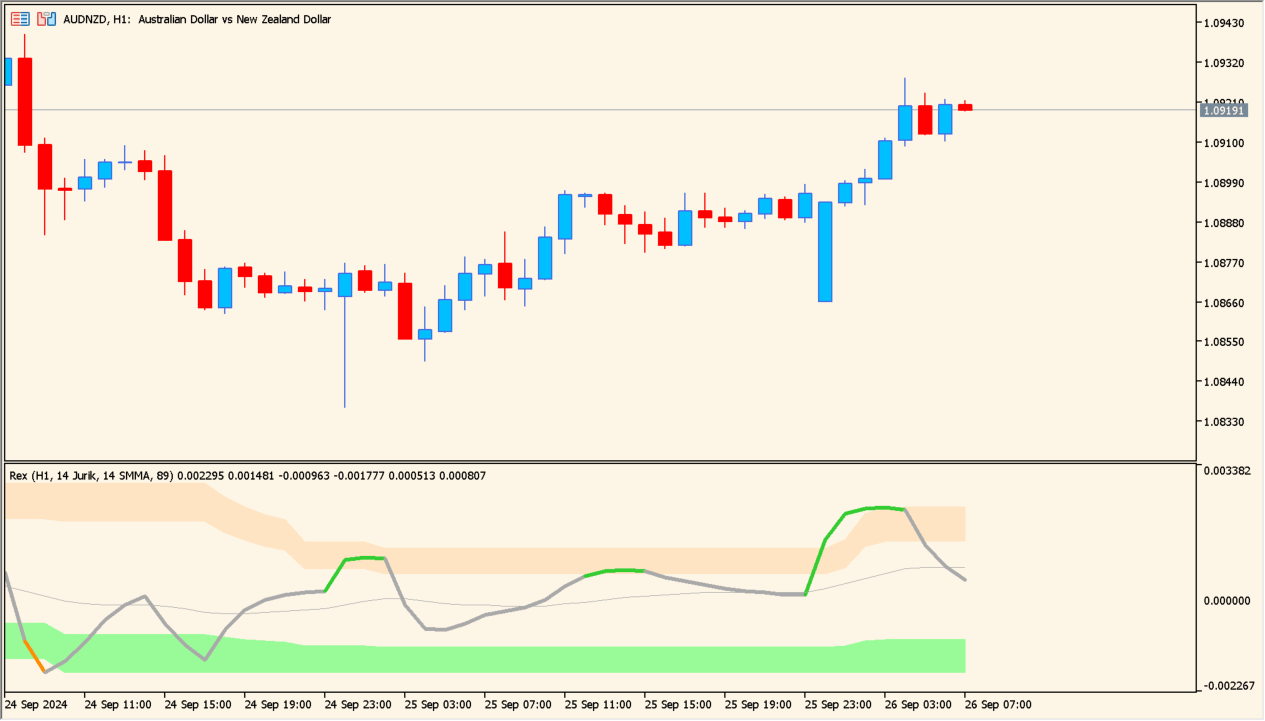
What is rex-avgs-extended-mtf-alerts-smoothed-momentum-with-multi-timeframe-flexibility?
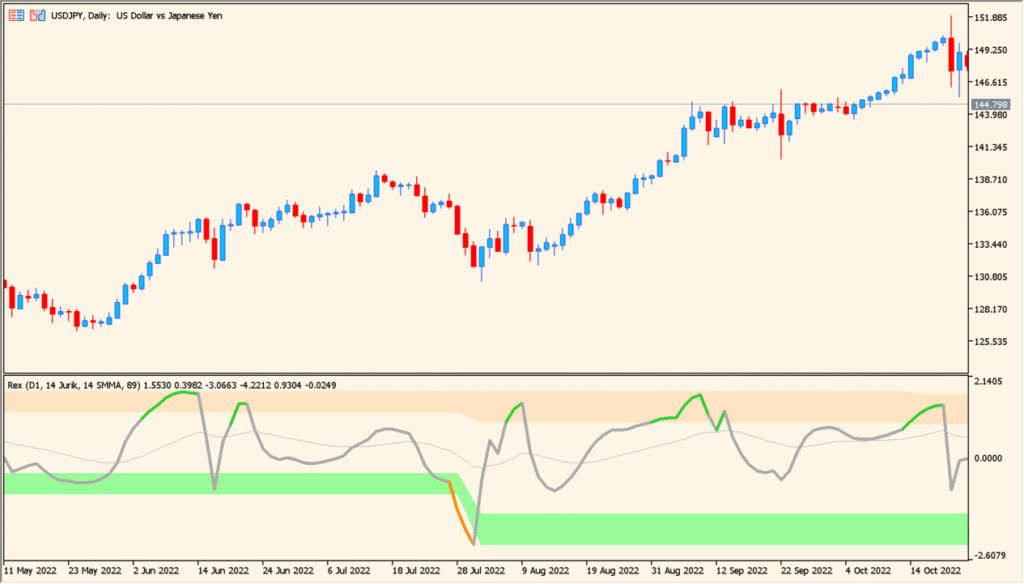
rex-avgs-extended-mtf-alerts-smoothed-momentum-with-multi-timeframe-flexibility is an MT4 indicator that displays technical reference levels and chart context directly on your chart.
How to use rex-avgs-extended-mtf-alerts-smoothed-momentum-with-multi-timeframe-flexibility
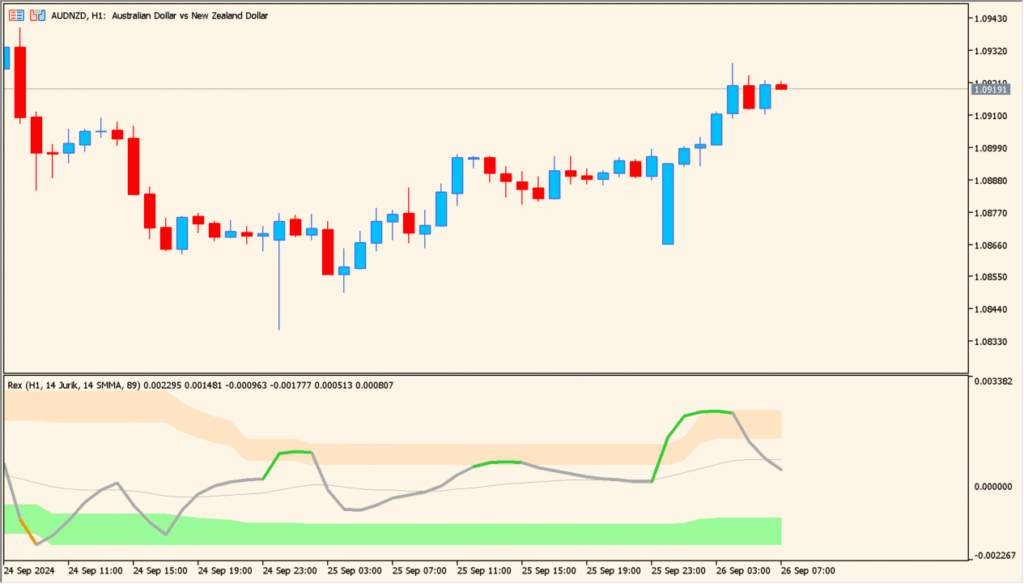
Attach rex-avgs-extended-mtf-alerts-smoothed-momentum-with-multi-timeframe-flexibility to your MT4 chart to observe visual reference lines and indicator signals.
Where it helps
Displays Rex momentum oscillator values in a subwindow display.
Displays momentum values from higher timeframes on current chart.
Includes desktop popup, sound, email, and mobile push notification options.
MT5 Indicator Parameters
The table below lists the available MT5 indicator parameters. You can customize these options in the MetaTrader Inputs dialog to match your trading preferences.
| Parameter | Description |
|---|---|
| TimeFrame | Sets timeframe calculation for Rex oscillator. Default: Current. |
| RexPeriod | Sets calculation period for Rex momentum index. Default: 14. |
| SignalPeriod | Sets signal line smoothing period. Default: 9. |
| SoundAlert | Enables or disables audio sound alerts. Default: false. |
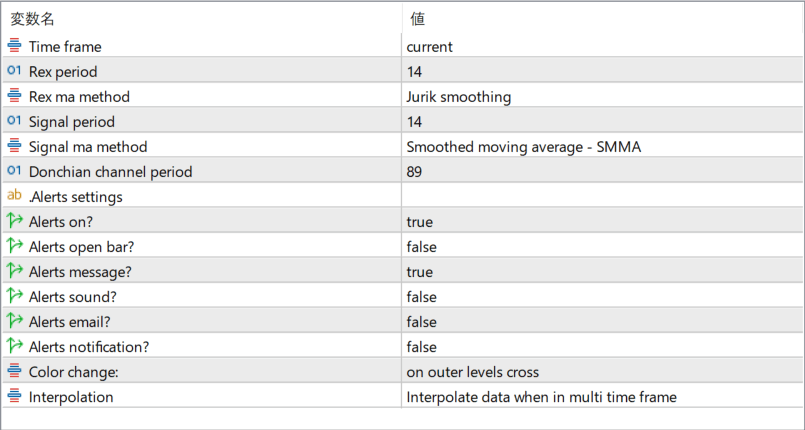
The screenshot above shows the default input parameters in the MT5 settings window.
How to Install .ex5 Indicator in MetaTrader 5
- Download the ZIP file and extract it.
- In MT5, select File → Open Data Folder.
- Open MQL5 → Indicators and copy the EX5 or MQ5 file into it.
- If the package includes library files, copy them to MQL5 → Libraries. Copy TPL files to the top-level templates folder.
- Restart MT5, find the indicator in the Navigator, and drag it onto a chart.
Test the tool on a demo account first. File contents and required folders can vary between packages.


