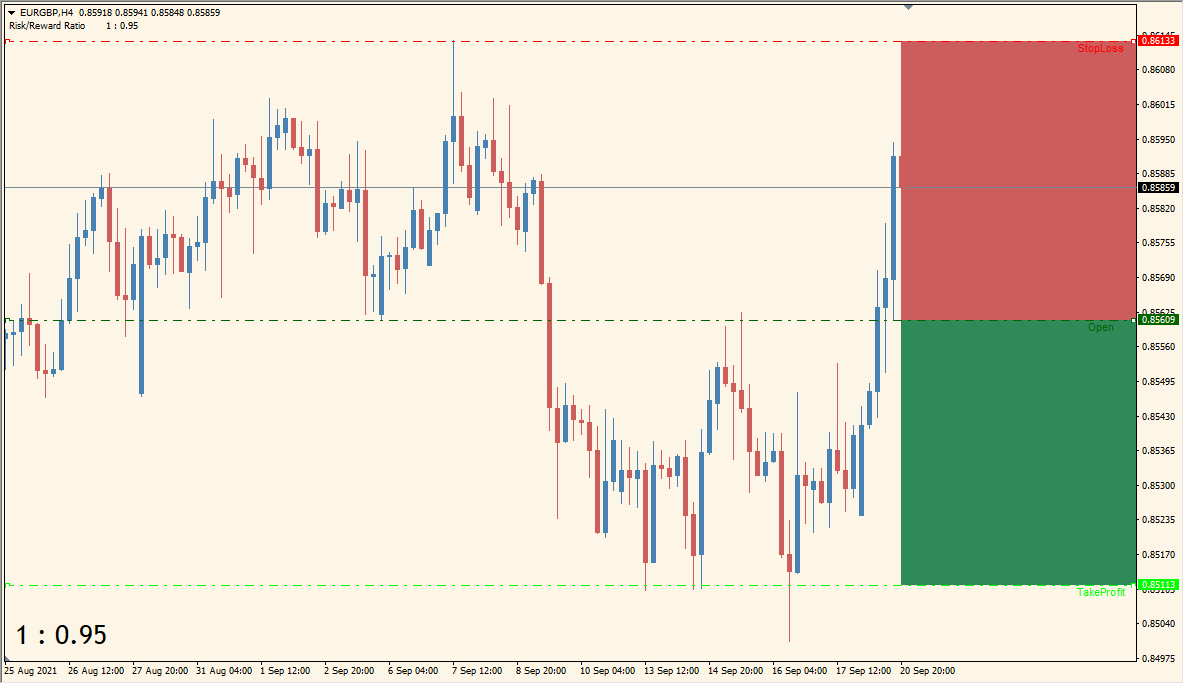
What is RiskReward_Ratio_TradingView_like Indicator?
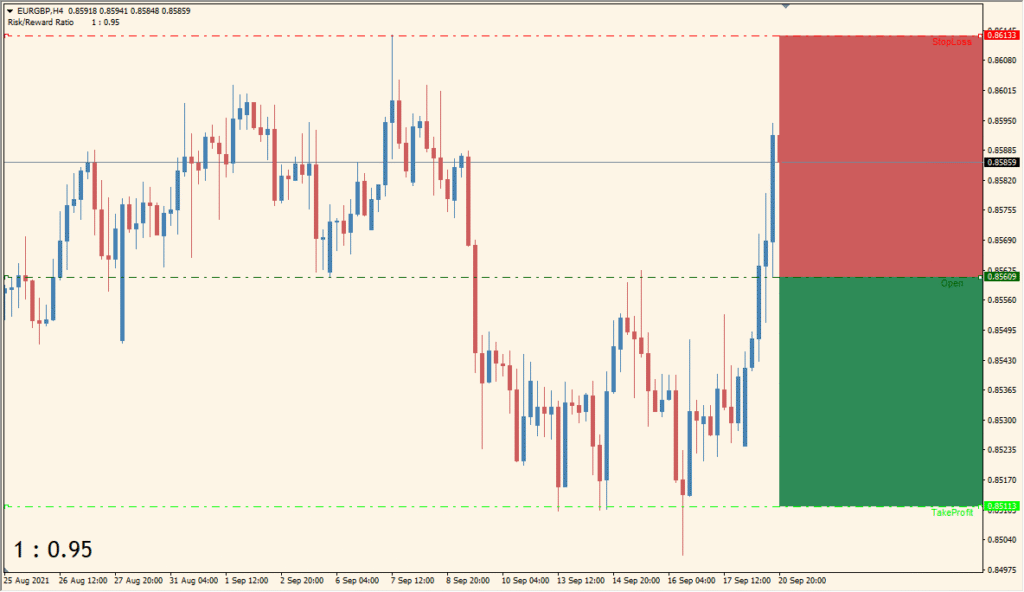
RiskReward Ratio TradingView Like v0.1j for MT4 draws stop-loss, take-profit, and open-position references directly on the chart. Colored boxes show the distance on each side so the planned price relationship is easy to review.
UseBidValue, SLLevel, TPLevel, OpenPositionLevel, line styles, widths, colors, and rectangle settings control the calculation and presentation. The display is a visual aid for comparing price distances before or during chart review.
How to Use It in Practice
RiskReward Ratio TradingView Like draws a movable centre open line, a stoploss line, and a takeprofit line. Green and red boxes show the two sides of the selected price relationship, with the numerical ratio at lower left.
- Locate the three labelled horizontal lines and compare the green and red box distances with the ratio printed in the lower-left corner.
- Double-click a line to activate it, then move it to change the corresponding chart position.
- Most Inputs control presentation, so use the existing color, line, and rectangle settings to keep all three labels visible.
Three price references and their surrounding boxes appear in one view, the distance display is configurable, and line and rectangle styling can be matched to the chart.
MT4 Indicator Parameters
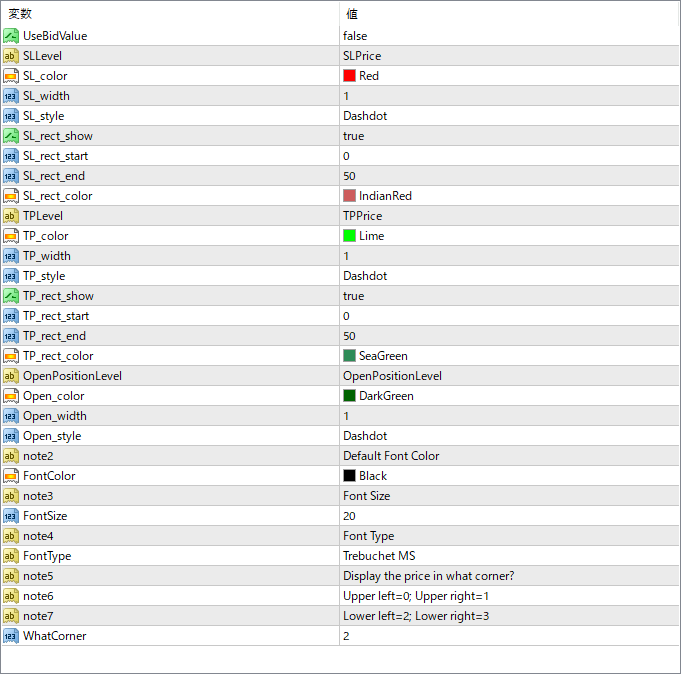
The screenshot above shows the default input parameters in the MT4 settings window.
| Parameter | Description |
|---|---|
| UseBidValue | Chooses whether to calculate lines based on Bid price instead of the default Ask. |
| SLLevel | The price level for the stop loss. |
| SL_color | Color of the SL line. |
| SL_width | Line width for the SL line. |
| SL_style | Line style (e.g. dashed, dotted) for SL line. |
| SL_rect_show | Enables or disables the red box display under the SL level. |
| SL_rect_start | Horizontal start position for the SL box. |
| SL_rect_end | Horizontal end position for the SL box. |
| SL_rect_color | Fill color of the SL box area. |
| TPLevel | The price level for the take profit. |
| TP_color | Color of the TP line. |
| TP_width | Line width for the TP line. |
| TP_style | Line style (e.g. dashed, dotted) for TP line. |
| TP_rect_show | Enables or disables the green box display above the TP level. |
| TP_rect_start | Horizontal start position for the TP box. |
| TP_rect_end | Horizontal end position for the TP box. |
| TP_rect_color | Fill color of the TP box area. |
| OpenPositionLevel | The price level where the trade is considered to have opened (entry point). |
| Open_color | Color of the entry price line. |
| Open_width | Line width of the entry line. |
| Open_style | Line style of the entry line. |
| FontColor | Color of the text used for ratio or other labels. |
| FontSize | Size of the displayed font on the chart. |
| FontType | Font used for the display text (e.g., Arial, Tahoma). |


