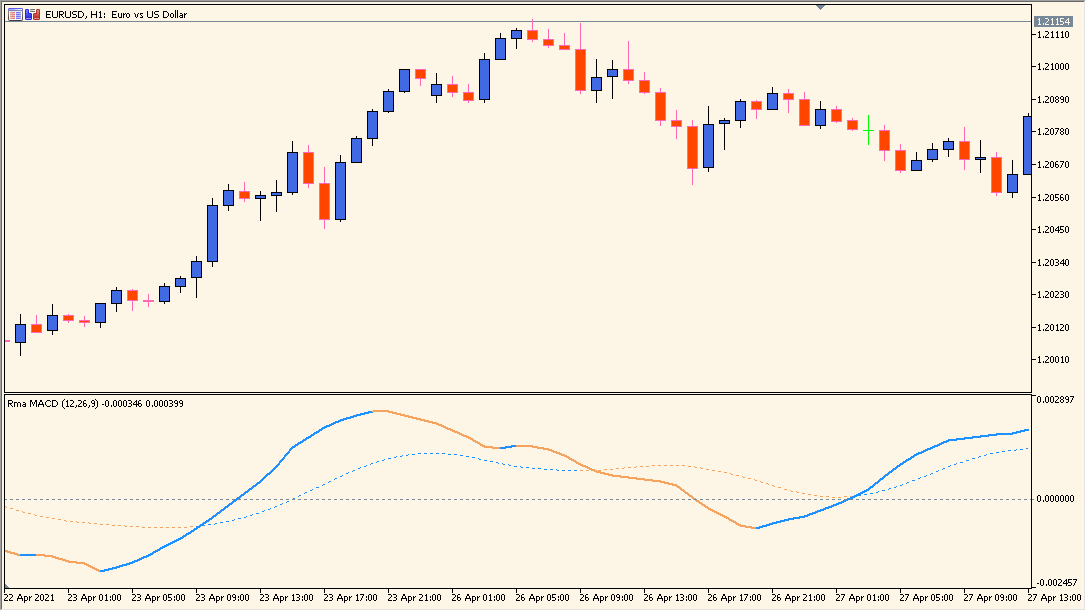
What is RMA MACD Indicator?
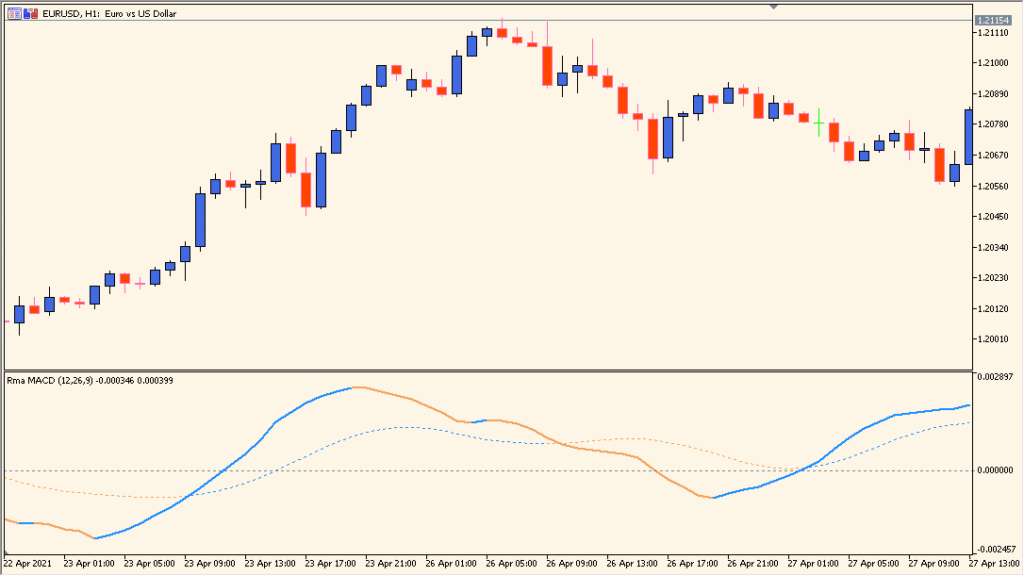
RMA MACD is an MT5 variation of the classic Moving Average Convergence Divergence display. It substitutes running moving averages for the EMA calculations and retains the MACD line, signal line, and histogram.
RMA is a moving average weighted toward recent prices, and the result is presented in the familiar MACD layout with blue and orange display states.
How to Use It in Practice
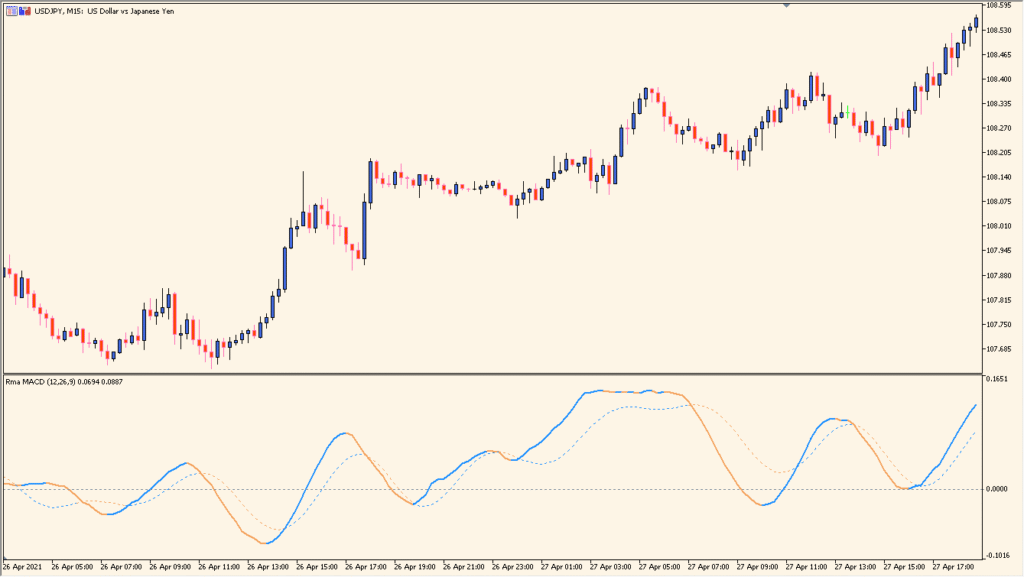
RMA MACD keeps the standard MACD layout but uses running moving averages in place of EMAs. The blue state is upward and the orange state is downward, and the zero line, line slope, signal-line relationship, and price/MACD swing comparison are the visible elements.
- Read the blue or orange state, the MACD and signal lines, and the histogram around the zero area as one pane.
- Compare a MACD peak or trough with the corresponding price peak or trough when examining the divergence example.
- Leave the parameters at their defaults unless a different display requirement exists; the default setup is sufficient.
The familiar MACD layout is retained, RMA smoothing is used for the moving-average calculations, and the main periods and display settings are configurable.
MT5 Indicator Parameters
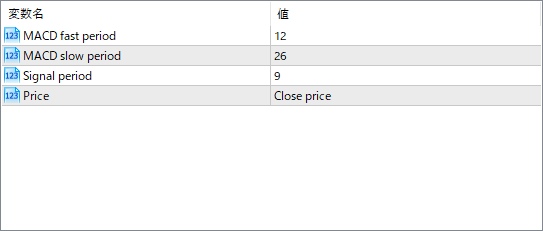
The screenshot above shows the default input parameters in the MT5 settings window.
| Parameter | Description |
|---|---|
| MACD fast period | Sets the period for the fast RMA. A shorter value reacts more quickly to price changes. |
| MACD slow period | Defines the period for the slow RMA. A longer period smooths the indicator further. |
| Signal period | Controls how many periods are used to calculate the signal line (usually a moving average of the MACD line). |
| Price | Specifies which price source the MACD is based on. Common options are Close, Open, High, or Low. |


