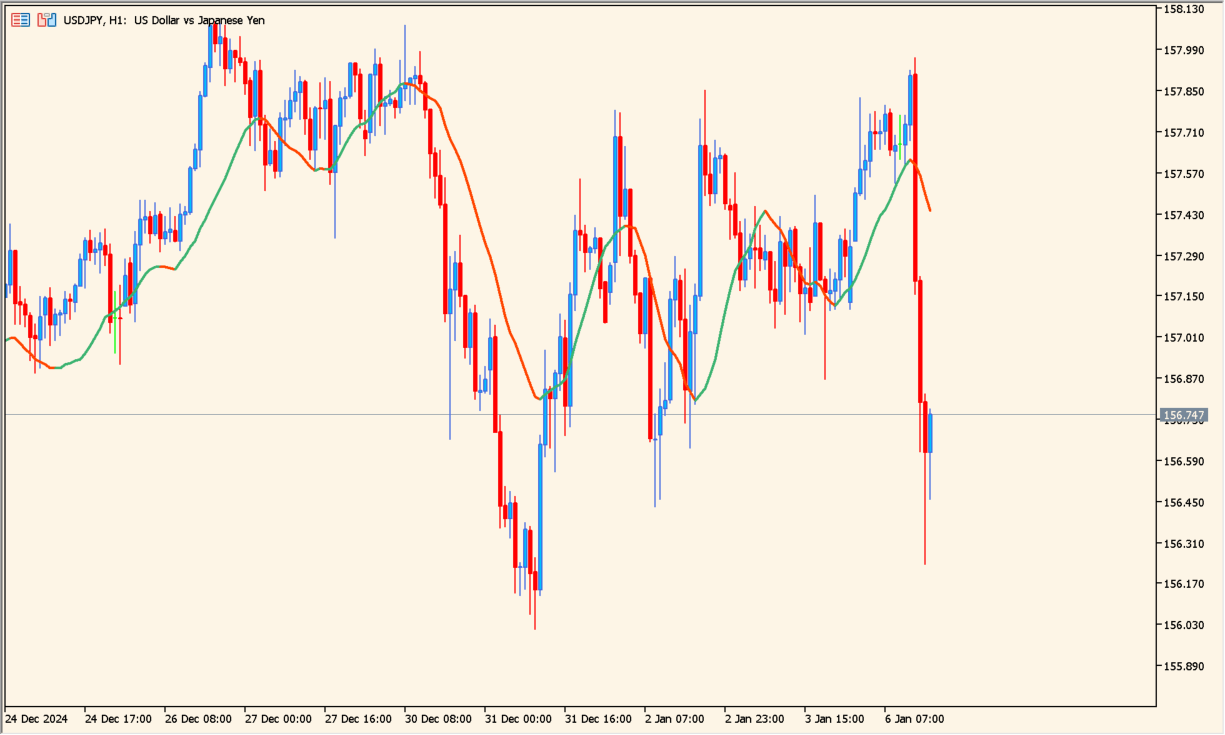
What is rma-mtf?
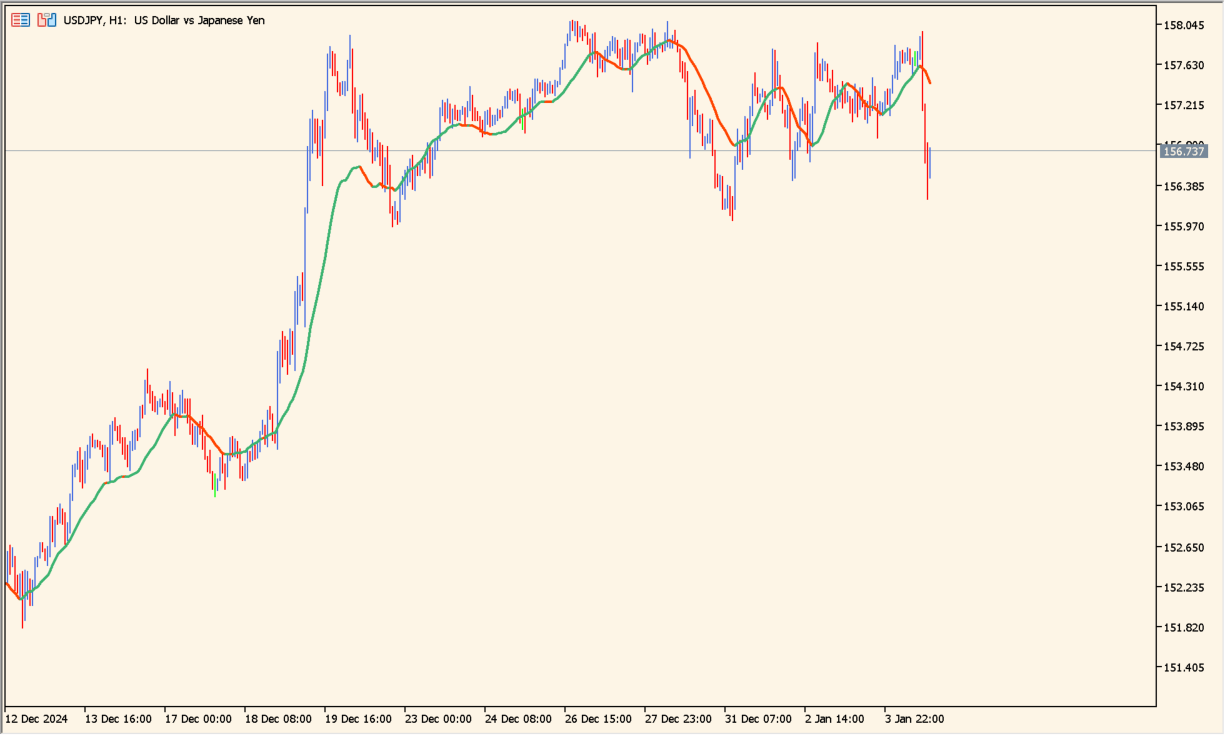
RMA starts with a simple moving average and then combines the current value with the previous RMA. It reacts to recent prices like an EMA while using a different smoothing calculation.
Because the calculation does not need the full history on every update, it stays light for real-time use. The multi-timeframe display can place a higher-timeframe RMA on a lower-timeframe chart.
How to use rma-mtf
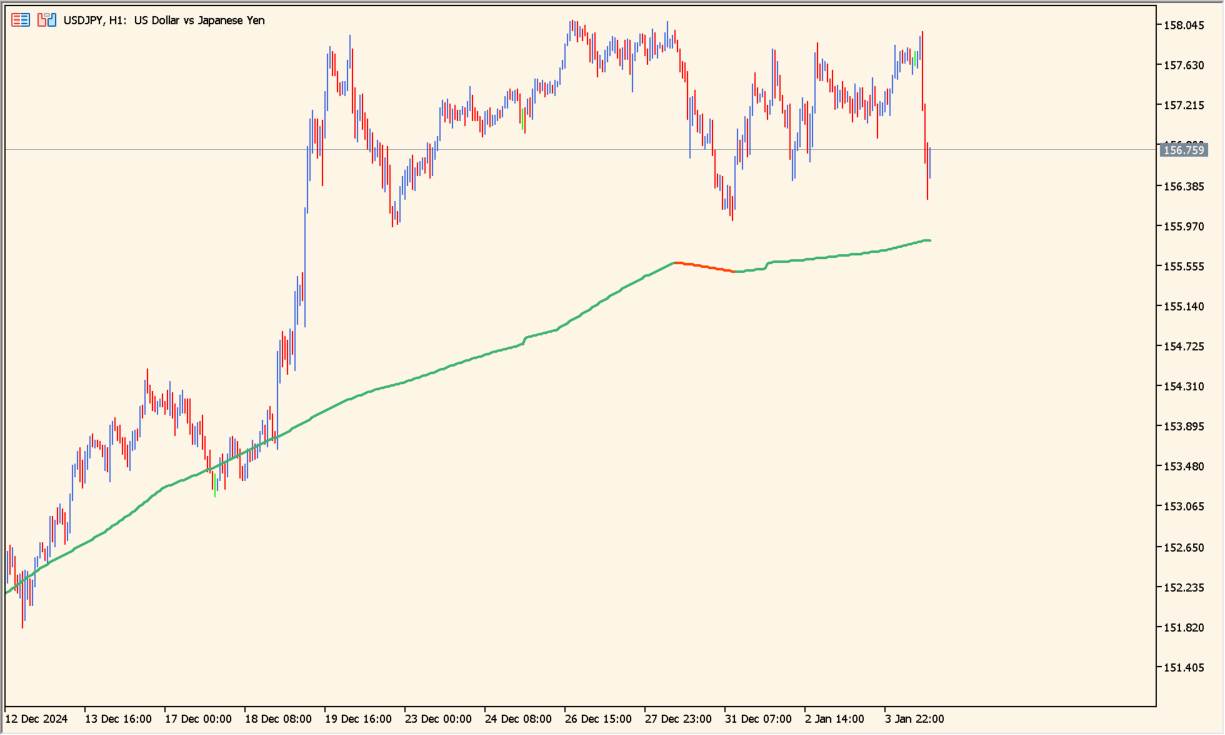
Apply rma-mtf to an MT5 chart and select the timeframe whose RMA you want to compare with the current price movement.
Use inpTimeFrame, inpPeriod, and inpPrice to change the source calculation. Toggle inpInterpolate to compare the multi-timeframe line with and without interpolation.
Where it helps
Uses RMA smoothing that differs from both SMA and EMA while retaining a quick response to recent prices.
Displays a selected higher-timeframe average on the working chart.
The calculation is suitable for real-time display.
MT5 Indicator Parameters
The table below lists the available MT5 indicator parameters. You can customize these options in the MetaTrader Inputs dialog to match your trading preferences.
| Parameter | Description |
|---|---|
| inpTimeFrame | Sets this calculation or display option. Default: tf_cu. |
| inpPeriod | Sets this calculation or display option. Default: 14. |
| inpPrice | Sets this calculation or display option. Default: PRICE_CLOSE. |
| inpInterpolate | Enables or disables this display option. Default: interolate_yes. |
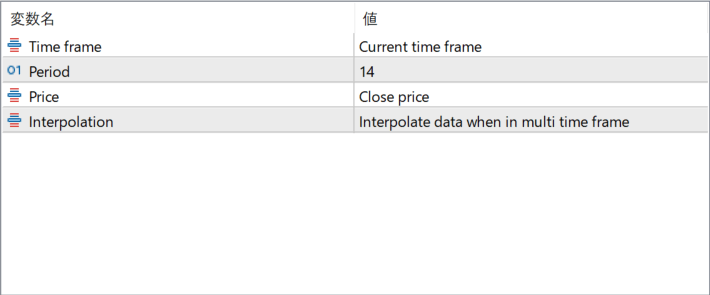
The screenshot above shows the default input parameters in the MT5 settings window.
How to Install .ex5 Indicator in MetaTrader 5
- Download the ZIP file and extract it.
- In MT5, select File → Open Data Folder.
- Open MQL5 → Indicators and copy the EX5 or MQ5 file into it.
- If the package includes library files, copy them to MQL5 → Libraries. Copy TPL files to the top-level templates folder.
- Restart MT5, find the indicator in the Navigator, and drag it onto a chart.
Test the tool on a demo account first. File contents and required folders can vary between packages.


