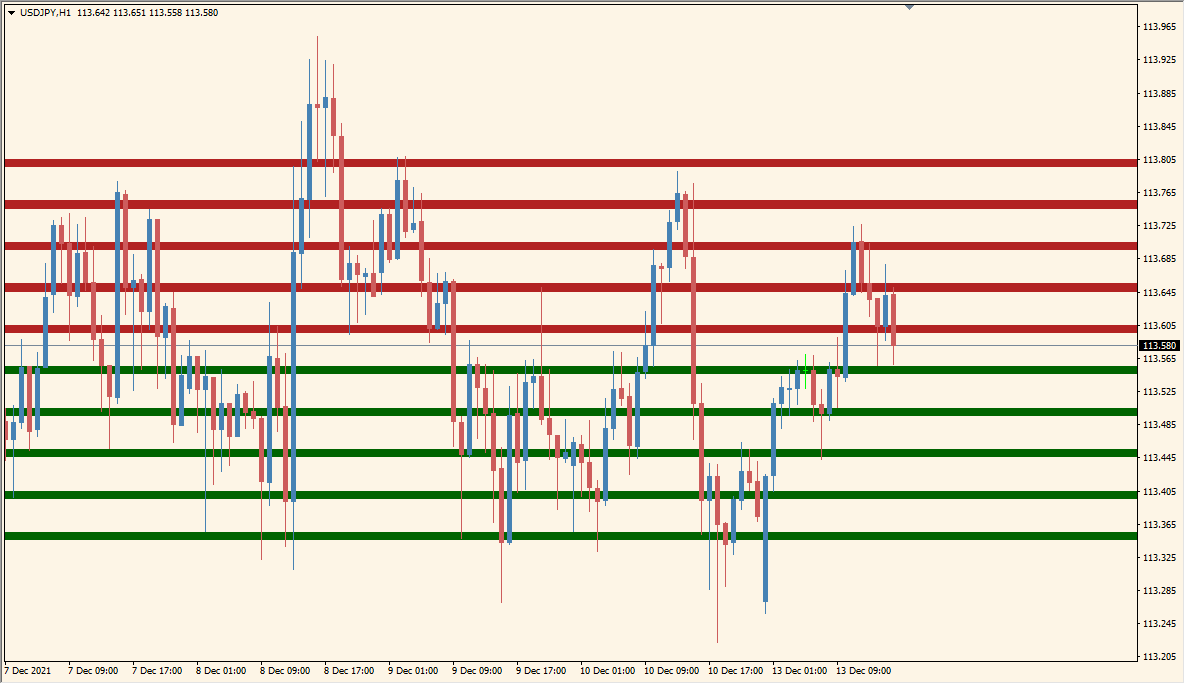
What is RoundLevels Indicator?
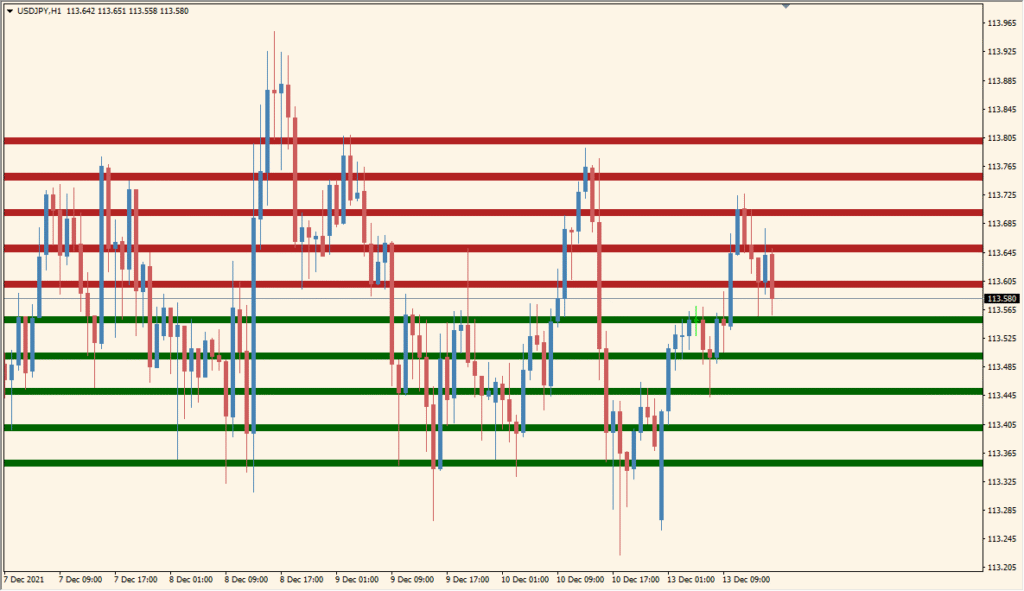
RoundLevels is an MT5 chart utility that draws evenly spaced horizontal references at configurable numerical intervals. Lines or shaded zones, labels, colors, widths, and spacing settings control the layout.
The grid provides a consistent price scale for comparing current movement with round-number levels. These references are visual aids and do not establish support, resistance, or a fixed reaction.
How to Use It in Practice
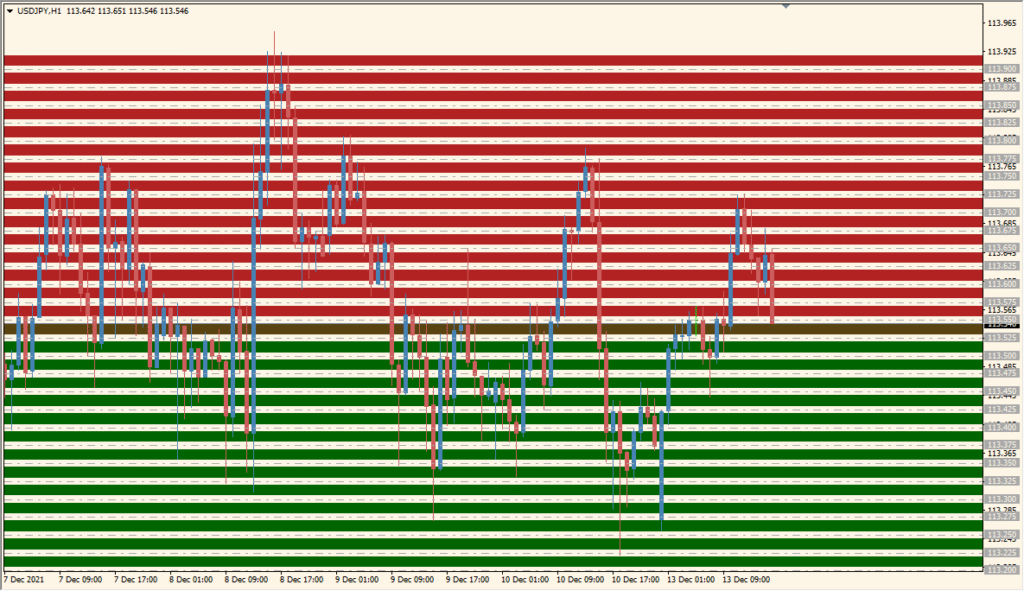
Round Levels automatically places horizontal lines at round-number prices such as .00 and .50 above and below the current price. Red and green lines mark the levels, so the nearby numerical intervals can be located without drawing them manually.
- Read the nearest round-number lines above and below the current price together with recent highs and lows.
- Change the line count and interval settings to alter how many round-number levels appear and how closely they are spaced.
- Keep the displayed levels alongside the active timeframe and other horizontal chart references; touching a round number alone does not determine a reaction.
Round-number spacing is drawn automatically, labels support orientation, and line or zone styles adapt the grid to the chart.
MT5 Indicator Parameters
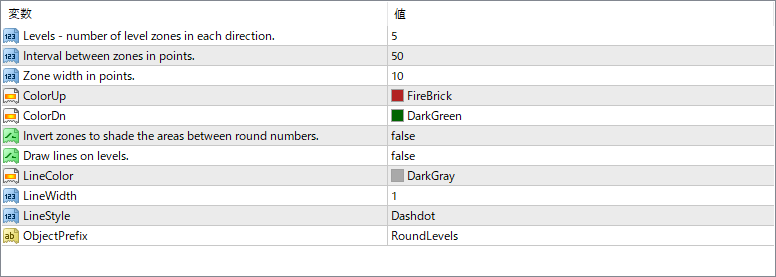
The screenshot above shows the default input parameters in the MT5 settings window.
| Parameter | Description |
|---|---|
| Levels | Sets the number of level zones to display above and below the current price. Increasing this value shows more levels across the chart. |
| Interval between zones in points | Defines the spacing between each zone in points. Larger intervals spread the zones farther apart. |
| Zone width in points | Determines the thickness of each colored zone. Narrow widths show cleaner lines, while wider zones highlight broader price areas. |
| ColorUp | Sets the color for the upper (resistance) zones. |
| ColorDn | Sets the color for the lower (support) zones. |
| Invert zones to shade the areas between | When enabled, shades the space between levels instead of the levels themselves. |
| Draw lines on levels | Switches between solid zones and line-only display. When true, lines are drawn at the level boundaries. |
| LineColor | Specifies the color of the drawn level lines if line mode is active. |
| LineWidth | Adjusts the thickness of the drawn lines for better visibility. |
| LineStyle | Chooses the style of the lines (solid, dashed, or dash-dot). |
| ObjectPrefix | Sets a name prefix for all objects created by the indicator, helping to manage or delete them easily. |


