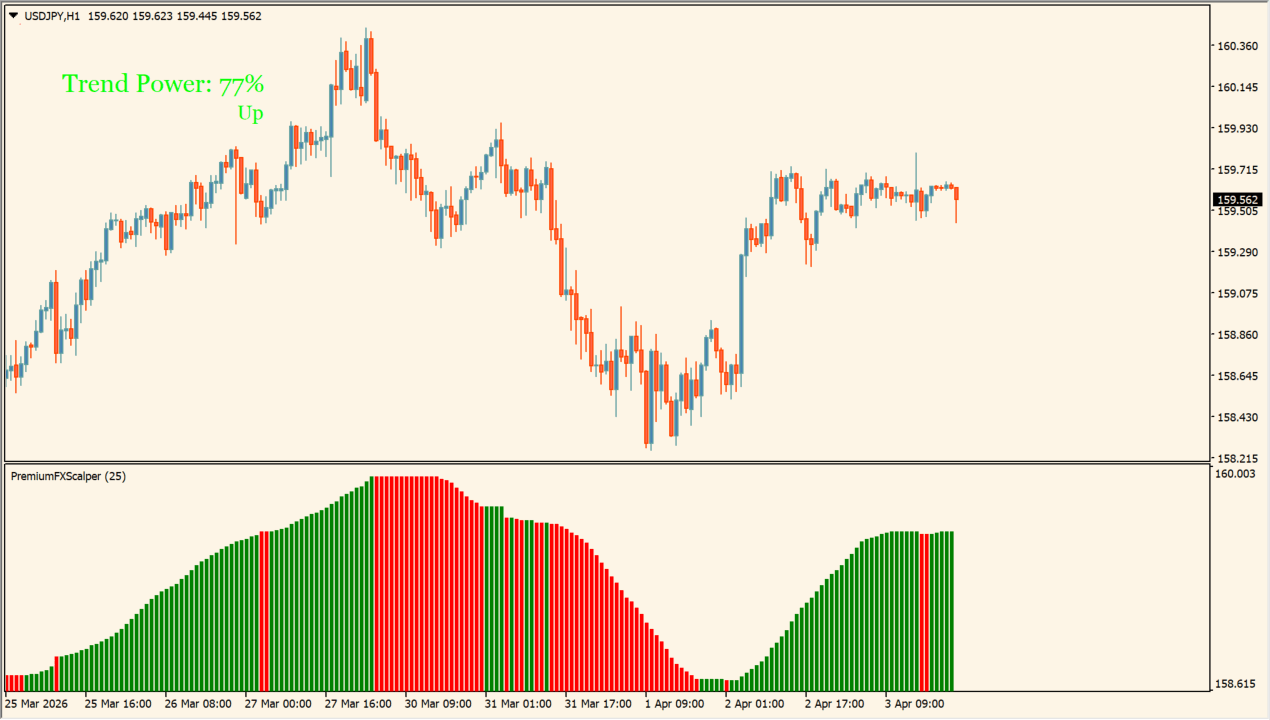
What is scalper dream?
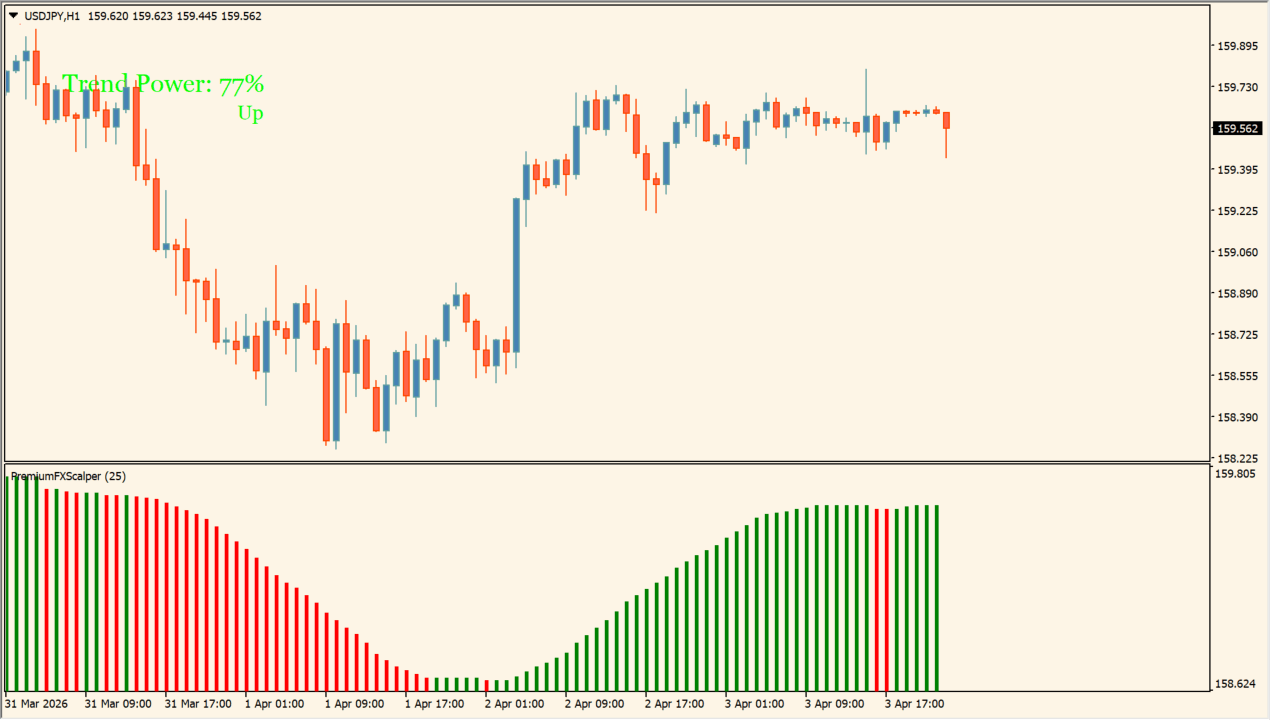
scalper dream displays trend strength and direction histograms in a separate subwindow on MT4.
It assists scalpers in evaluating momentum intensity and setting predefined stop loss and take profit distances.
How to use scalper dream
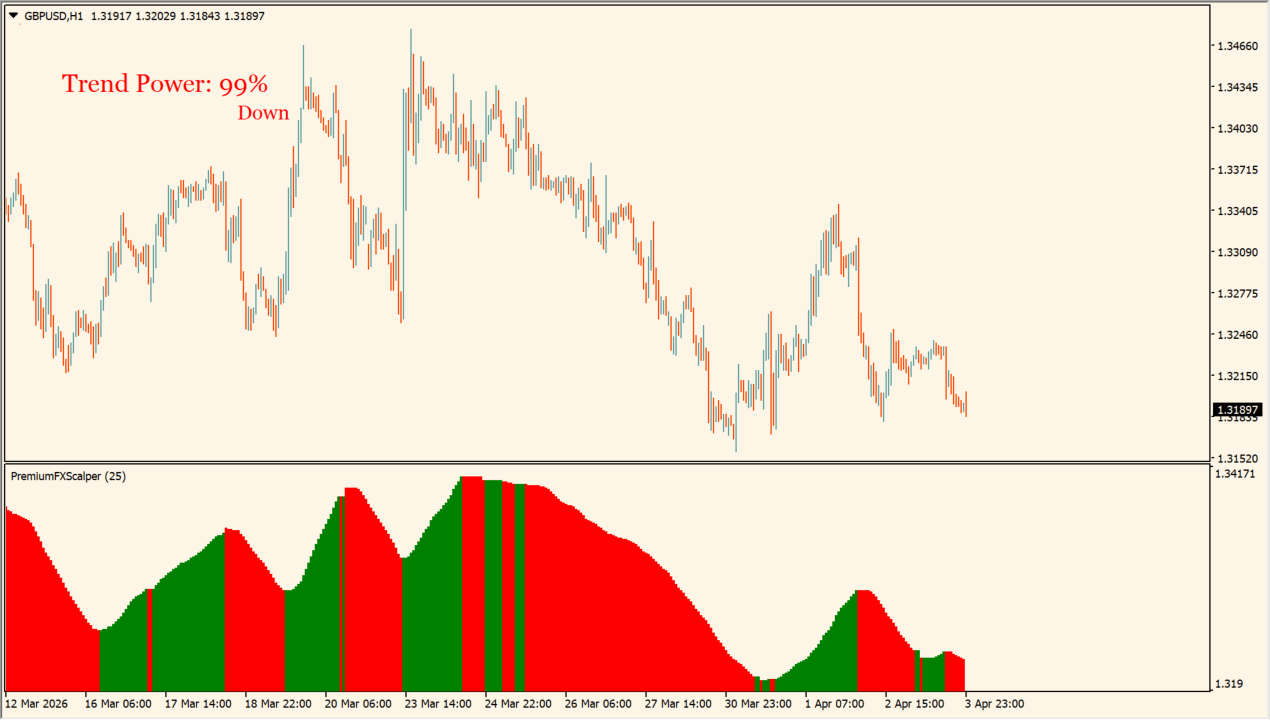
Monitor histogram bar height and color shifts to gauge scalping trend momentum strength.
Adjust PERIOD, SL_add_pips, TP_distance_pips, and UseAlerts settings in the Inputs tab to fit your instrument volatility.
Where it helps
Histogram bars clearly indicate current trend intensity and momentum.
Includes automated pips distance calculations for stop loss and take profit placement.
Supports customizable popup and email alerts when trend direction changes.
MT4 Indicator Parameters
The table below lists the available MT4 indicator parameters. You can customize these options in the MetaTrader Inputs dialog to match your trading preferences.
| Parameter | Description |
|---|---|
| PERIOD | Sets the calculation period for trend strength evaluation. Default: 25. |
| SL_add_pips | Sets additional pips safety margin added to stop loss level. Default: 5. |
| TP_distance_pips | Sets target take profit distance in pips. Default: 40. |
| EmailAlerts | Enables or disables email notification alerts. Default: false. |
| CORNER | Specifies chart corner position for on-chart information display. Default: 1. |
| SHIFT | Adjusts display position offset on the chart. Default: 0. |
| UseAlerts | Enables or disables pop-up alert notifications. Default: true. |
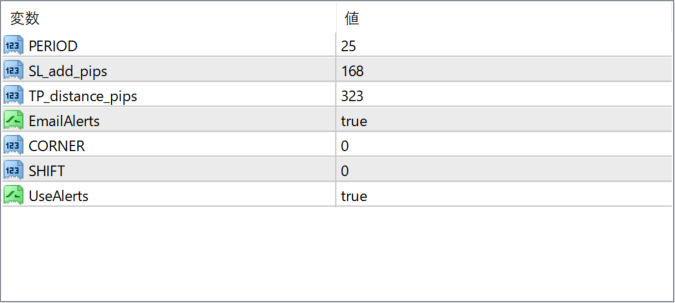
The screenshot above shows the default input parameters in the MT4 settings window.
How to Install .ex4 Indicator in MetaTrader 4
- Download the ZIP file and extract it.
- In MT4, select File → Open Data Folder.
- Open MQL4 → Indicators and copy the EX4 or MQ4 file into it.
- If the package includes library files, copy them to MQL4 → Libraries. Copy TPL files to the top-level templates folder.
- Restart MT4, find the indicator in the Navigator, and drag it onto a chart.
Test the tool on a demo account first. File contents and required folders can vary between packages.


