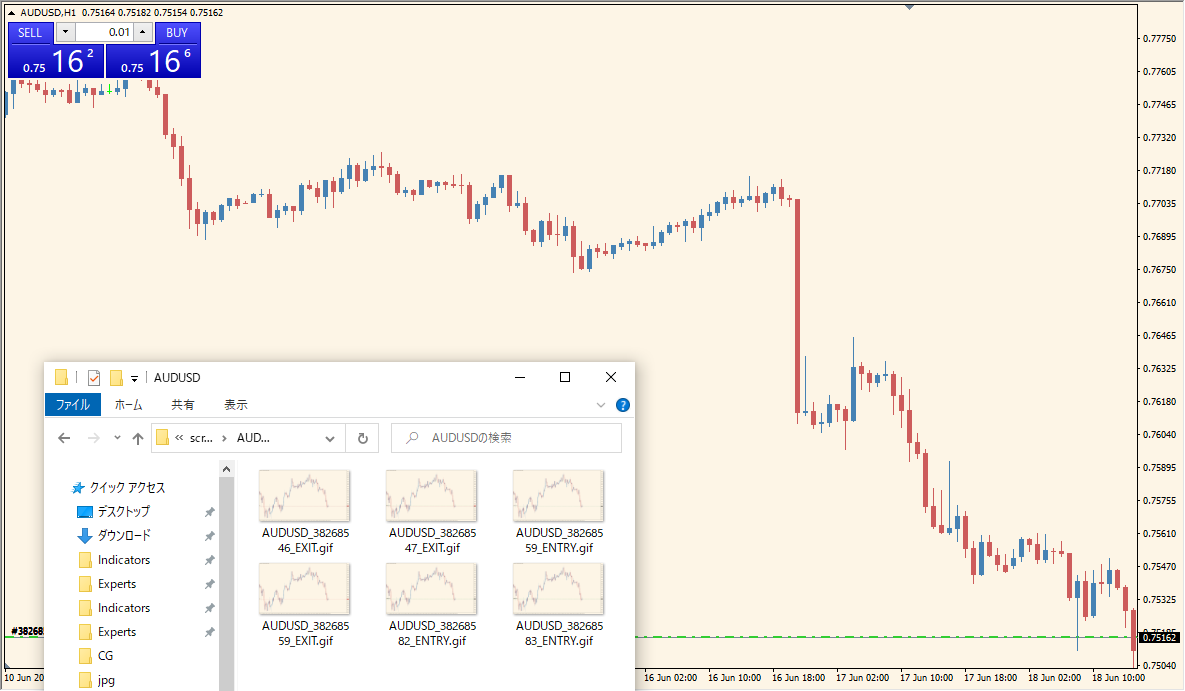
What is ScreenShotOnTrade Indicator?
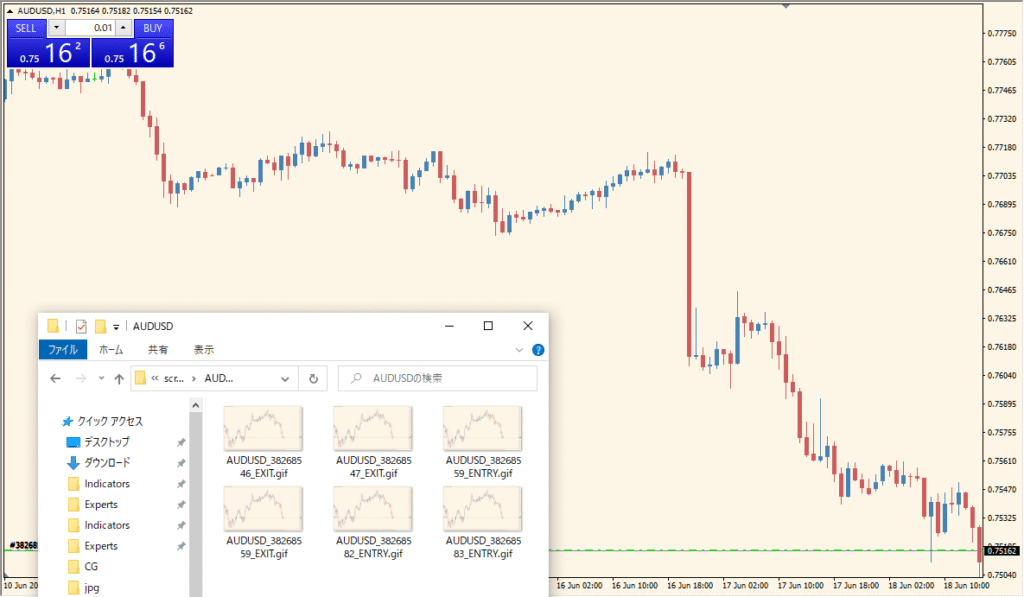
The ScreenShotOnTrade indicator for MT4 automatically takes a screenshot whenever a new trade is executed. This is useful for maintaining a visual trading journal or analyzing trades afterward. The captured images include all chart elements, helping traders review their decisions and refine strategies over time.
Once installed, the indicator runs quietly in the background and records every trade event visually without any further input from the user.
How to Use It in Practice
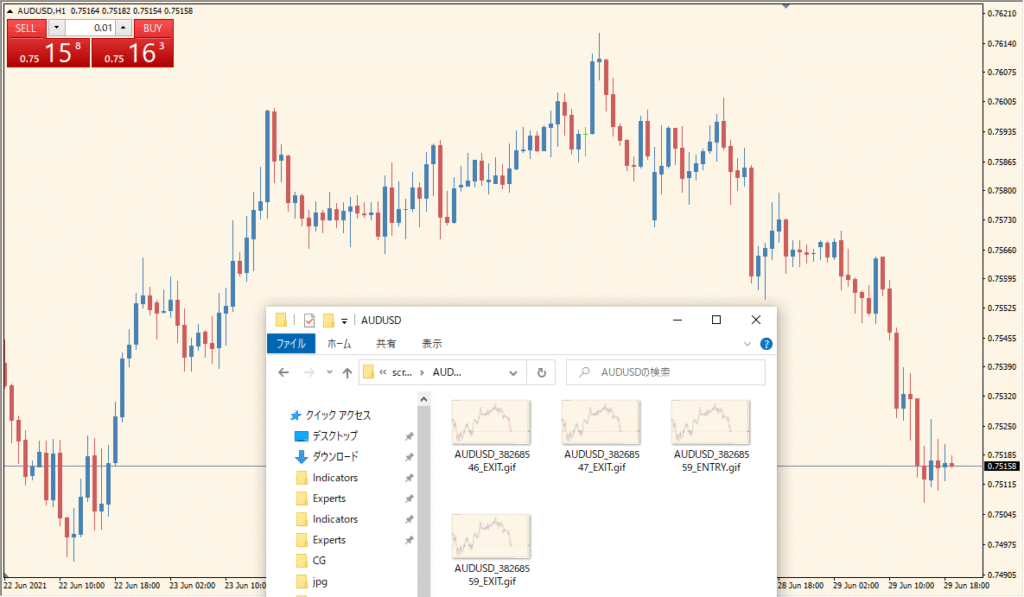
In practice, you can use the ScreenShotOnTrade indicator to:
- Automatically document every trade entry and exit visually.
- Keep a consistent trading journal without manual screenshots.
- Review past trades in context with chart setups, indicators, and price action.
- Analyze winning and losing trades to improve your system.
This tool is ideal for traders who want accountability and post-trade analysis without relying on memory or handwritten notes.
Best Settings & MT4 Parameters for ScreenShotOnTrade
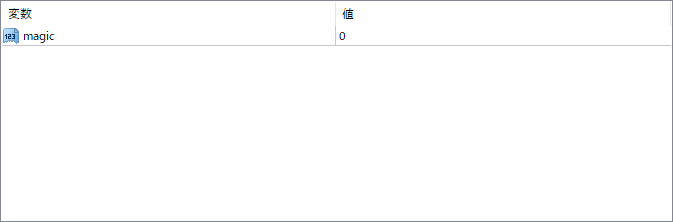
magic
Used to filter which trades trigger a screenshot based on their magic number. This is helpful if you want to capture trades only from a specific expert advisor or manual trades. A value of 0 typically applies to all trades.


