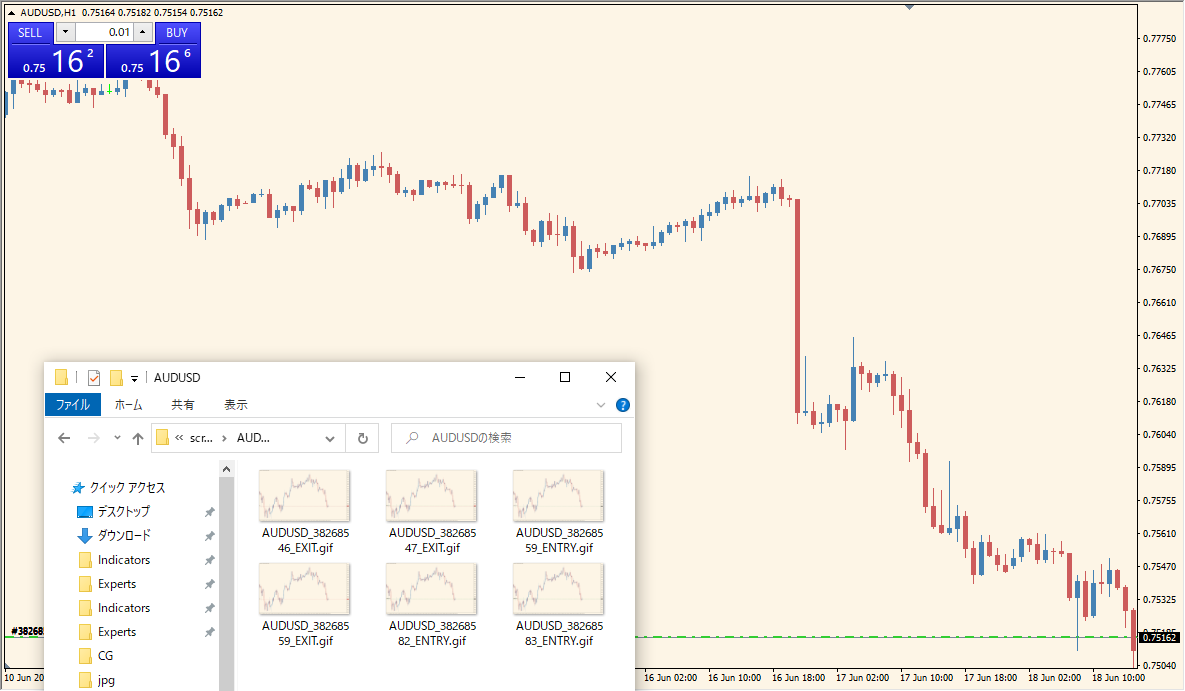
What is ScreenShotOnTrade Indicator?
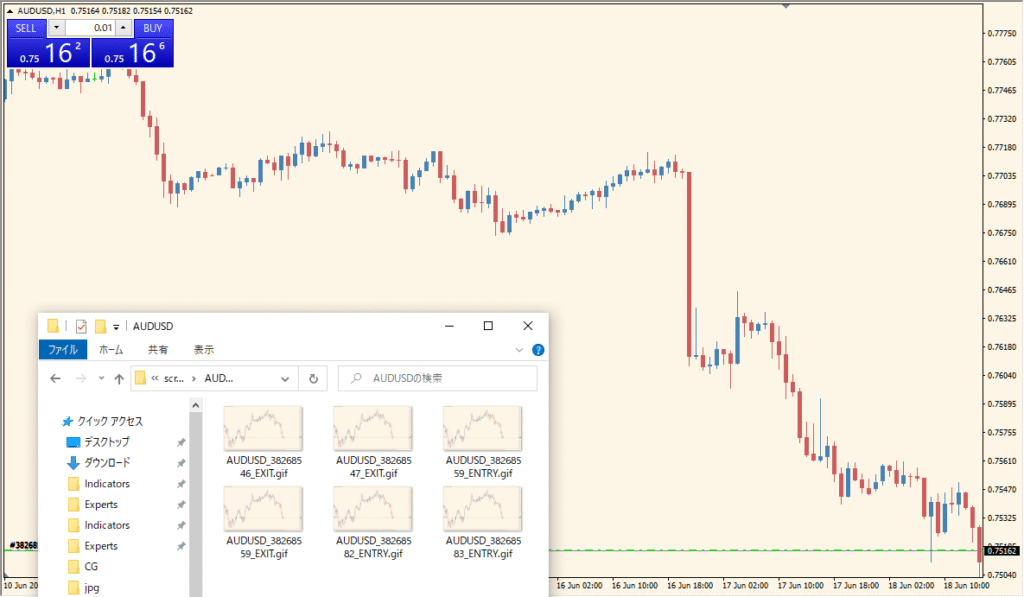
ScreenShotOnTrade is an MT4 indicator that captures a screenshot when a new trade event is detected. The saved image can include the chart and its visible elements, creating a visual record for later review.
The magic setting filters which trades are recorded. A value of 0 is described in the existing article as applying to all trades, while other values can be used for a selected expert advisor or trade source.
How to Use It in Practice
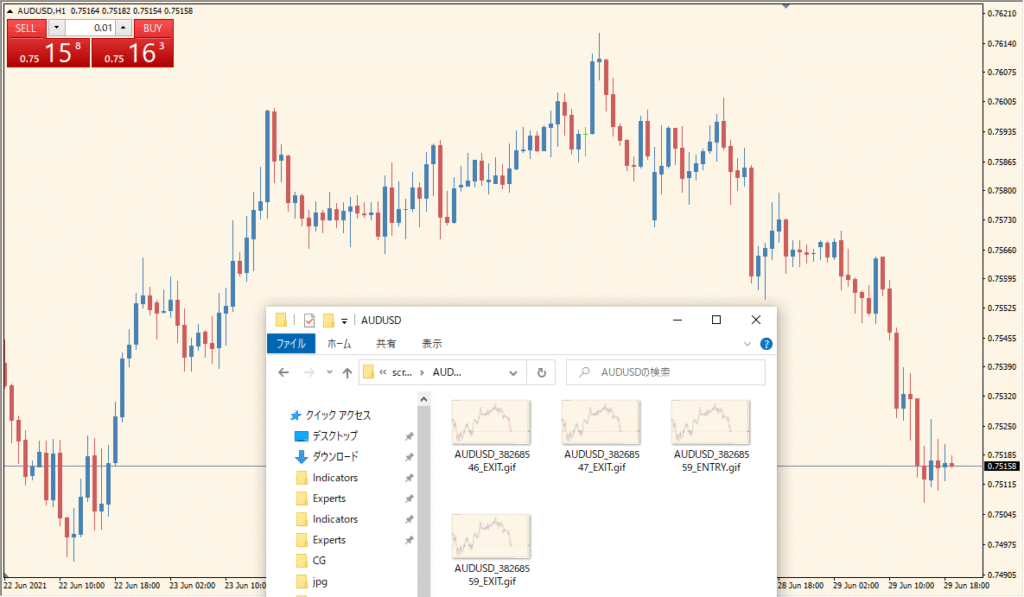
Use the indicator as a visual trade-journal aid:
- Add ScreenShotOnTrade to an MT4 chart where the relevant trade events can be observed.
- Set magic in the existing Inputs to select which trade source should be recorded.
- Review the captured chart images alongside the related trade history.
- Use the images for historical comparison of chart context and recorded activity.
Chart context is recorded without repeated manual screenshots, the magic filter can separate trade sources, and the images support a consistent visual journal.
MT4 Indicator Parameters
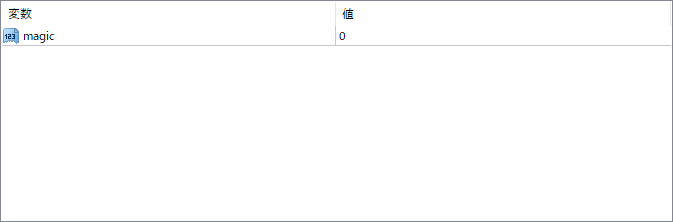
The screenshot above shows the default input parameters in the MT4 settings window.
| Parameter | Description |
|---|---|
| magic | Used to filter which trades trigger a screenshot based on their magic number. This is helpful if you want to capture trades only from a specific expert advisor or manual trades. A value of 0 typically applies to all trades. |


