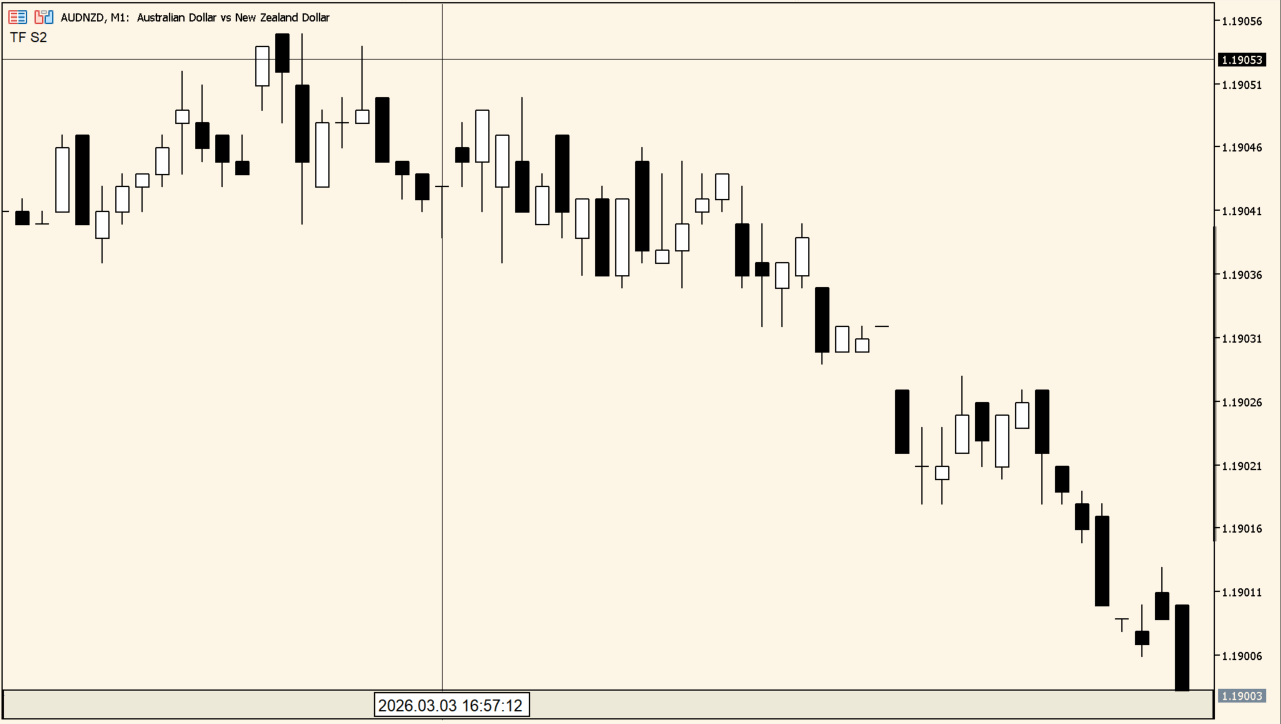
What is SecondBars?
SecondBars constructs candles from tick data at a chosen number of seconds. The default is 10 seconds, and the chart clock also shows seconds so the interval can be checked precisely.
The first candles appear only after enough ticks have arrived. This is a synthetic display based on available tick data, not a native broker timeframe.
How to use SecondBars
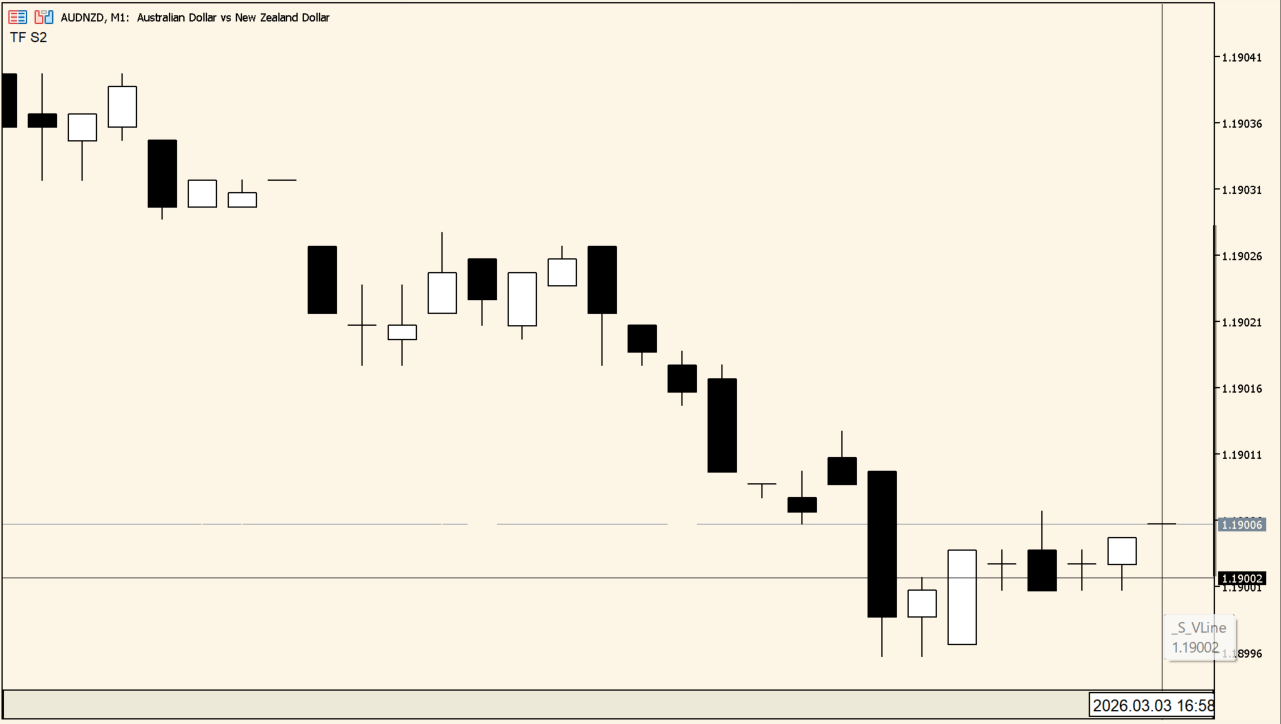
Apply SecondBars to an MT5 chart and wait for ticks to build the first candles before judging the display.
Set day for the source history, SecPeriod for candle length, m_type for the display form, and clrBarUp or clrBarDn for candle colors.
Where it helps
Creates a configurable short interval from tick data rather than a fixed minute timeframe.
Keeps the precise second position visible below the chart.
Supports candle style, colors, and crosshair settings for close inspection.
MT5 Indicator Parameters
The table below lists the available MT5 indicator parameters. You can customize these options in the MetaTrader Inputs dialog to match your trading preferences.
| Parameter | Description |
|---|---|
| day | Controls this indicator option. Default: 1. |
| SecPeriod | Sets this calculation or display option. Default: 10. |
| m_type | Sets this calculation or display option. Default: Candle. |
| clrBarUp | Sets the display color for this option. Default: clrWhite. |
| clrBarDn | Sets the display color for this option. Default: clrBlack. |
| crosshair | Enables or disables this display option. Default: true. |
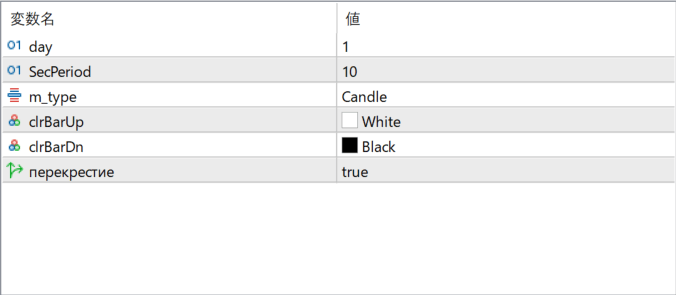
The screenshot above shows the default input parameters in the MT5 settings window.
How to Install .ex5 Indicator in MetaTrader 5
- Download the ZIP file and extract it.
- In MT5, select File → Open Data Folder.
- Open MQL5 → Indicators and copy the EX5 or MQ5 file into it.
- If the package includes library files, copy them to MQL5 → Libraries. Copy TPL files to the top-level templates folder.
- Restart MT5, find the indicator in the Navigator, and drag it onto a chart.
Test the tool on a demo account first. File contents and required folders can vary between packages.


