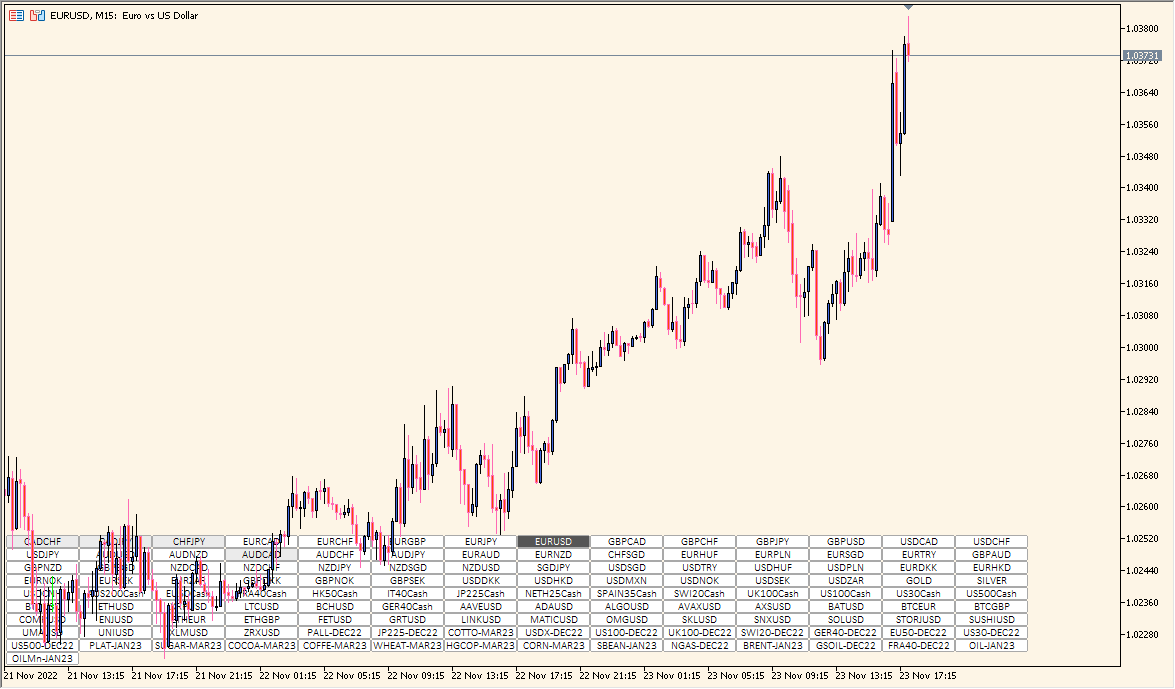
What is SetSymbol Indicator?
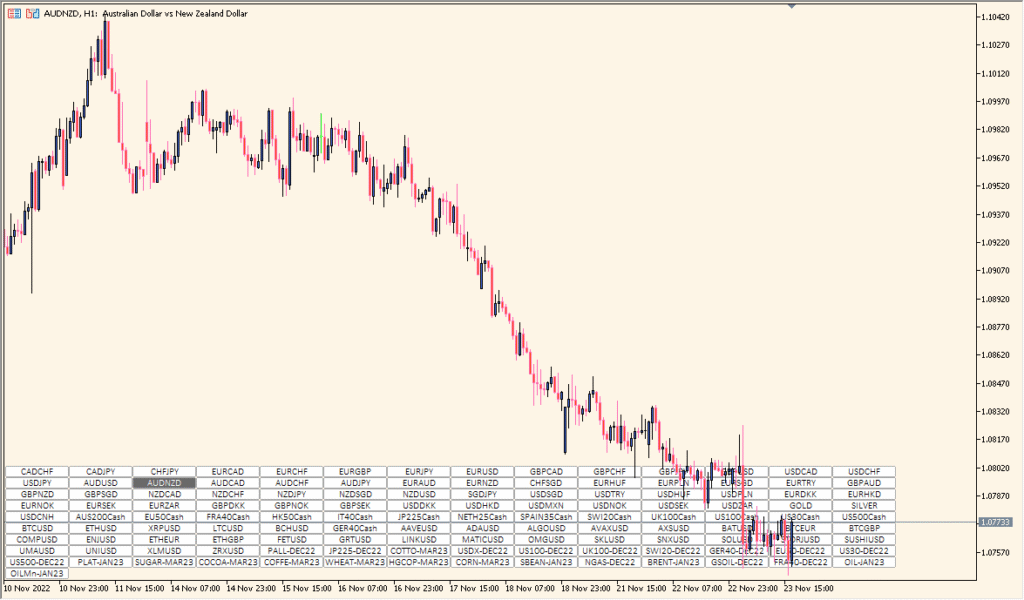
SetSymbol is an MT5 chart utility that places buttons for selected symbols directly on the chart. Symbol lists, button layout, chart position, colors, text, and spacing settings control the panel.
Selecting a button changes the visible symbol in the current chart, which can make multi-symbol review more convenient. The utility changes chart navigation only and does not analyze price direction.
How to Use It in Practice
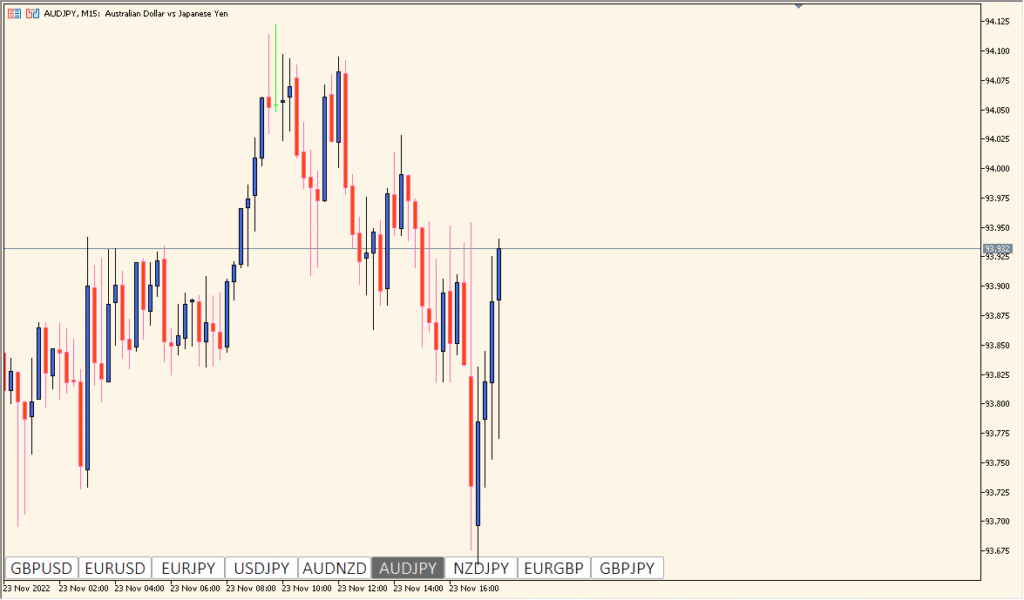
Use the panel as a visual tool for organizing symbol review. Frequently reviewed symbols are available from one panel, and layout controls help keep the chart workspace organized:
- Add SetSymbol to an MT5 chart and review the displayed symbol buttons.
- Choose a predefined or custom symbol list and adjust the layout in the Inputs.
- When configured to do so, select a button to switch the chart to that symbol.
MT5 Indicator Parameters
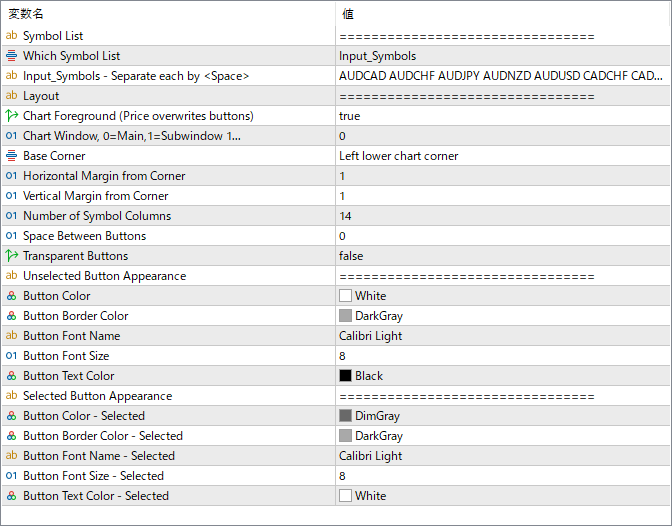
The screenshot above shows the default input parameters in the MT5 settings window.
| Parameter | Description |
|---|---|
| Symbol List | Defines which symbol list to use for creating the buttons. |
| Which Symbol List | Selects the source of the symbols — either predefined or custom input. |
| Input_Symbols | Specifies custom symbols separated by spaces. Used when “Which Symbol List” is set to custom. |
| Layout | Determines how buttons are arranged (e.g., row or grid format). |
| Chart Foreground | If true, displays buttons in front of the chart elements. |
| Chart Window | Specifies whether the buttons are placed on the main chart or in a subwindow. |
| Base Corner | Defines the chart corner where the button panel appears (e.g., bottom-left). |
| Horizontal Margin from Corner | Sets horizontal distance (in pixels) from the selected chart corner. |
| Vertical Margin from Corner | Sets vertical distance (in pixels) from the selected chart corner. |
| Number of Symbol Columns | Determines how many buttons are placed per row. |
| Space Between Buttons | Defines the gap between buttons in pixels. |
| Transparent Buttons | Enables or disables button transparency. |
| Button Color | Sets the background color for unselected buttons. |
| Button Border Color | Specifies the border color of unselected buttons. |
| Button Font Name | Defines the font used for button text. |
| Button Font Size | Specifies the font size of button labels. |
| Button Text Color | Sets the color of text inside unselected buttons. |
| Button Color – Selected | Sets the background color for the currently selected symbol. |
| Button Border Color – Selected | Defines the border color of the selected button. |
| Button Font Name – Selected | Specifies the font used when a button is selected. |
| Button Font Size – Selected | Sets the font size for the selected button label. |
| Button Text Color – Selected | Sets the text color for the active (selected) symbol button. |


