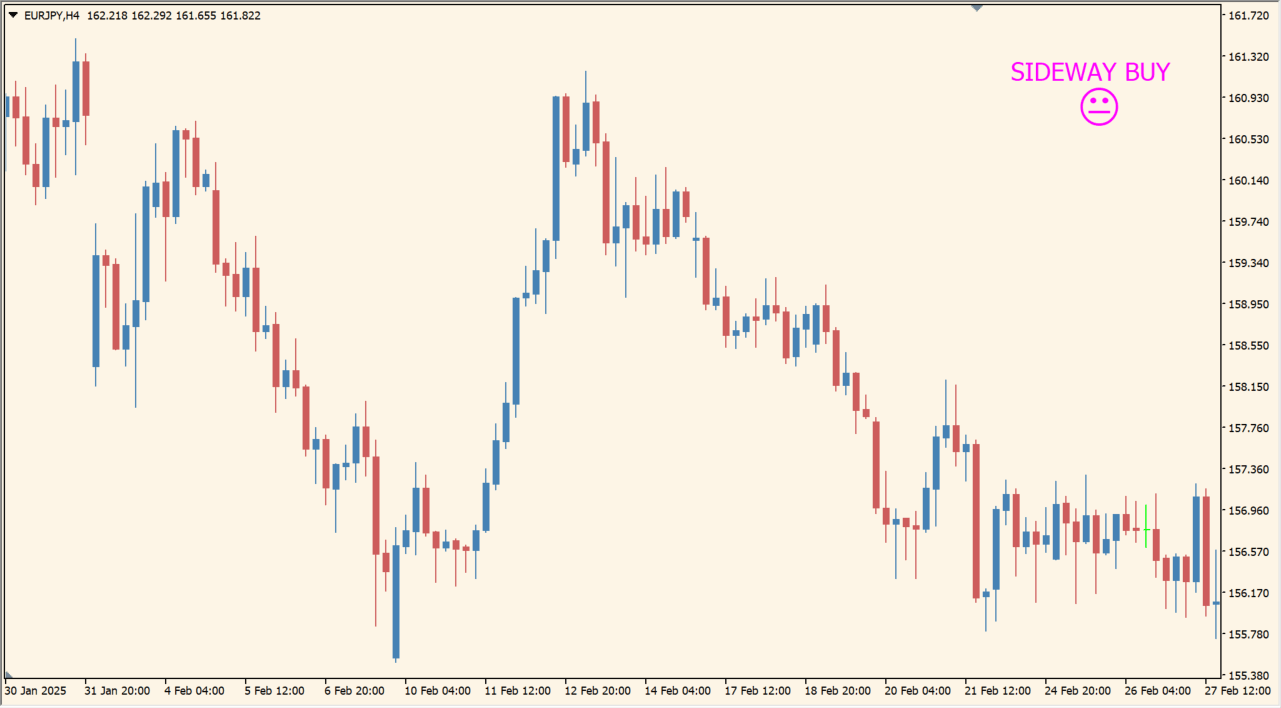
What is sideway_or__trend_v_1_2_update?
sideway_or__trend_v_1_2_update reads the relationship between ADX and DI and prints a compact status mark in the upper-right corner. SIDEWAY identifies the range state; other labels represent the displayed directional condition.
The indicator does not draw the ADX subwindow itself, so the status should be interpreted together with price and, when needed, a separate ADX display.
How to use sideway_or__trend_v_1_2_update
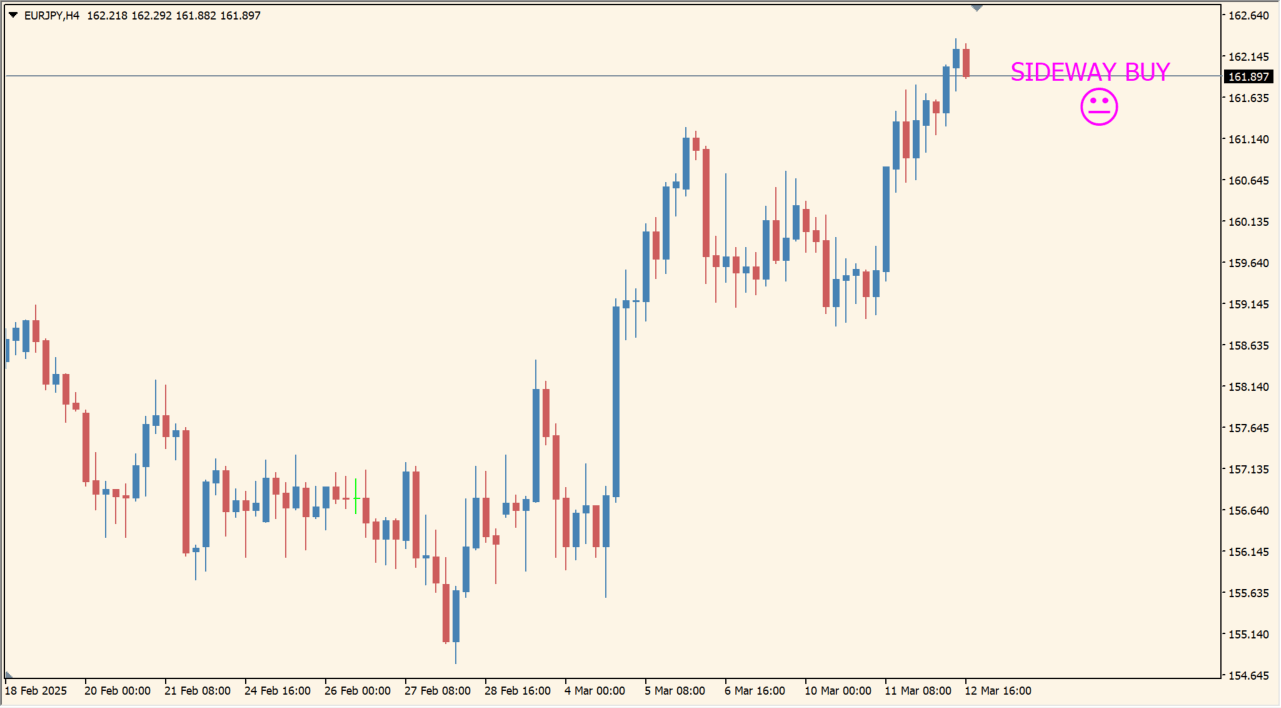
Add sideway_or__trend_v_1_2_update to an MT4 chart and use the corner status to separate trend conditions from a sideways state.
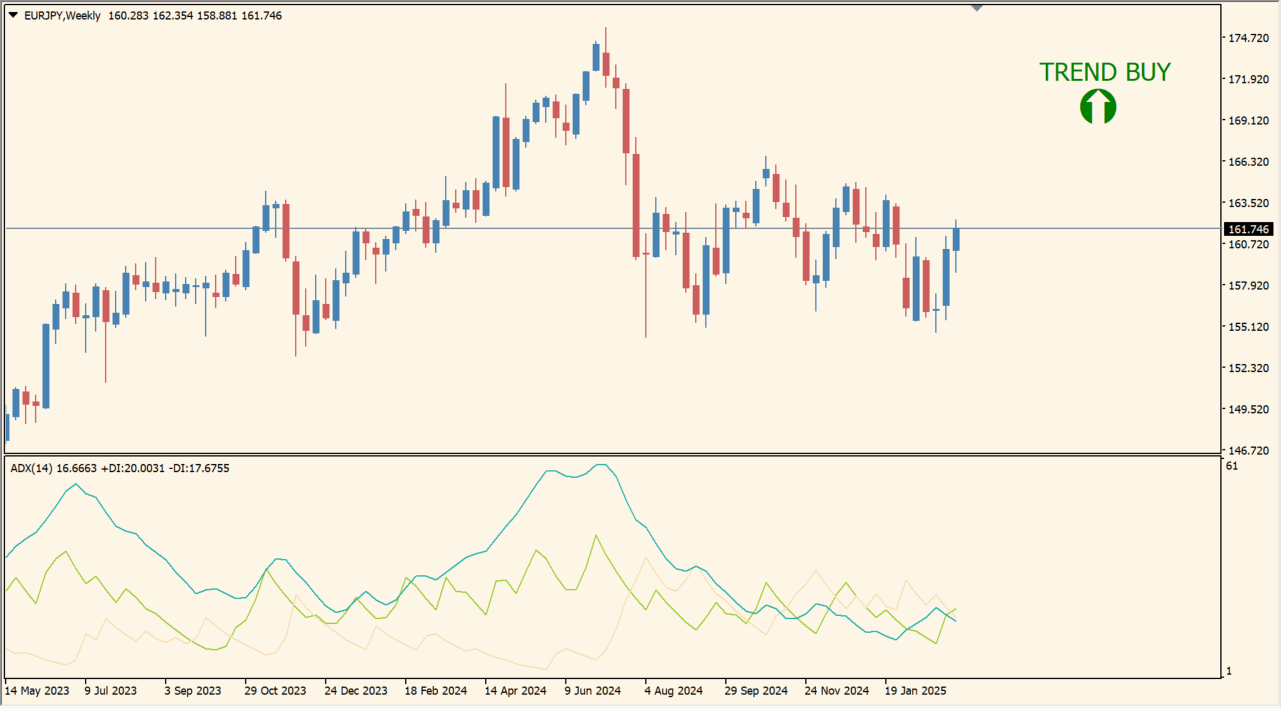
Compare the status with a separate ADX and DI view when tuning the calculation period, threshold, and display options.
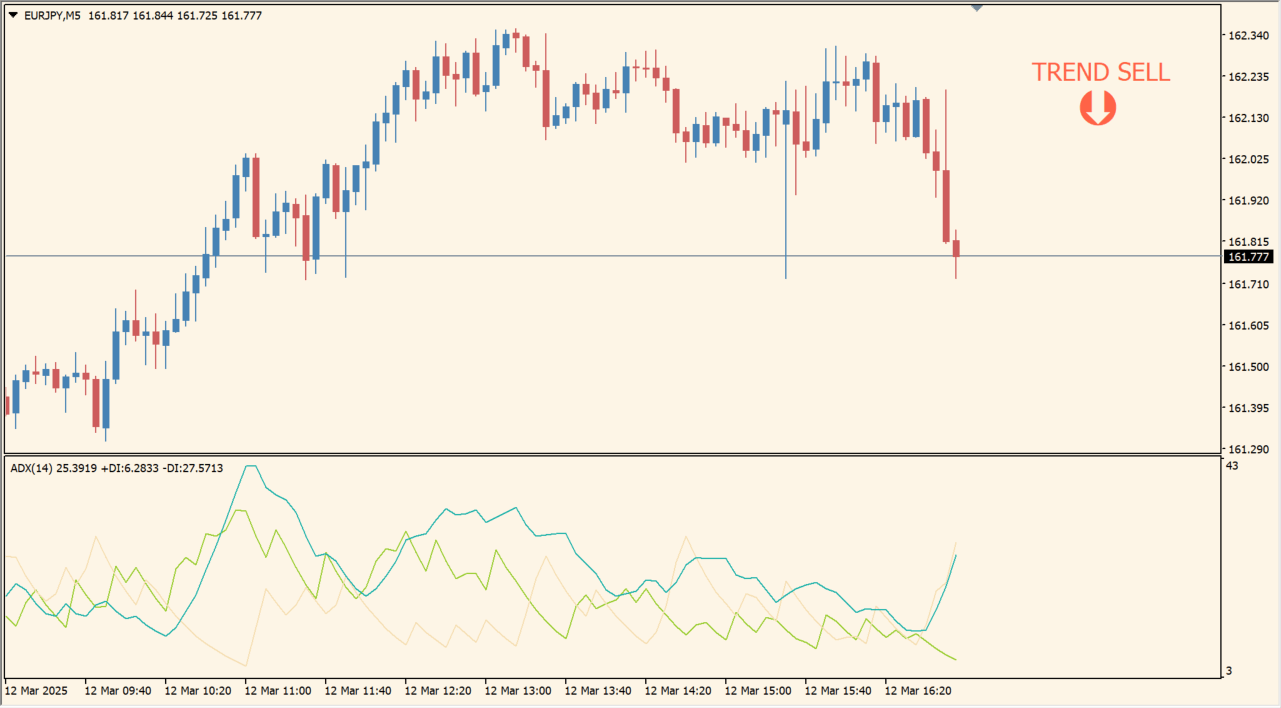
Where it helps
Shows the current classification without occupying a full subwindow.
Bases the displayed state on the relationship of the trend-strength components.
Makes the range condition explicit with the SIDEWAY state.
MT4 Indicator Parameters
The table below lists the available MT4 indicator parameters. You can customize these options in the MetaTrader Inputs dialog to match your trading preferences.
| Parameter | Description |
|---|---|
| period_adx | Sets this calculation or display option. Default: 14. |
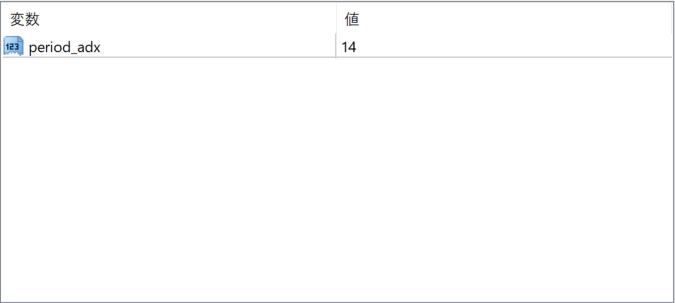
The screenshot above shows the default input parameters in the MT4 settings window.
How to Install .ex4 Indicator in MetaTrader 4
- Download the ZIP file and extract it.
- In MT4, select File → Open Data Folder.
- Open MQL4 → Indicators and copy the EX4 or MQ4 file into it.
- If the package includes library files, copy them to MQL4 → Libraries. Copy TPL files to the top-level templates folder.
- Restart MT4, find the indicator in the Navigator, and drag it onto a chart.
Test the tool on a demo account first. File contents and required folders can vary between packages.


