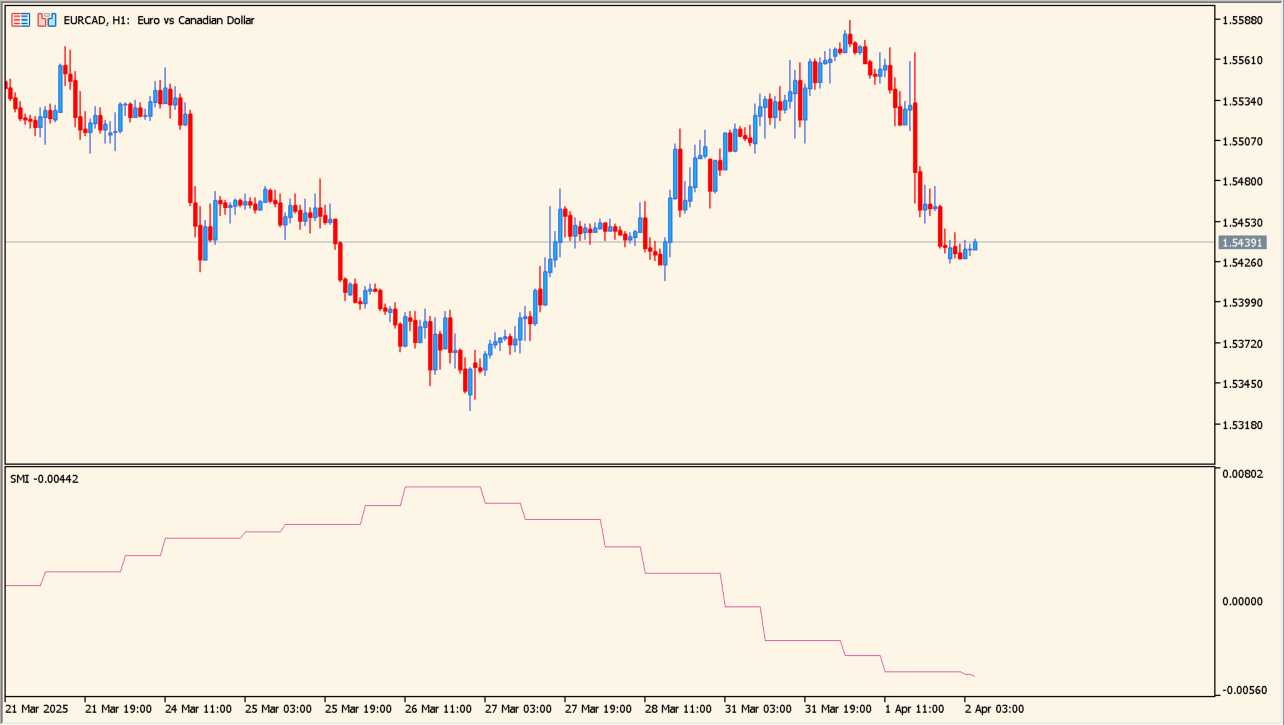
What is smart-money-index-indicator?
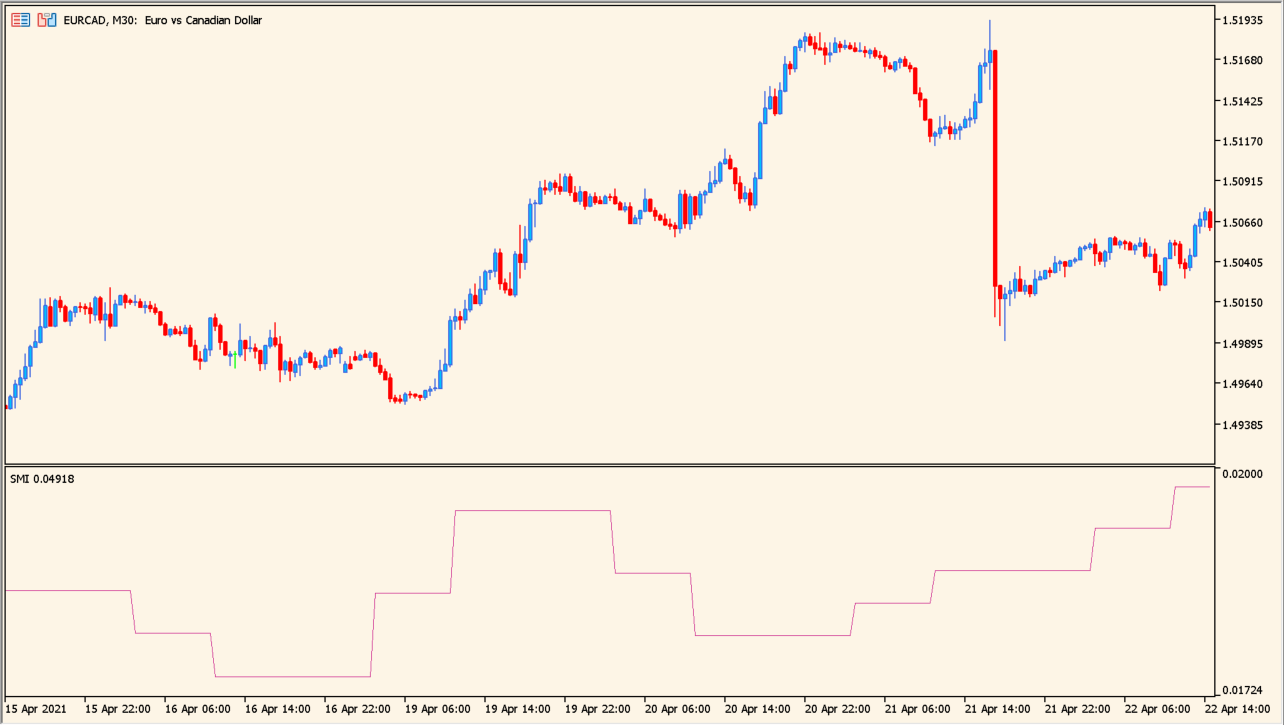
smart-money-index-indicator calculates cumulative price change over a selected time window and plots the result as a graph. The default window covers a portion of MT4 time intended to represent the early and late parts of a trading day.
The original article compares the SMI direction with price direction: agreement keeps the context aligned, while a large disagreement calls for caution. The display is described as easier to read on 30-minute to one-hour charts.
How to use smart-money-index-indicator
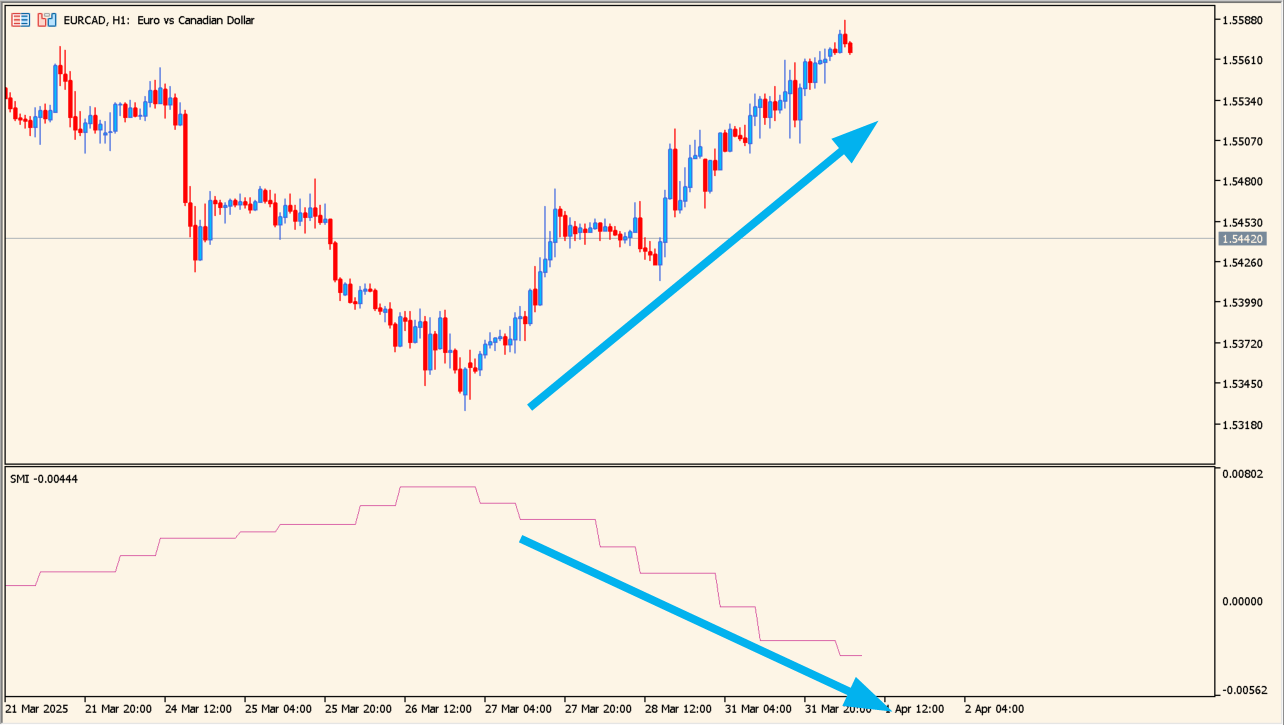
Apply smart-money-index-indicator to an MT5 chart and compare the SMI graph with price movement during the selected session.
Change Open hour and Session length to match the session window you want to study, then keep the timeframe consistent while comparing the graph.
Where it helps
Condenses price change from a chosen time window into one graph.
Makes agreement or divergence between the graph and price easier to review.
Uses a small set of session inputs instead of mixing them with unrelated display settings.
MT5 Indicator Parameters
The table below lists the available MT5 indicator parameters. You can customize these options in the MetaTrader Inputs dialog to match your trading preferences.
| Parameter | Description |
|---|---|
| InpOpenHour | Controls this indicator option. Default: 3. |
| InpSessionLength | Sets this calculation or display option. Default: 8. |
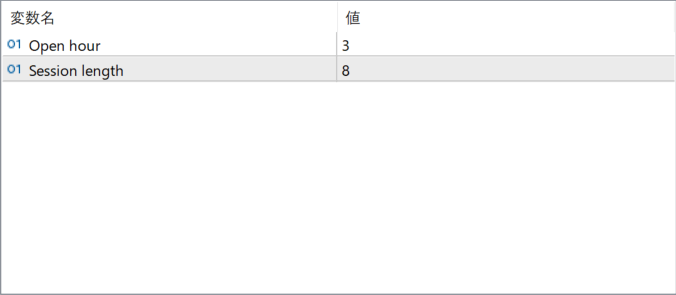
The screenshot above shows the default input parameters in the MT5 settings window.
How to Install .ex5 Indicator in MetaTrader 5
- Download the ZIP file and extract it.
- In MT5, select File → Open Data Folder.
- Open MQL5 → Indicators and copy the EX5 or MQ5 file into it.
- If the package includes library files, copy them to MQL5 → Libraries. Copy TPL files to the top-level templates folder.
- Restart MT5, find the indicator in the Navigator, and drag it onto a chart.
Test the tool on a demo account first. File contents and required folders can vary between packages.


