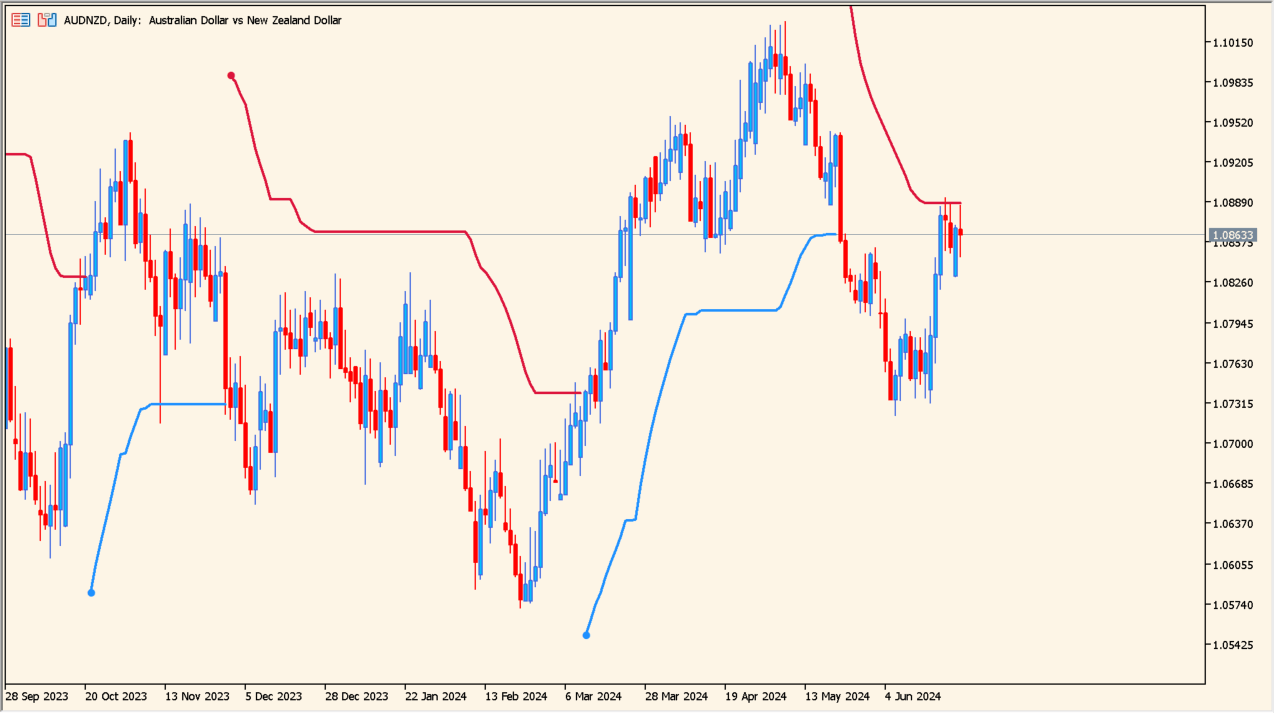
What is Smooth ATR Trend Envelopes of Averages?
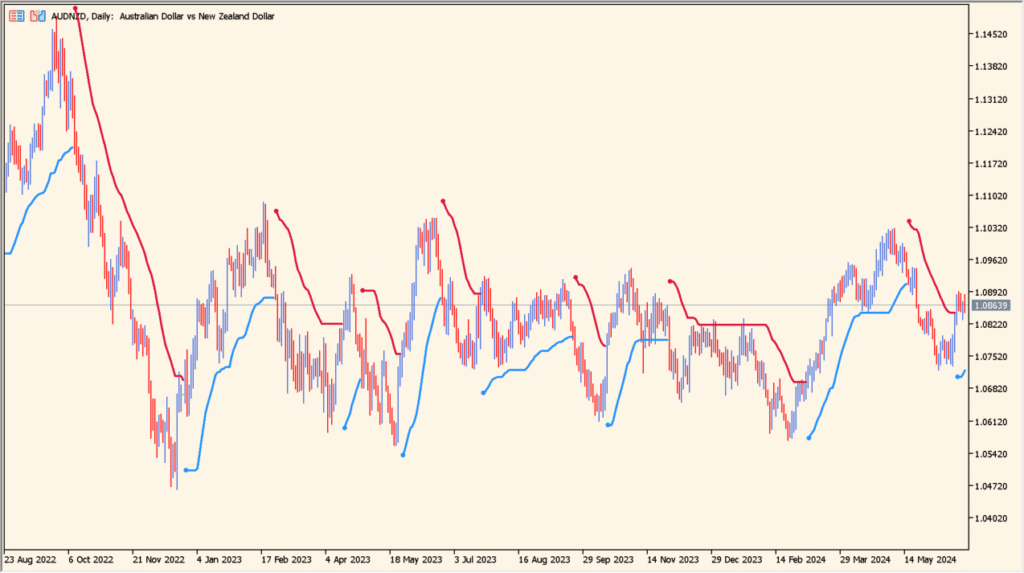
Smooth ATR Trend Envelopes of Averages is an MT5 indicator that combines ATR volatility spacing with smoothed moving averages.
It generates trailing trend bands that remain stable during choppy conditions and step forward as directional volatility increases.
How to use Smooth ATR Trend Envelopes of Averages
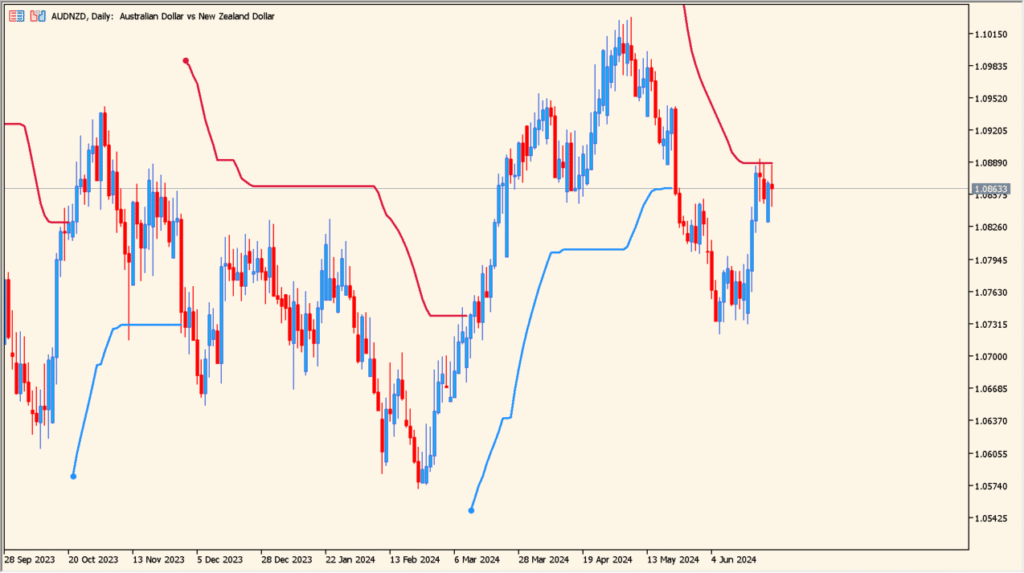
Confirm trend bias based on whether price action remains above or below the trailing ATR envelope line.
Use flat envelope segments to identify consolidation phases and avoid counter-trend trades.
Where it helps
Uses ATR distance multiplier to adapt band spacing to market volatility.
Reduces false whipsaws by combining moving average smoothing with ATR offsets.
MT5 Indicator Parameters
The table below lists the available MT5 indicator parameters. You can customize these options in the MetaTrader Inputs dialog to match your trading preferences.
| Parameter | Description |
|---|---|
| inpAtrPeriod | Defines the lookback period used for Average True Range calculation. Default: 14. |
| inpDeviation | Sets the ATR multiplier factor for distance spacing of the bands. Default: 2. |
| inpSmtPeriod | Sets the smoothing period applied to the moving average base line. Default: 14. |
| inpMaMethod | Selects the moving average calculation type used for smoothing. Default: ma_sma. |
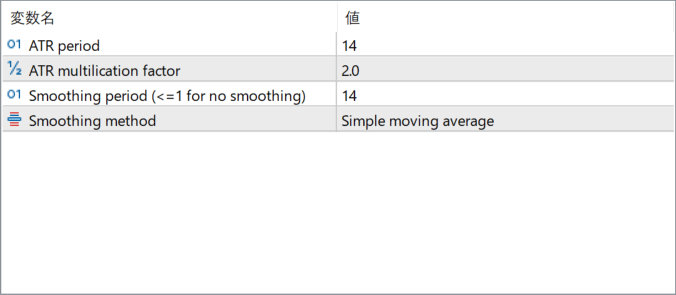
The screenshot above shows the default input parameters in the MT5 settings window.
How to Install .ex5 Indicator in MetaTrader 5
- Download the ZIP file and extract it.
- In MT5, select File → Open Data Folder.
- Open MQL5 → Indicators and copy the EX5 or MQ5 file into it.
- If the package includes library files, copy them to MQL5 → Libraries. Copy TPL files to the top-level templates folder.
- Restart MT5, find the indicator in the Navigator, and drag it onto a chart.
Test the tool on a demo account first. File contents and required folders can vary between packages.


