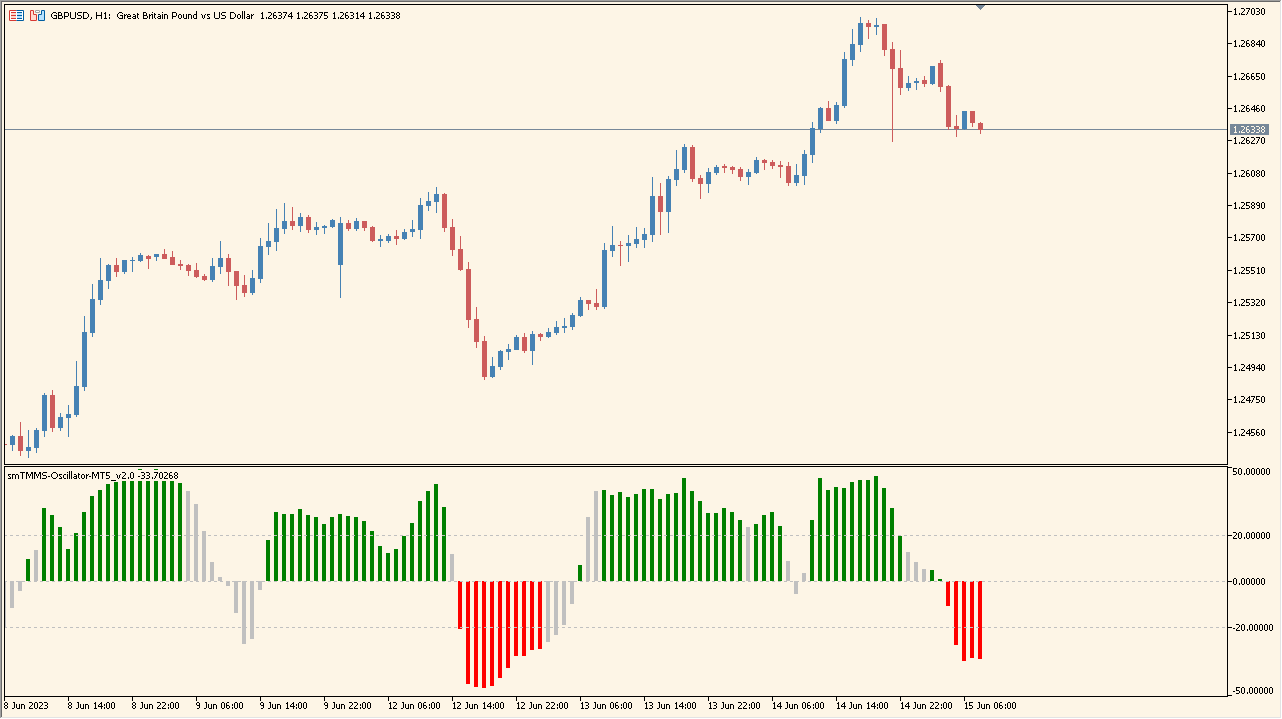
What is smTMMS Oscillator-MT5_v2.0 Indicator?
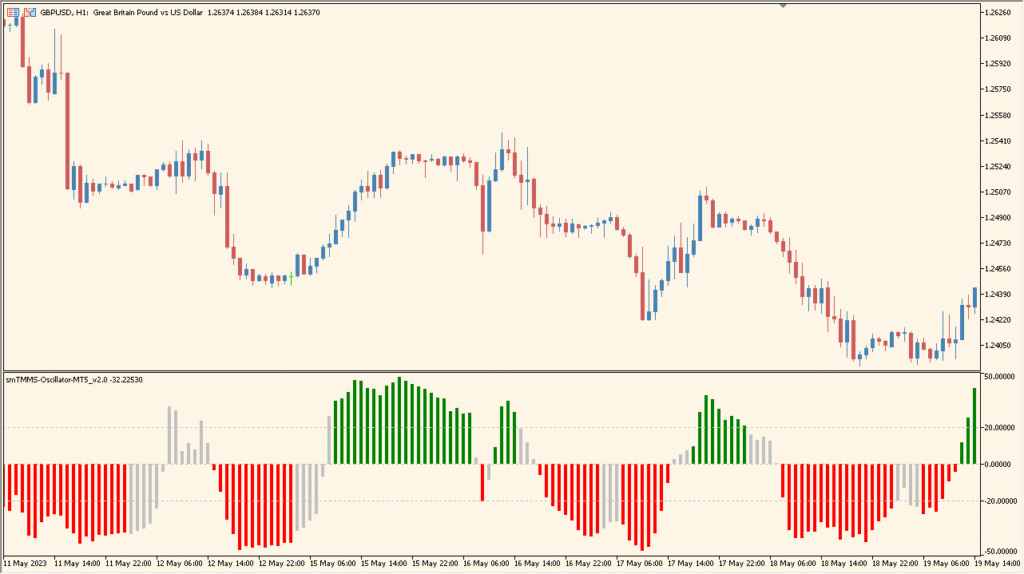
smTMMS Oscillator is an MT5 subwindow indicator that combines RSI with two Stochastic calculations in one histogram. Bar colors and levels organize the displayed momentum reading without requiring several separate panes.
The histogram helps compare stronger, weaker, and mixed momentum across bars. It is a compact chart reference for reviewing oscillator behavior alongside price structure.
How to Use It in Practice
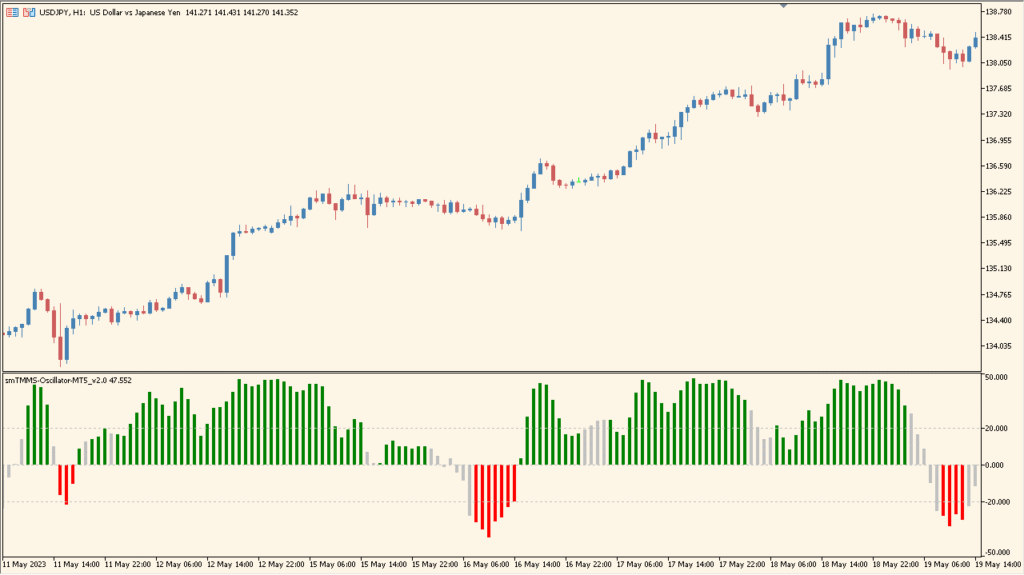
Read the histogram colors as follows—red for the displayed falling state, gray for range-like conditions, and green for the displayed rising state—then compare that coloring with the chart:
- Keep gray sections distinct from the colored sections when comparing the oscillator with recent price movement.
- Review the display across more than one symbol, because it did not suit GBP/USD and AUD/NZD as well as some cross-yen or cross-Swiss pairs.
- Use the RSI and Stochastic parameters to inspect the calculation; changing Stochastic_2 has little visible effect compared with Stochastic_1.
Several oscillator readings share one pane, color changes make momentum variation easier to scan, and period settings support different chart contexts.
MT5 Indicator Parameters
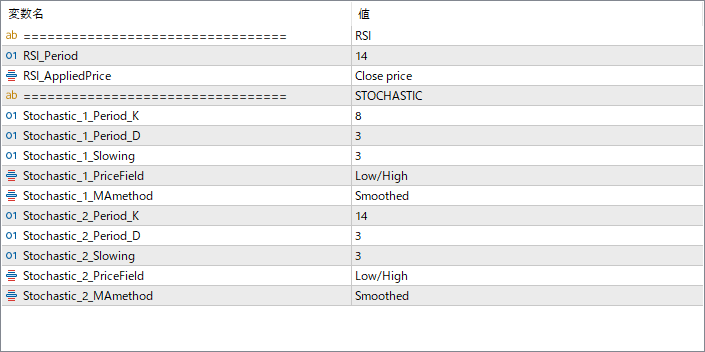
The screenshot above shows the default input parameters in the MT5 settings window.
| Parameter | Description |
|---|---|
| RSI_Period | Sets the number of periods used for the RSI calculation. A shorter period increases sensitivity, while a longer period smooths out noise. |
| RSI_AppliedPrice | Specifies which price value is used to compute the RSI, such as Close price. |
| Stochastic_1_Period_K | Defines the %K period for the first Stochastic. Controls its responsiveness to price changes. |
| Stochastic_1_Period_D | Sets the %D smoothing period for the first Stochastic. |
| Stochastic_1_Slowing | Adds additional smoothing to the %K line for the first Stochastic. |
| Stochastic_1_PriceField | Chooses which price series (e.g., Low/High) is used for Stochastic 1. |
| Stochastic_1_MAmethod | Selects the moving average method used for smoothing the first Stochastic. |
| Stochastic_2_Period_K | Defines the %K period for the second Stochastic. |
| Stochastic_2_Period_D | Sets the %D period for the second Stochastic. |
| Stochastic_2_Slowing | Controls the amount of smoothing applied to the second Stochastic’s %K line. |
| Stochastic_2_PriceField | Specifies which price field (such as Low/High) is used for Stochastic 2. |
| Stochastic_2_MAmethod | Selects the smoothing method for the second Stochastic. |


