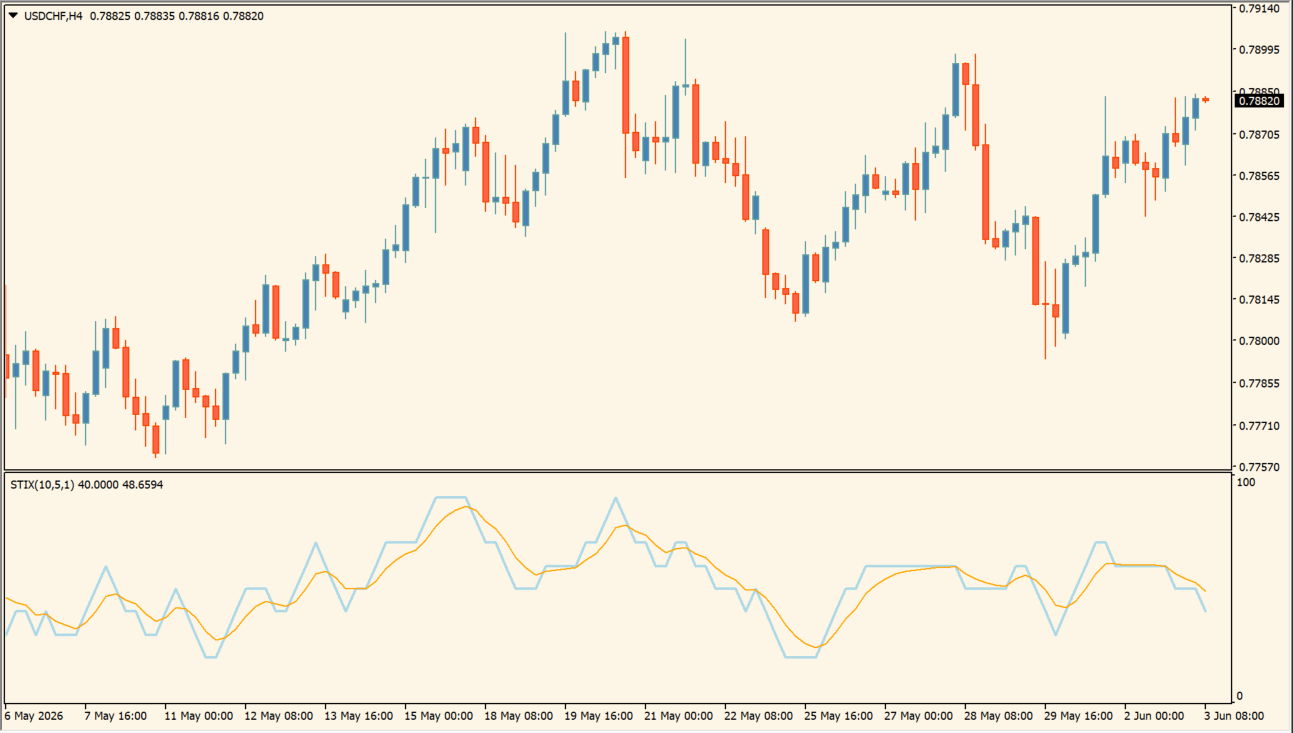
What is STIX_v1?
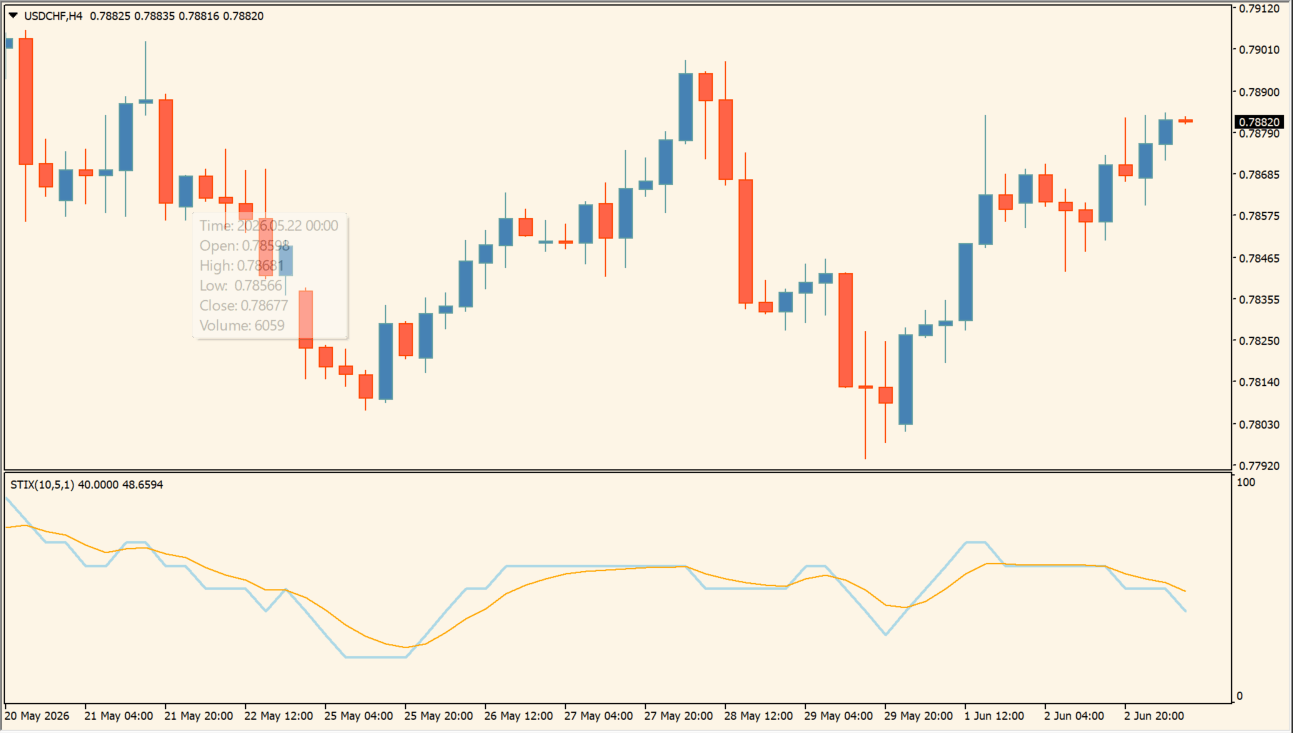
STIX_v1 is an MT4 oscillator that plots a responsive cyan line and a smoother orange line in a separate pane.
Comparing the two lines can help organize recent movement and smoothing behavior. Length, Smooth, and ModeMA settings change the displayed calculation; the lines are visual context rather than a standalone directional instruction.
How to use STIX_v1
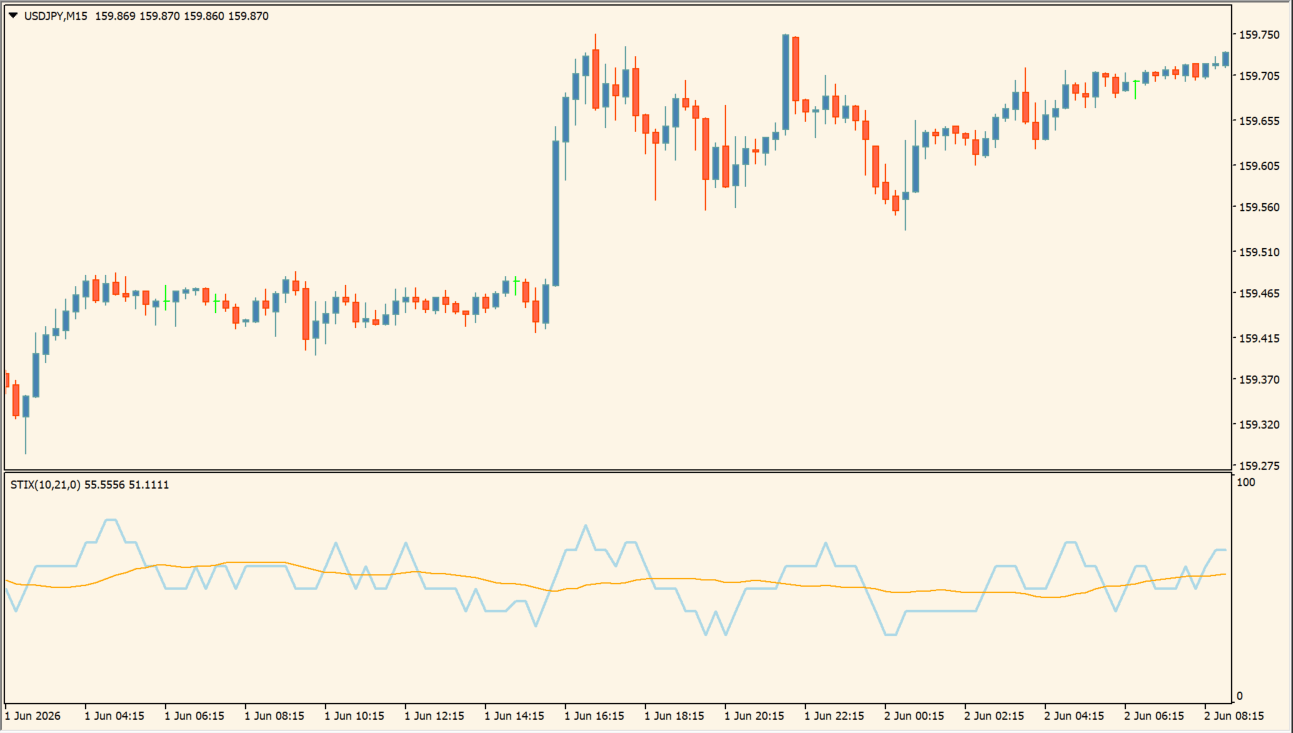
Compare the two smoothed STIX lines and their relative position in the oscillator pane:
- Add STIX_v1 and compare the faster and slower displayed lines with the recent price movement.
- Use sustained separation, convergence, and changes in slope to organize the oscillator’s current state.
- Adjust the existing smoothing and period settings to change how quickly the two lines respond.
- Check the oscillator against the main chart, especially when short movements cause the lines to cross repeatedly.
Where it helps
Two lines make smoothing differences visible, adjustable length and smooth values control response, and the separate pane keeps oscillator context apart from price candles.
MT4 Indicator Parameters
The table below lists the available MT4 indicator parameters. You can customize these options in the MetaTrader Inputs dialog to match your trading preferences.
| Parameter | Description |
|---|---|
| Length | Sets the period used to evaluate market strength. Default: 10. |
| Smooth | Sets how strongly the second line smooths the reading. Default: 21. |
| ModeMA | Selects the MT4 moving-average method code used for smoothing. Default: 0. |
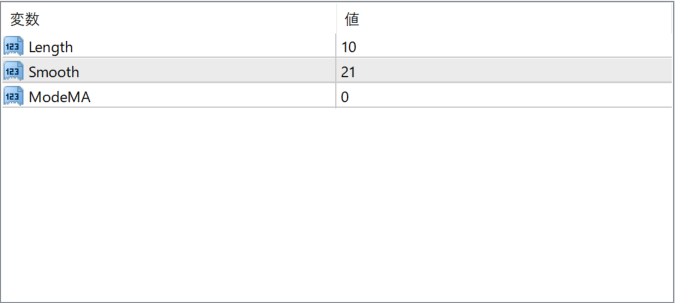
The screenshot above shows the default input parameters in the MT4 settings window.
How to Install .ex4 Indicator in MetaTrader 4
- Download the ZIP file and extract it.
- In MT4, select File → Open Data Folder.
- Open MQL4 → Indicators and copy the EX4 or MQ4 file into it.
- If the package includes library files, copy them to MQL4 → Libraries. Copy TPL files to the top-level templates folder.
- Restart MT4, find the indicator in the Navigator, and drag it onto a chart.
Test the tool on a demo account first. File contents and required folders can vary between packages.


