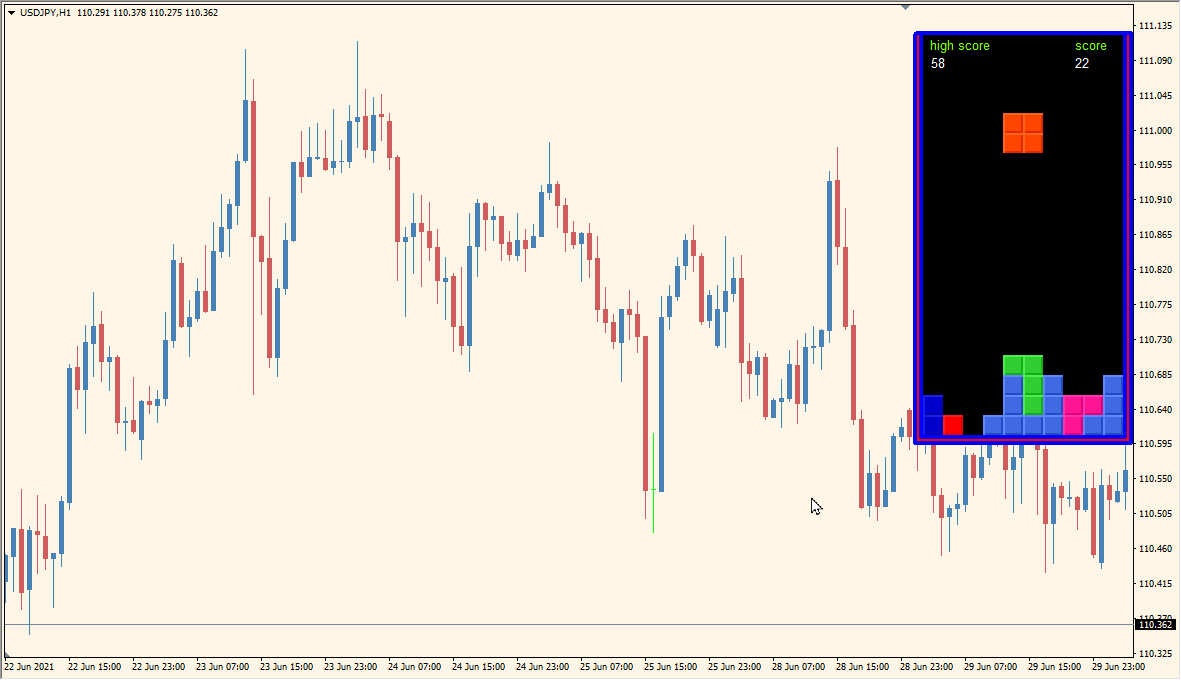
What is TETRIS Indicator?
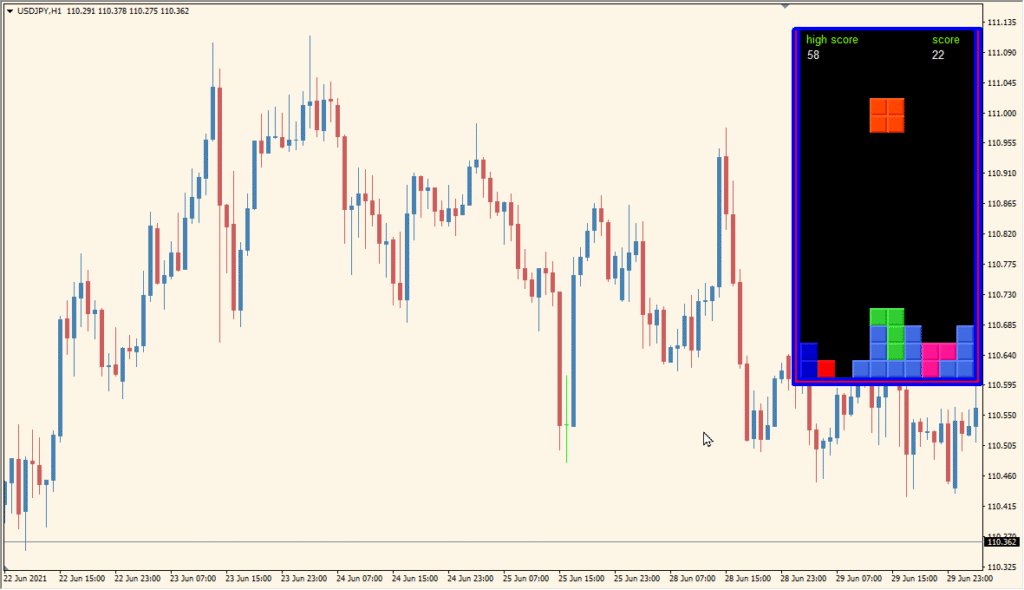
TETRIS is an MT4 indicator designed for recreation rather than market analysis. It displays a block-dropping game in a panel over the chart and keeps the game separate from the chart’s market data.
The panel uses keyboard controls for starting, pausing, moving, rotating, and speeding up the falling blocks. It does not add trading analysis or market annotations.
How to Use It in Practice
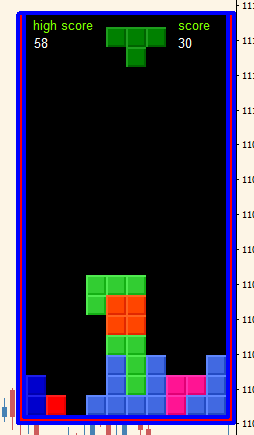
Use the panel as an on-chart recreation tool:
- Add TETRIS to an MT4 chart and locate the game panel on the right side.
- Use the configured keyboard keys to start, pause, move, rotate, or accelerate the blocks.
- Review the score displayed in the upper area of the game panel.
- Adjust the existing speed setting when a different game pace is preferred.
The game is available inside the chart workspace, keyboard controls cover the main actions, and the score and speed settings keep the panel easy to use during downtime.
MT4 Indicator Parameters
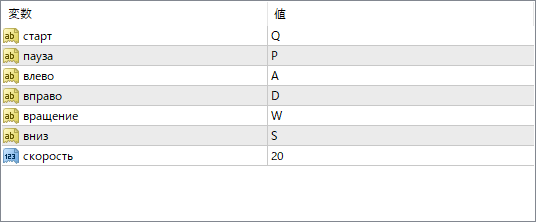
The screenshot above shows the default input parameters in the MT4 settings window.
| Parameter | Description |
|---|---|
| старт | Sets the key to start the game. |
| пауза | Sets the key to pause or resume the game. |
| влево | Sets the key to move the block to the left. |
| вправо | Sets the key to move the block to the right. |
| вращение | Sets the key to rotate the block. |
| вниз | Sets the key to accelerate the block downward. |
| скорость | Adjusts the speed of the falling blocks. A higher number means faster gameplay. |


