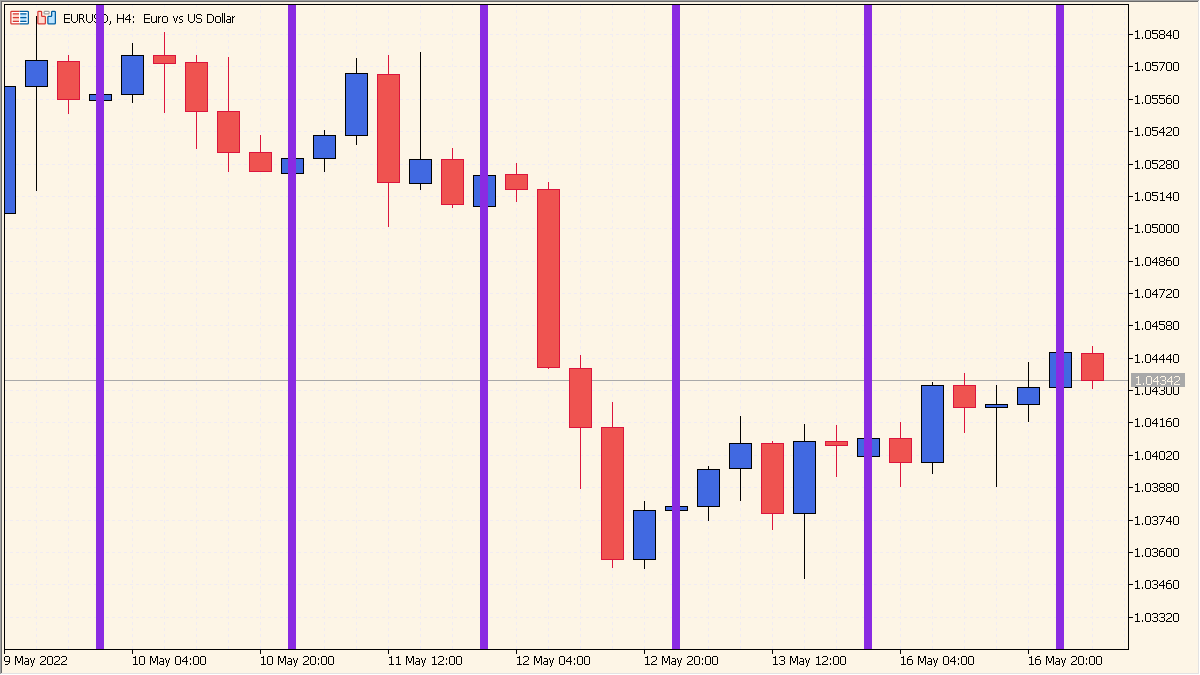
What is Time Bar Custom Indicator?
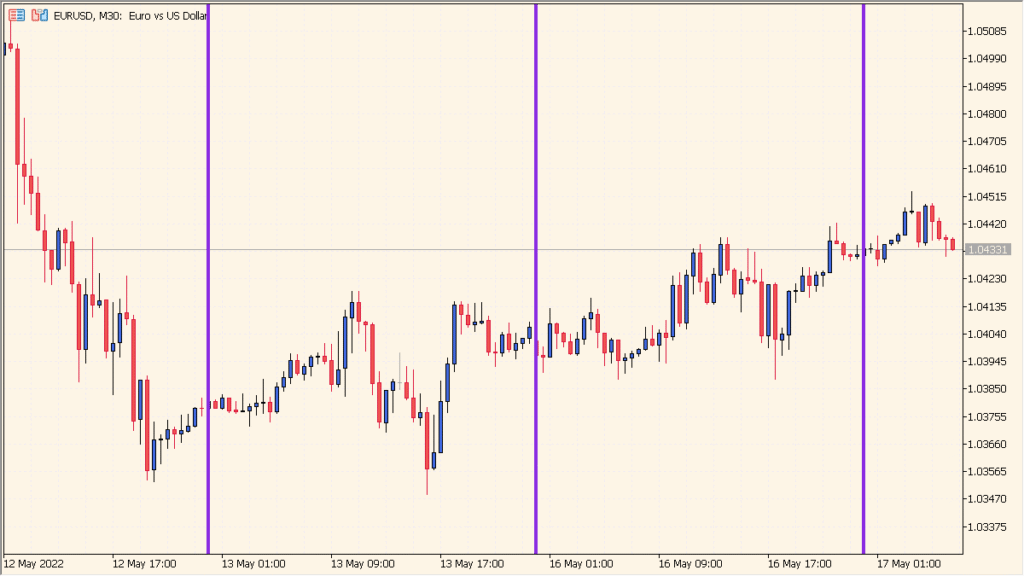
Time Bar Custom is an MT5 chart utility that places one vertical line each day at a configured hour and minute.
Separate instances can be placed on one chart when several daily times need to be marked; the hour and minute settings are the primary controls.
How to Use It in Practice
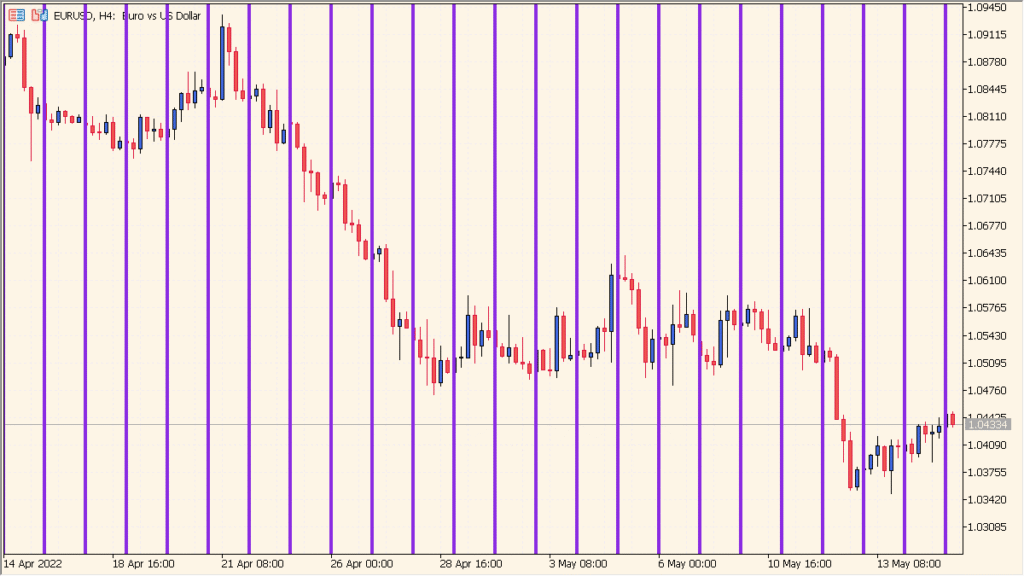
Time Bar Custom draws one vertical line per day at the configured hour and minute. It suits fixed daily times such as the Tokyo-session start or a reference time, though the line can become visually dense on higher timeframes.
- Read the single daily vertical line together with the candles immediately before and after that time.
- Set the upper time field for the hour and the lower field for the minute; those labels are shown in Cyrillic.
- Place more than one Time Bar Custom instance on the chart when several daily times need separate vertical lines.
Recurring times are easy to locate, labels and styles support quick orientation, and the overlay stays separate from price calculations.
MT5 Indicator Parameters
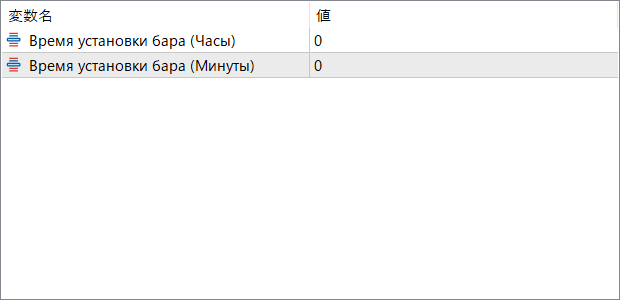
The screenshot above shows the default input parameters in the MT5 settings window.
| Parameter | Description |
|---|---|
| Время установки бара (Часы) | Sets the hour when the vertical line should appear on the chart. Use this to align with session starts or custom time markers. |
| Время установки бара (Минуты) | Defines the specific minute of the hour for drawing the line. This gives precise control over the placement, useful for timing around economic releases or strategy-based triggers. |


