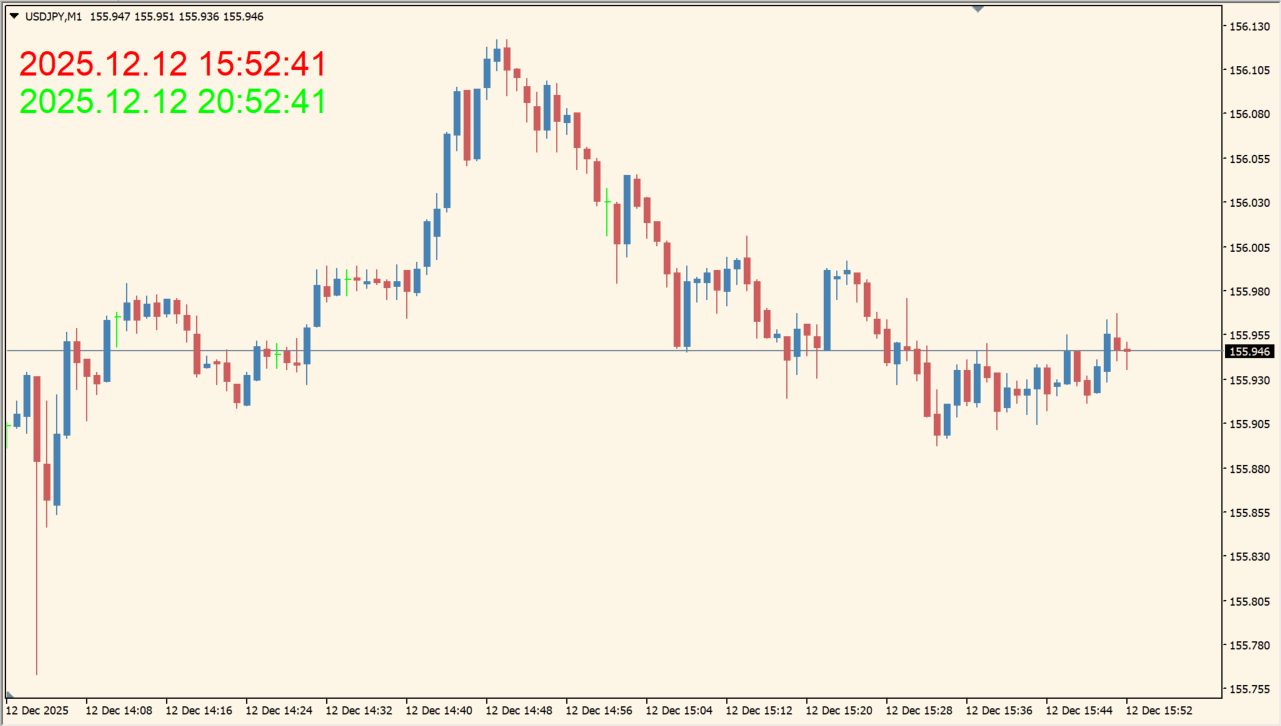
What is Time Indicator?
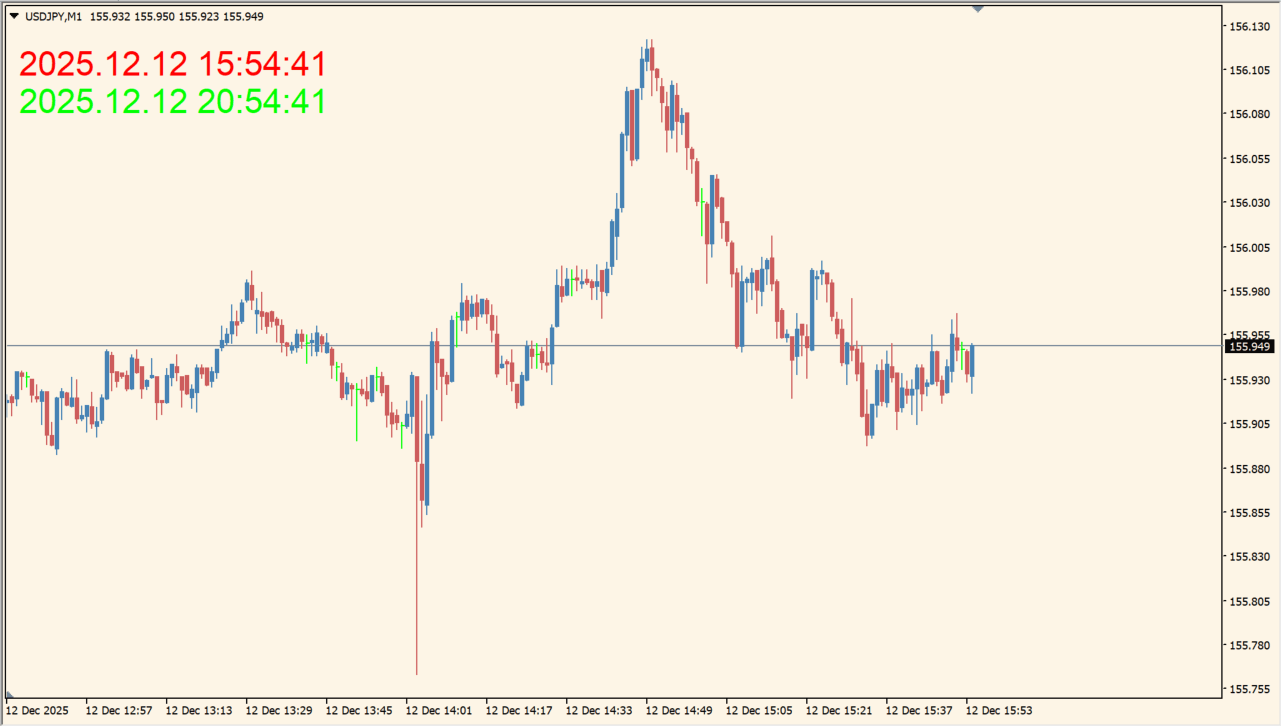
Time Indicator displays the local computer time and the broker server time directly on an MT4 chart. Showing both clocks together makes the time offset visible while reviewing any chart timeframe.
The indicator is a compact time reference rather than a signal tool. The package includes an .ex4 file and uses separate colors for the two displayed times.
How to use Time Indicator
Add the indicator and compare the two time lines in the chart corner. The broker time and local time can be read without leaving the chart window.
BrokerTimeColor and ComputerTimeColor control the two text colors. DistanceFromTopLeft and ZoomLevel adjust placement and size when the default layout needs more space.
Where it helps
Local and broker server time are visible in the same chart view.
The display avoids repeated switching between the chart and the computer clock.
Color, distance, and zoom inputs control the presentation.
MT4 Indicator Parameters
The table below lists the available MT4 indicator parameters. You can customize these options in the MetaTrader Inputs dialog to match your trading preferences.
| Parameter | Description |
|---|---|
| BrokerTimeColor | Sets the text color used for broker server time. Default: Red. |
| ComputerTimeColor | Sets the text color used for local computer time. Default: Lime. |
| DistanceFromTopLeft | Sets the display offset from the chart corner. Default: 10. |
| ZoomLevel | Sets the size multiplier for the displayed time text. Default: 1.0. |
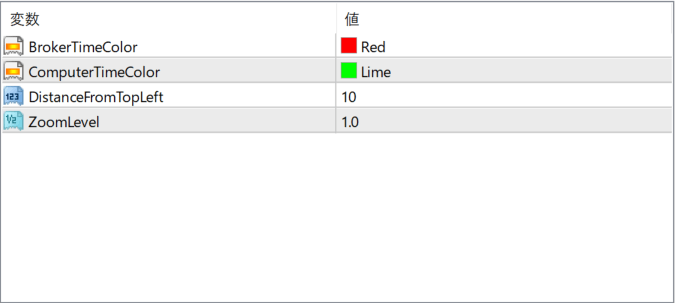
The screenshot above shows the default input parameters in the MT4 settings window.
How to Install .ex4 Indicator in MetaTrader 4
- Download the ZIP file and extract it.
- In MT4, select File → Open Data Folder.
- Open MQL4 → Indicators and copy the EX4 or MQ4 file into it.
- If the package includes library files, copy them to MQL4 → Libraries. Copy TPL files to the top-level templates folder.
- Restart MT4, find the indicator in the Navigator, and drag it onto a chart.
Test the tool on a demo account first. File contents and required folders can vary between packages.


