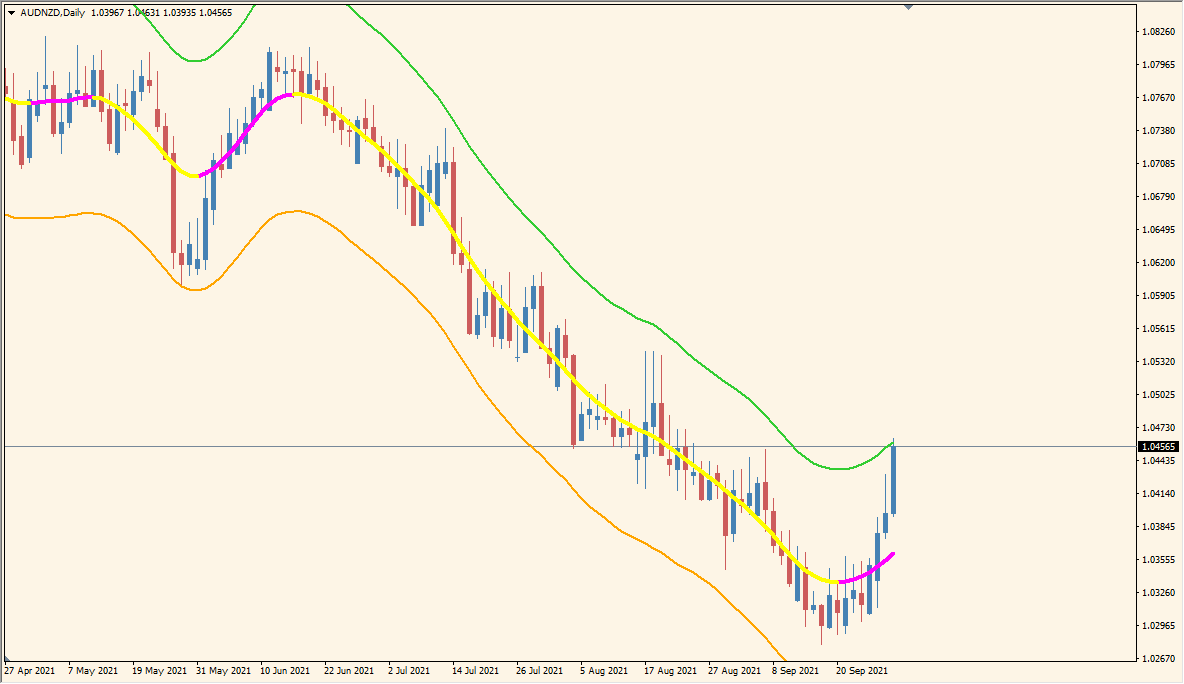
What is TMA Centered AMP Bands Indicator?
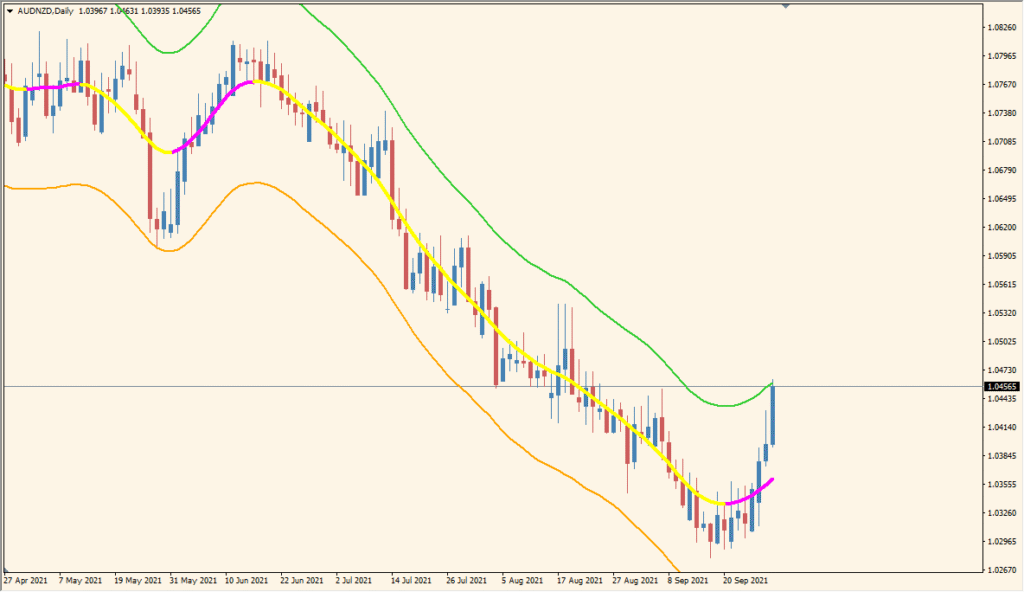
TMA Centered AMP Bands 2.02 MTF for MT4 plots centered triangular moving-average bands around a center line. ATR-based width adapts the outer bands to the selected volatility range, while multi-timeframe inputs provide broader or more detailed context.
TimeFrame, HalfLength, Price, ATRMultiplier, ATRPeriod, extrapolation, interpolation, slope, crossing, and alert settings control the calculation and notifications. The band and centerline display can be compared with current price movement.
How to Use It in Practice
TMAcentered AMP Bands places ATR-width bands around a triangular moving average. Compared with same-period Bollinger Bands, these bands contract less readily and behave closer to an envelope.
- Compare the TMA centre line and both ATR bands, including the wider higher-timeframe band when TimeFrame is set in minutes such as 60 for H1 or 240 for H4.
- Increase HalfLength to make the TMA line smoother.
- Use ATR Multiplier to change band width and ATRPeriod to change the ATR calculation period.
- No definition is given for the Price codes, so change that setting only while checking the displayed result rather than assigning a presumed price type.
Centered TMA bands and ATR-based width appear together, multi-timeframe calculation is available, and separate alert options provide control over notifications.
MT4 Indicator Parameters
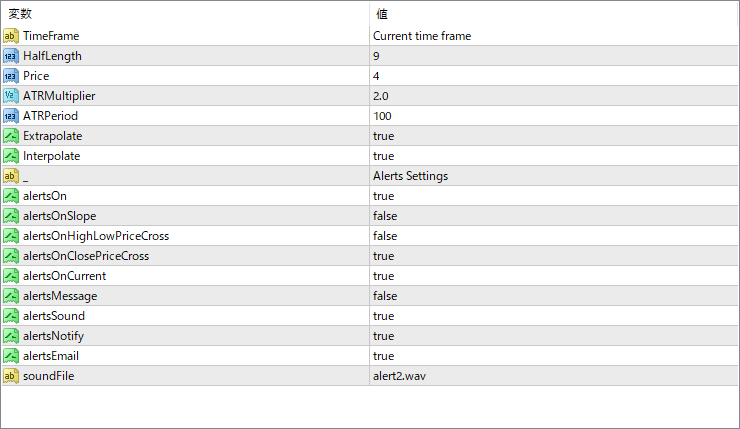
The screenshot above shows the default input parameters in the MT4 settings window.
| Parameter | Description |
|---|---|
| TimeFrame | Selects the calculation timeframe. Default: Current time frame. |
| HalfLength | Sets the centered-average half length. Default: 9. |
| Price | Selects the applied price mode. Default: 4. |
| ATRMultiplier | Sets the ATR-based band multiplier. Default: 2.0. |
| ATRPeriod | Sets the ATR calculation period. Default: 100. |
| Extrapolate | Extends the displayed calculation forward. Default: true. |
| Interpolate | Interpolates values between higher-timeframe bars. Default: true. |
| - | Inputs section label. Section label: Alerts Settings. |
| alertsOn | Enables alerts. Default: true. |
| alertsOnSlope | Alerts on centerline slope changes. Default: false. |
| alertsOnHighLowPriceCross | Alerts on high/low band crosses. Default: false. |
| alertsOnClosePriceCross | Alerts when price closes across the centerline. Default: true. |
| alertsOnCurrent | Uses the current bar for alerts. Default: true. |
| alertsMessage | Enables on-screen messages. Default: false. |
| alertsSound | Enables sound alerts. Default: true. |
| alertsNotify | Enables push notifications. Default: true. |
| alertsEmail | Enables email alerts. Default: true. |
| soundFile | Selects the alert sound file. Default: alert2.wav. |


