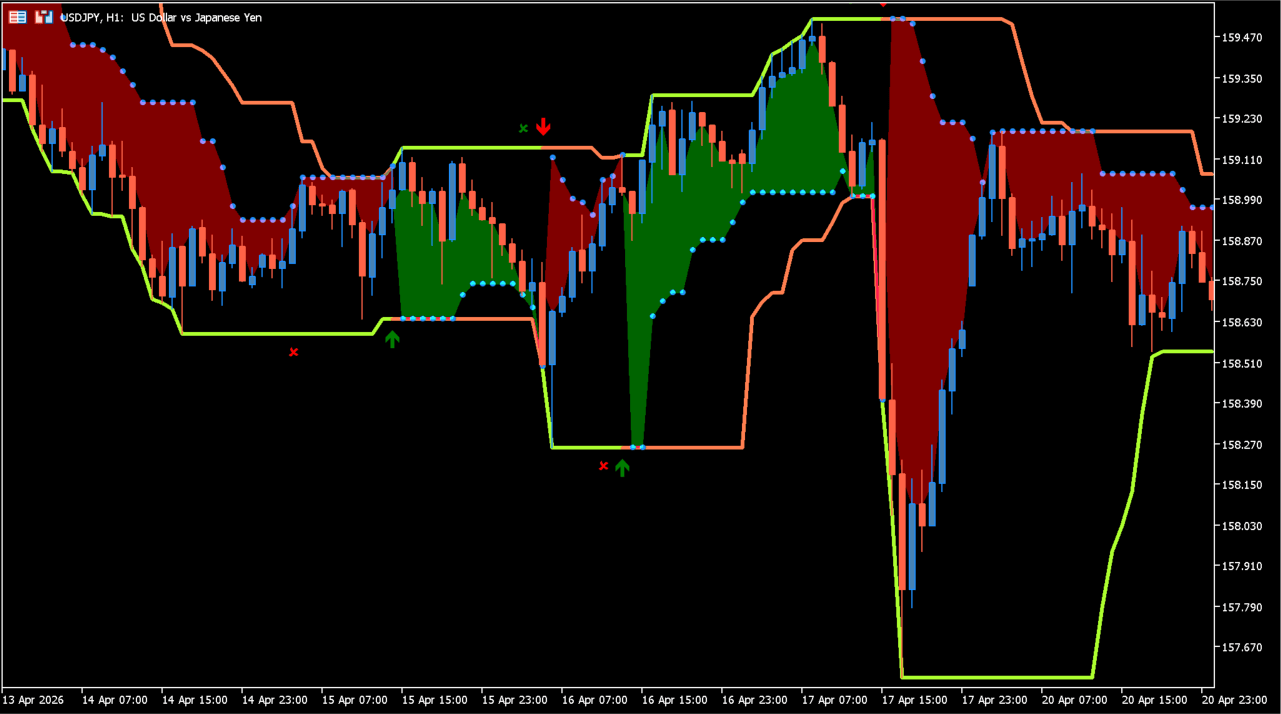
What is Turtle Trading Rules?
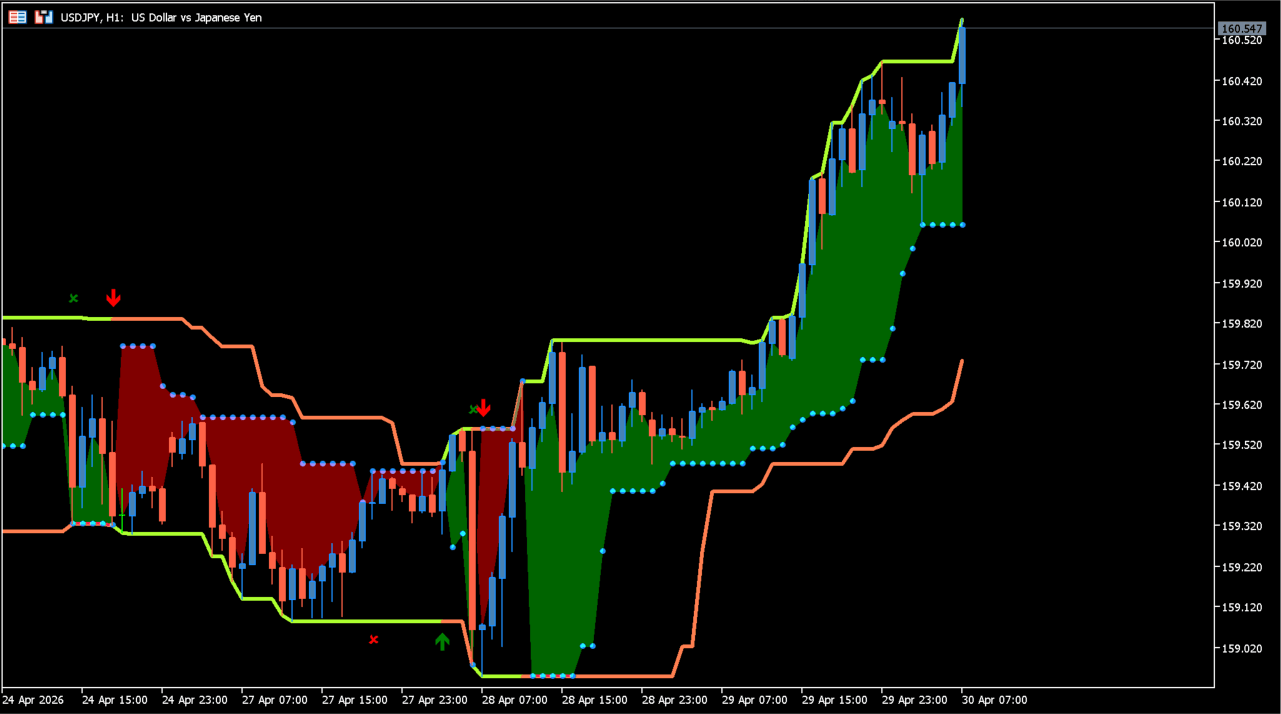
Turtle Trading Rules displays its configured entry and exit range calculations on an MT5 chart. The resulting conditions are marked with colored arrows and lines.
The marks are generated from the two selected periods. They should be considered alongside the wider chart and completed candles rather than as a guaranteed outcome.
How to use Turtle Trading Rules
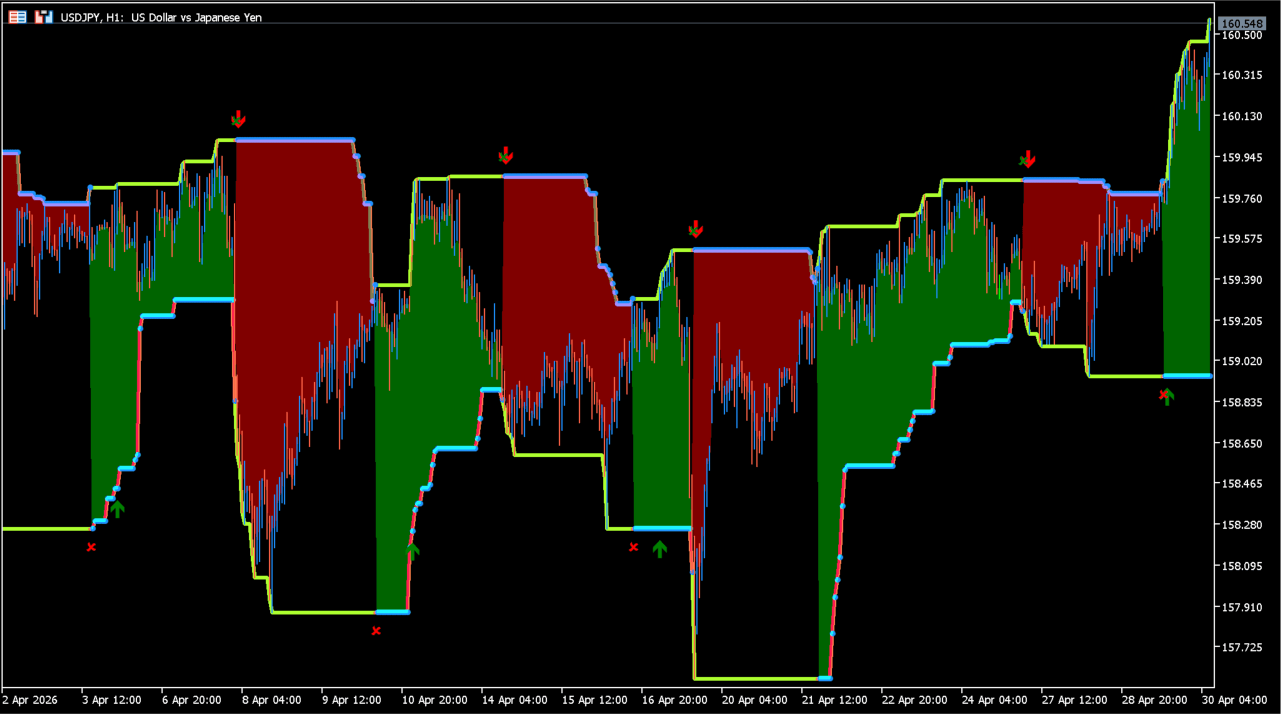
Compare the two range periods with recent highs, lows, and the surrounding price structure. A shorter period reacts to a different span of history than a longer period.
The settings window contains two period inputs: Entry Period and Exit Period.
Where it helps
Entry Period controls the history used by the first range calculation.
Exit Period controls the history used by the second range calculation.
The indicator has two direct period settings.
MT5 Indicator Parameters
The table below lists the available MT5 indicator parameters. You can customize these options in the MetaTrader Inputs dialog to match your trading preferences.
| Parameter | Description |
|---|---|
| Entry Period | Sets the period used by the entry-range calculation. Default: 20. |
| Exit Period | Sets the period used by the exit-range calculation. Default: 10. |
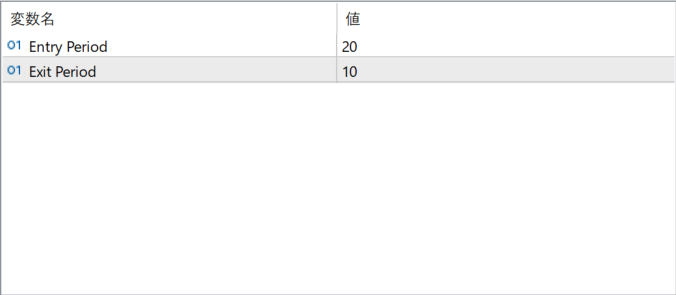
The screenshot above shows the default input parameters in the MT5 settings window.
How to Install .ex5 Indicator in MetaTrader 5
- Download the ZIP file and extract it.
- In MT5, select File → Open Data Folder.
- Open MQL5 → Indicators and copy the EX5 or MQ5 file into it.
- If the package includes library files, copy them to MQL5 → Libraries. Copy TPL files to the top-level templates folder.
- Restart MT5, find the indicator in the Navigator, and drag it onto a chart.
Test the tool on a demo account first. File contents and required folders can vary between packages.


