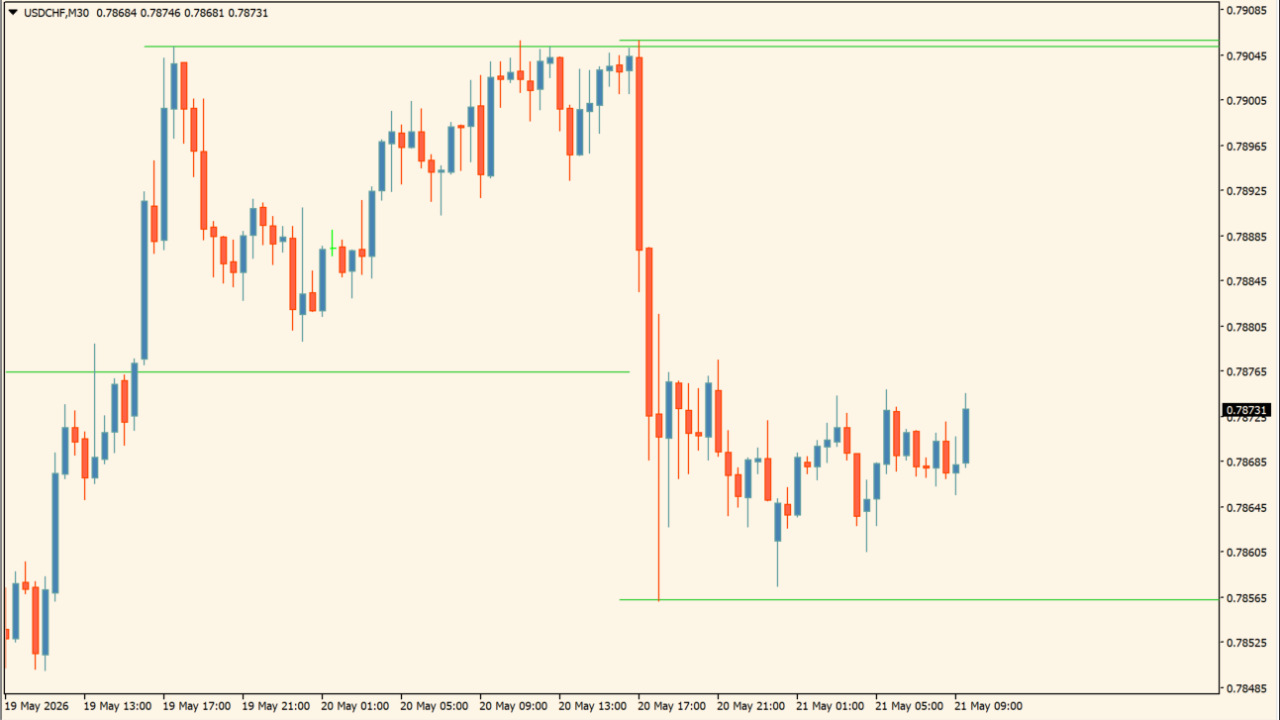
What is TWK Auto Support & Resistance V3?
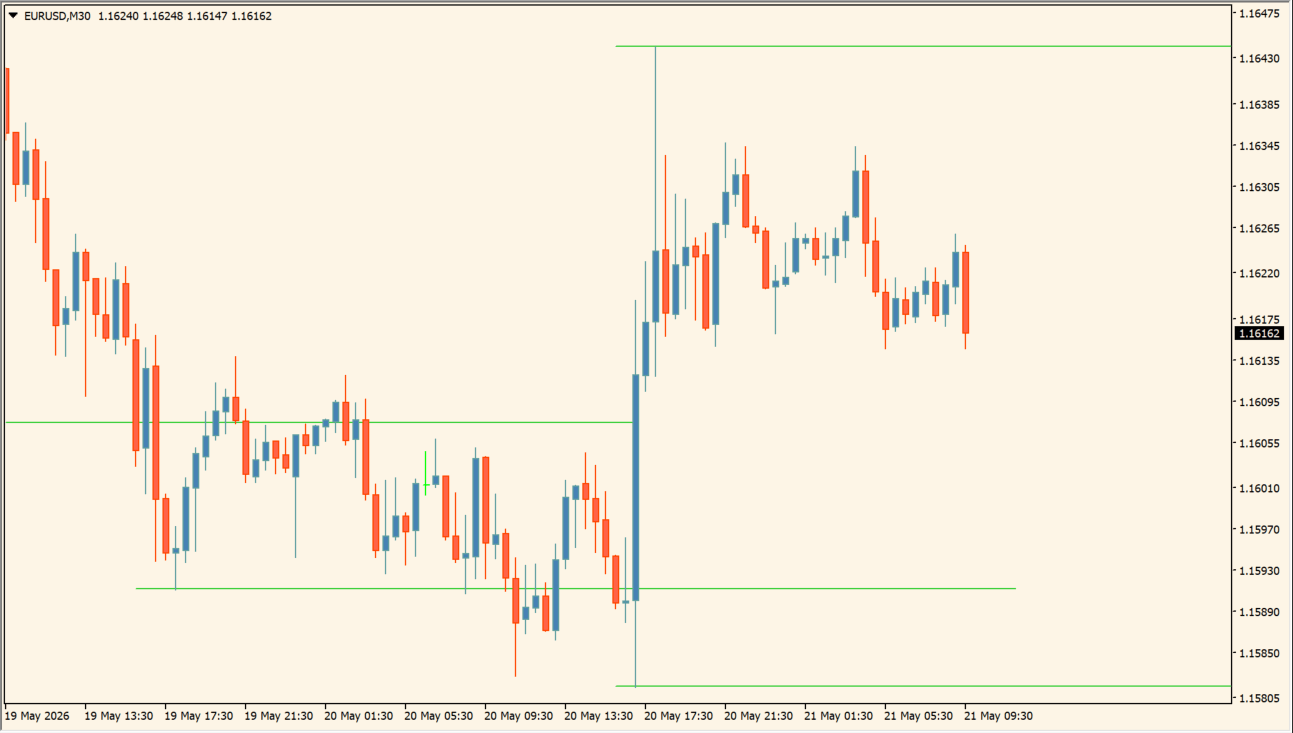
TWK Auto Support & Resistance V3 automatically calculates and draws Minor, Strong, and Major support and resistance levels across intraday and swing timeframes.
Lines are color-coded and styled to distinguish active level importance and tested status.
How to use TWK Auto Support & Resistance V3
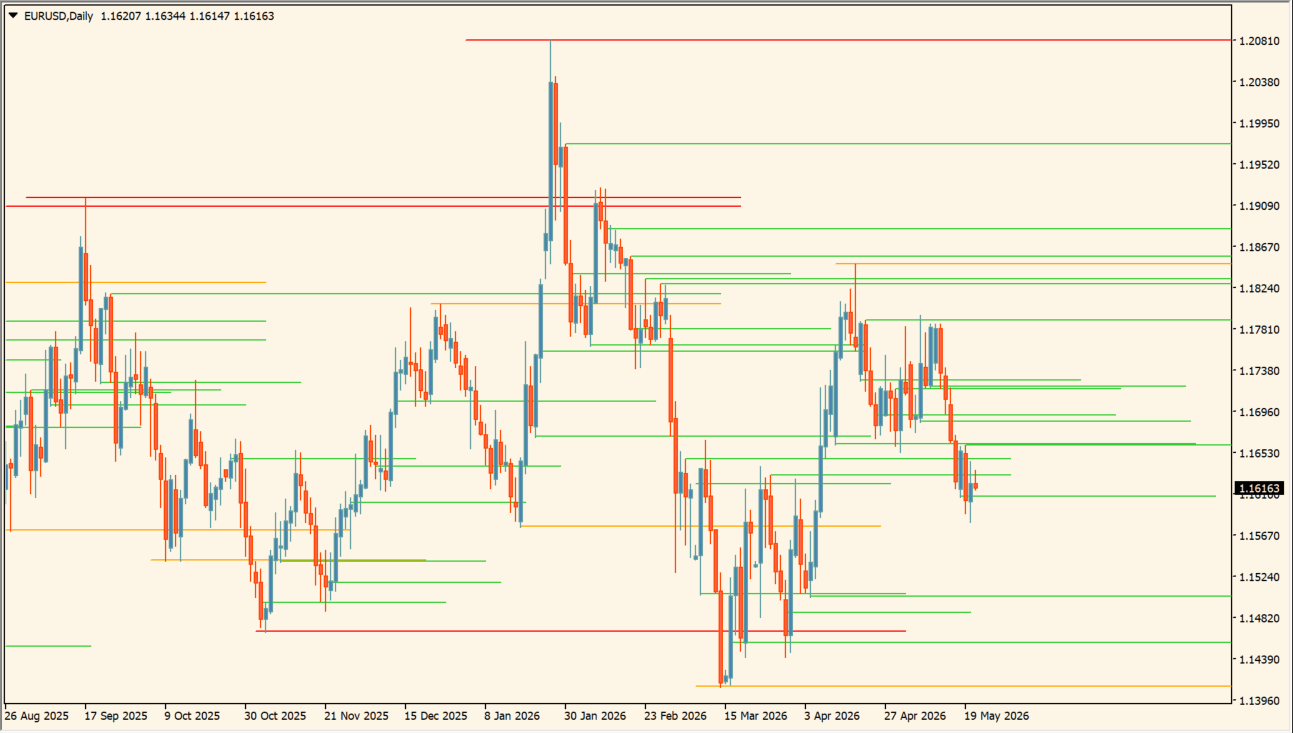
Use Major and Strong levels for primary key zone references and Minor levels for intraday structure.
Customize line colors, widths, lookback candle depth, and extension length in the Inputs tab.
Where it helps
Plots key support and resistance lines automatically without manual drawing.
Distinguishes Minor, Strong, and Major price levels for structured review.
Changes line style once a level has been tested by price.
MT4 Indicator Parameters
The table below lists the available MT4 indicator parameters. You can customize these options in the MetaTrader Inputs dialog to match your trading preferences.
| Parameter | Description |
|---|---|
| Draw Minor Level - Intraday | Controls whether minor intraday levels are displayed. Default: true. |
| Draw Strong Level - Intraday + Swing | Controls whether strong intraday and swing levels are displayed. Default: true. |
| Draw Major Level - Intraday + Swing | Controls whether major intraday and swing levels are displayed. Default: true. |
| How many candles should indicator look back | Sets the number of past candles evaluated for level detection. Default: 1000. |
| After line is tested. Extend line for how many candles | Sets how far a line extends after being tested by price. Default: 50. |
| Strong level RESISTANCE color | Sets the display color for strong resistance levels. Default: Red. |
| Strong level SUPPORT color | Sets the display color for strong support levels. Default: Blue. |
| Major level RESISTANCE color | Sets the display color for major resistance levels. Default: Red. |
| Major level SUPPORT color | Sets the display color for major support levels. Default: Blue. |
| Minor RESISTANCE color | Sets the display color for minor resistance levels. Default: Red. |
| Minor level SUPPORT color | Sets the display color for minor support levels. Default: Blue. |
| Line style for TESTED Strong Level | Sets the line style for tested strong levels. Default: STYLE_DOT. |
| Line style for TESTED Major Level | Sets the line style for tested major levels. Default: STYLE_DOT. |
| Line style for TESTED Minor Level | Sets the line style for tested minor levels. Default: STYLE_DOT. |
| Line width for Strong Level | Sets the line width for strong levels. Default: 2. |
| Line width for Major Level | Sets the line width for major levels. Default: 2. |
| Line width for Minor Level | Sets the line width for minor levels. Default: 1. |
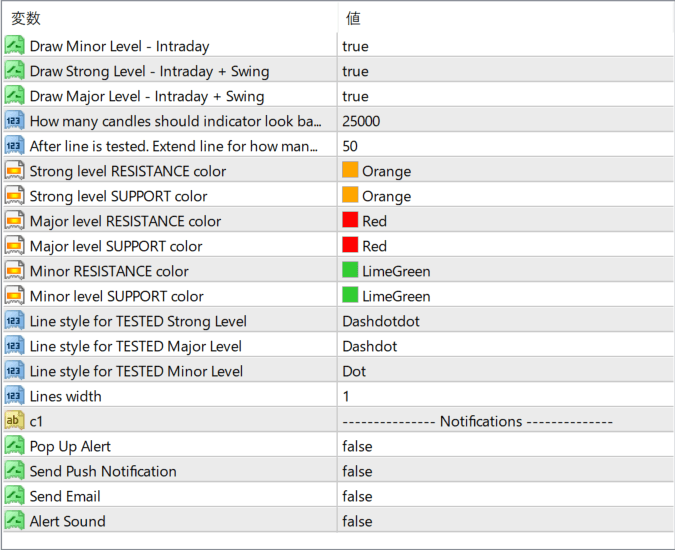
The screenshot above shows the default input parameters in the MT4 settings window.
How to Install .ex4 Indicator in MetaTrader 4
- Download the ZIP file and extract it.
- In MT4, select File → Open Data Folder.
- Open MQL4 → Indicators and copy the EX4 or MQ4 file into it.
- If the package includes library files, copy them to MQL4 → Libraries. Copy TPL files to the top-level templates folder.
- Restart MT4, find the indicator in the Navigator, and drag it onto a chart.
Test the tool on a demo account first. File contents and required folders can vary between packages.


