What is U_MTF_SRTrend_v2 Indicator?
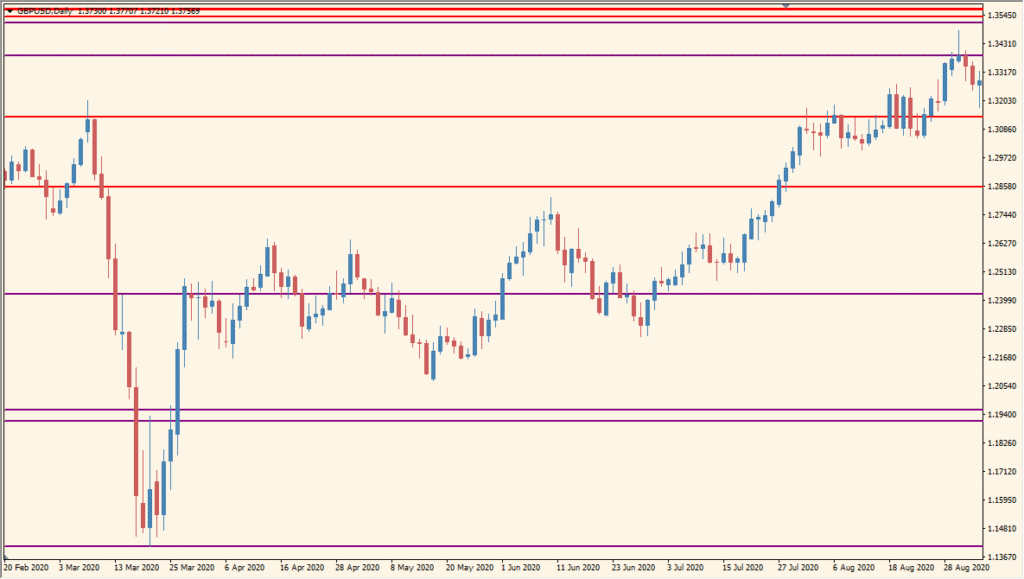
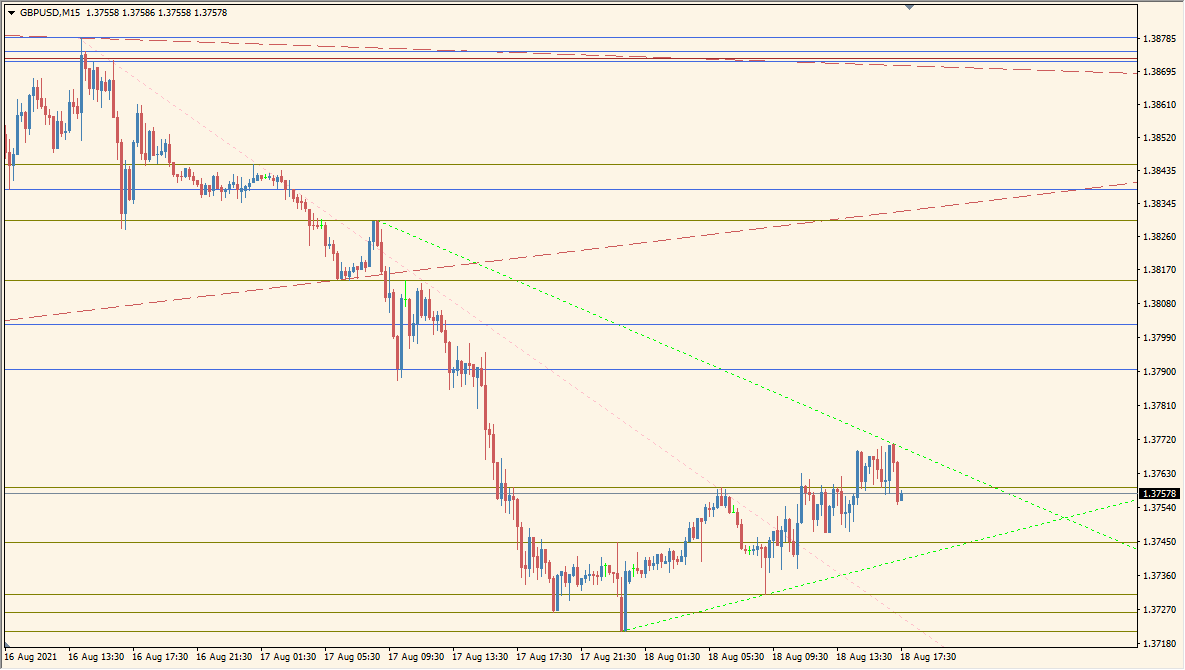
U MTF SRTrend v2 for MT4 plots support and resistance references from multiple timeframes on the active chart. Optional trend lines and daily-range rectangles add further structure to the same view.
ShowSR, ShowTrend, timeframe visibility flags, MaxSupportResistance, line styles, widths, colors, and rectangle settings control the display. The overlay keeps higher- and lower-timeframe level context together.
How to Use It in Practice
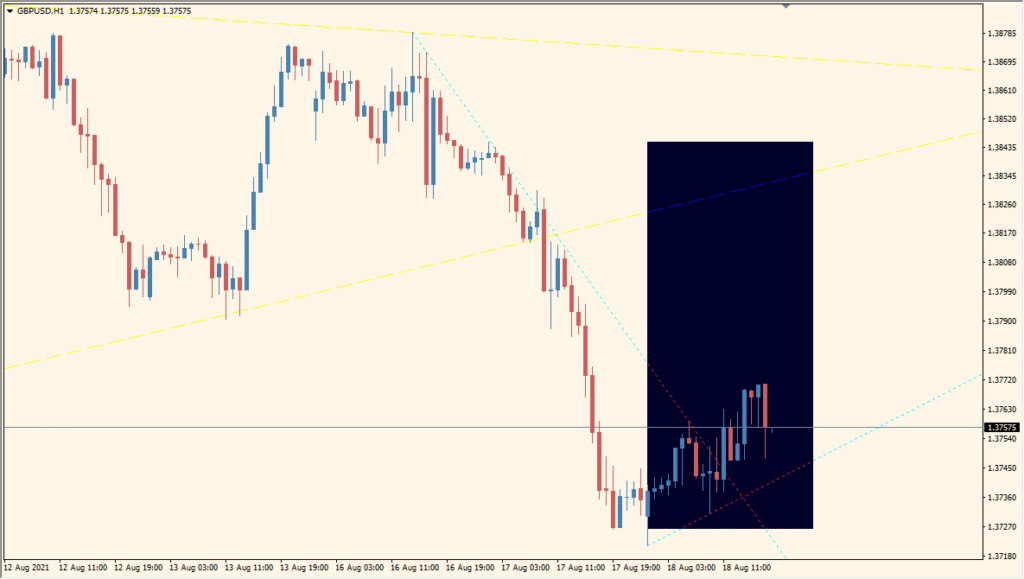
U_MTF_SRtrend_v2 overlays support/resistance horizontals and trend lines from multiple timeframes, with an inverted background rectangle marking the current day.
- Use ShowSR for the horizontal group, ShowTrend for the trend-line group, and ShowDayRect for the current-day background rectangle.
- ShowH4SR, ShowLowTFSR, and MaxSupportResistance showed no visible change, so check those settings on the chart rather than assuming they filter a group.
- On higher timeframes the chart can become crowded because individual lines cannot be hidden; change a line colour first to identify its related Width setting, then adjust that matching width if necessary.
Several timeframe level groups share one overlay, trend and daily-range displays are optional, and line-count and styling controls support a clean chart layout.
MT4 Indicator Parameters
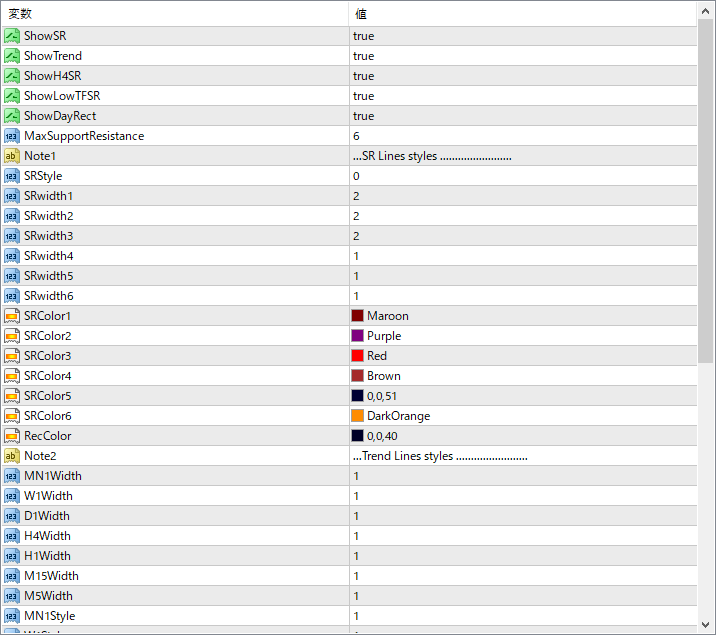
The screenshot above shows the default input parameters in the MT4 settings window.
| Parameter | Description |
|---|---|
| ShowSR | Turns support and resistance line display on or off. |
| ShowTrend | If enabled, shows trend lines in addition to S&R levels. |
| ShowH4SR | Enables H4 timeframe S&R levels on the chart. |
| ShowLowTFSR | Enables support/resistance levels from lower timeframes. |
| ShowDayRect | If enabled, draws rectangles for daily ranges. |
| MaxSupportResistance | Defines the maximum number of S&R levels to be displayed. |
| SRStyle | Line style for S&R levels (e.g., solid, dashed). |
| SRWidth1 ~ SRWidth6 | Set the line width for S&R levels per group. |
| SRColor1 ~ SRColor6 | Color settings for different S&R lines. |
| RecColor | Color used for rectangle overlays (like daily boxes). |
| MN1Width, W1Width, D1Width, H4Width, H1Width, M15Width, M5Width | Set line thickness for trend lines of each timeframe. |
| MN1Style, W1Style, D1Style, H4Style, H1Style | Define line style for trend lines of each timeframe. |


