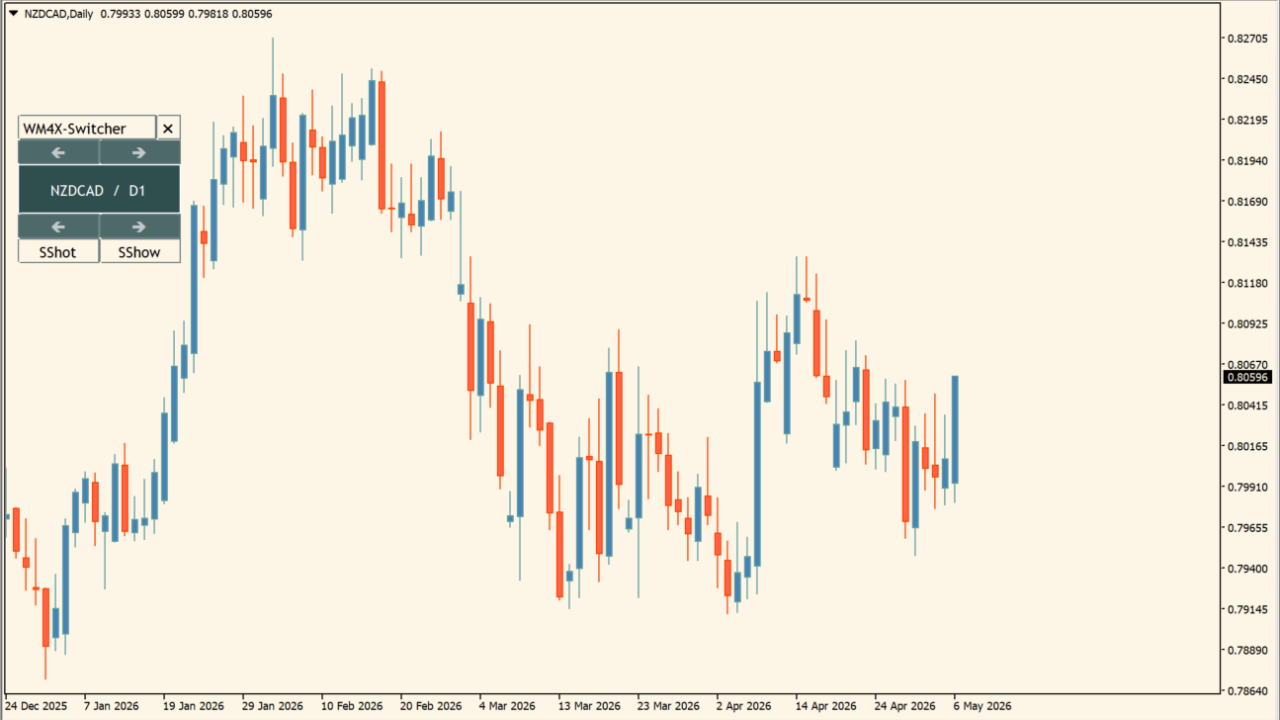
What is WM4X-Switcher?
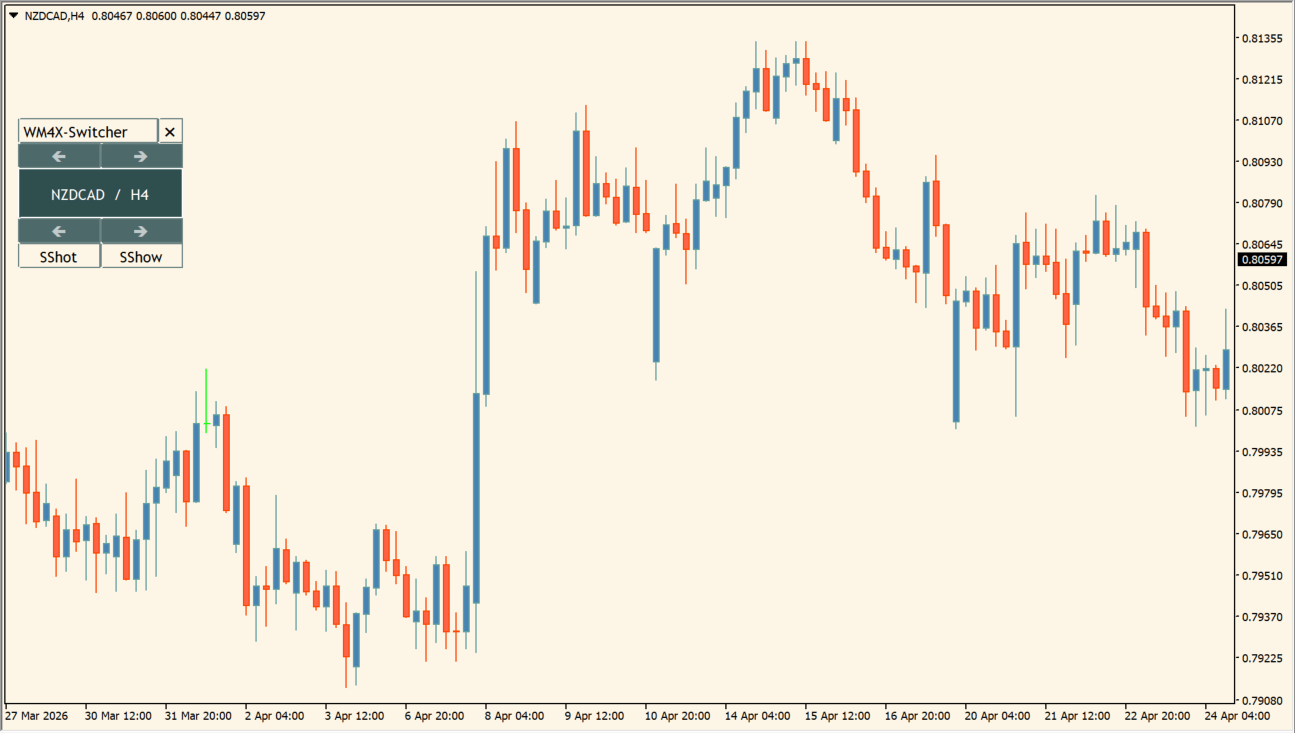
WM4X-Switcher provides an interactive control panel directly on the MT4 chart for rapid switching of symbols and timeframes.
It includes a single-click screenshot tool (saving to MQL4\Files\ScreenShots) and an automatic slideshow feature for multi-pair scanning.
How to use WM4X-Switcher
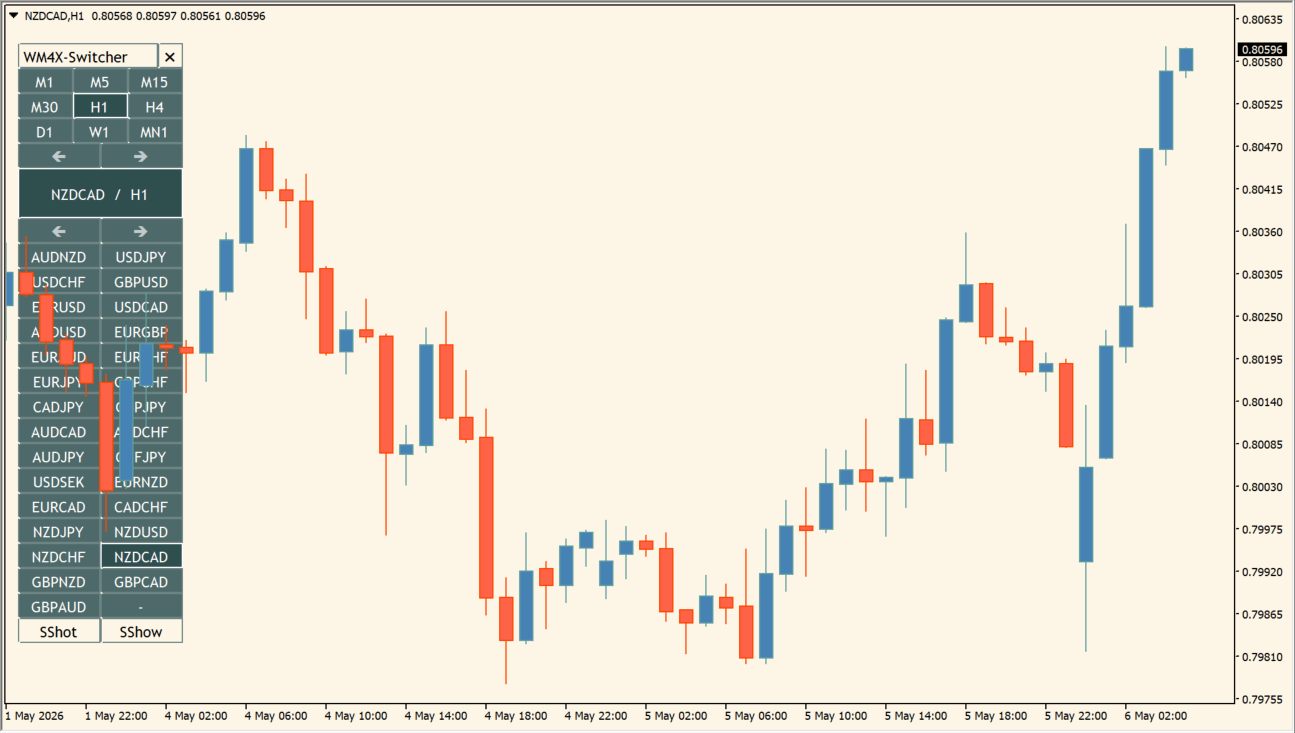
Click symbol and timeframe buttons on the panel to change chart view instantly, or use SShot for quick trade documentation.
Configure custom instrument lists, slideshow refresh intervals, panel colors, and hotkeys in the Inputs tab.
Where it helps
Allows rapid symbol and timeframe switching directly from the chart.
Saves instant chart captures to MQL4\Files\ScreenShots for trade review.
Rotates through selected currency pairs automatically at customizable intervals.
MT4 Indicator Parameters
The table below lists the available MT4 indicator parameters. You can customize these options in the MetaTrader Inputs dialog to match your trading preferences.
| Parameter | Description |
|---|---|
| Instrument list | Selects between Market Watch list or custom instrument list. Default: IN_MarketWatch. |
| Custom instrument list (comma-separated) | Specifies a custom list of comma-separated currency pairs. |
| Sort the instrument list in alphabetical order | Controls whether the instrument list is sorted alphabetically. Default: true. |
| Set color | Selects the panel color theme mode. Default: MODE_LIGHT. |
| Panel color | Sets the panel background color. Default: clrWhite. |
| Font name | Sets the font used for panel labels. Default: FONT_SYSTEM. |
| Custom font name | Specifies a custom font name. |
| Display size | Adjusts the overall panel display size. Default: SIZE_LARGE. |
| Horizontal stretching | Sets the horizontal stretch ratio for the panel. Default: 100. |
| Vertical stretching | Sets the vertical stretch ratio for the panel. Default: 100. |
| Number of instrument columns | Sets the number of columns in the instrument list grid. Default: 5. |
| Slideshow type | Sets the slideshow rotation category. Default: TYPE_FOREX. |
| Slideshow refresh-seconds | Sets the interval in seconds between symbol rotations. Default: 5. |
| Automatic screen capture of the slideshow | Controls whether screenshots are automatically taken during slideshow rotation. Default: false. |
| Screenshot watermark-text | Specifies custom watermark text for saved screenshots. |
| Watermark transparency | Sets the watermark text transparency level. Default: 50. |
| Hot key for screenshots | Sets the hotkey shortcut for taking instant screenshots. Default: S. |
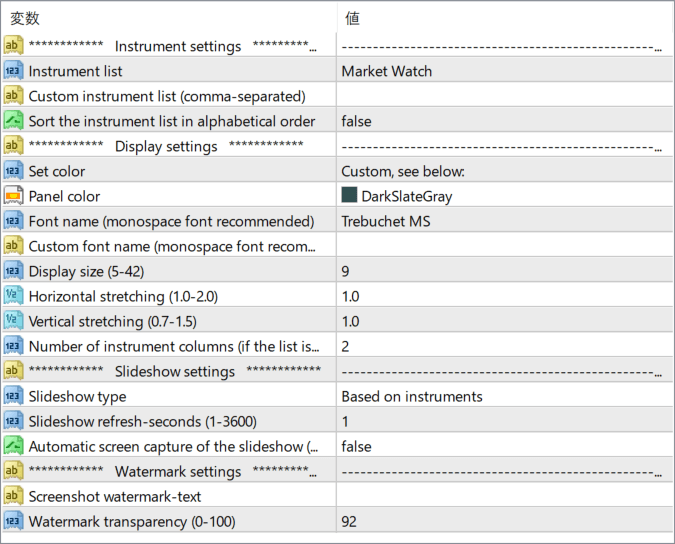
The screenshot above shows the default input parameters in the MT4 settings window.
How to Install .ex4 Indicator in MetaTrader 4
- Download the ZIP file and extract it.
- In MT4, select File → Open Data Folder.
- Open MQL4 → Indicators and copy the EX4 or MQ4 file into it.
- If the package includes library files, copy them to MQL4 → Libraries. Copy TPL files to the top-level templates folder.
- Restart MT4, find the indicator in the Navigator, and drag it onto a chart.
Test the tool on a demo account first. File contents and required folders can vary between packages.


