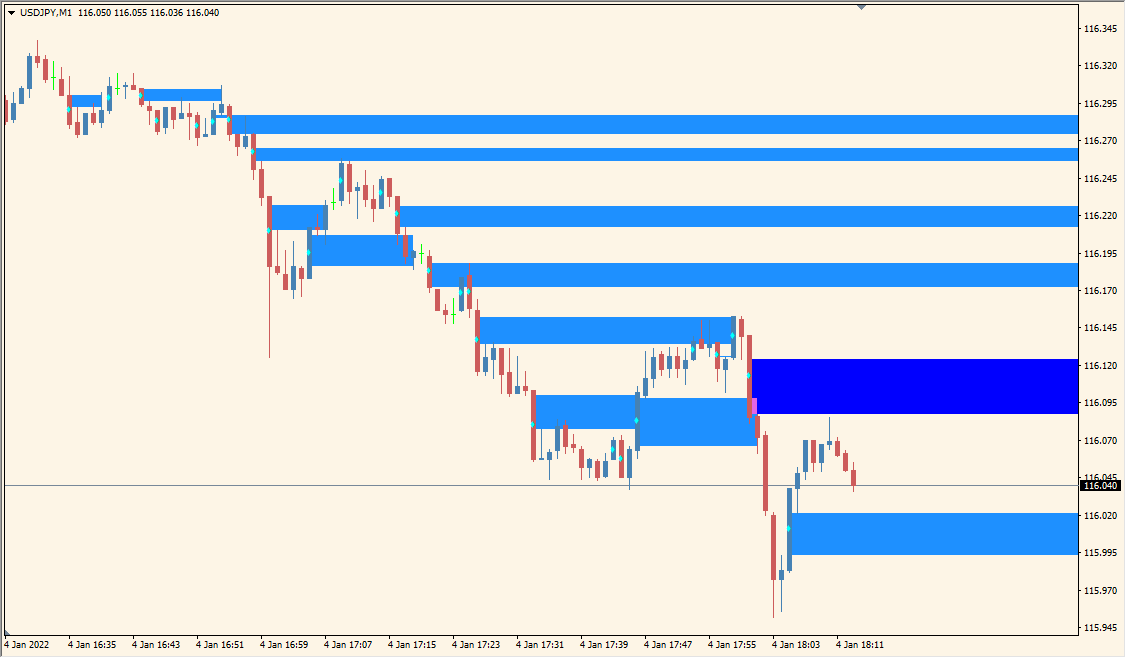
What is WRB-Hidden-Gap Indicator?
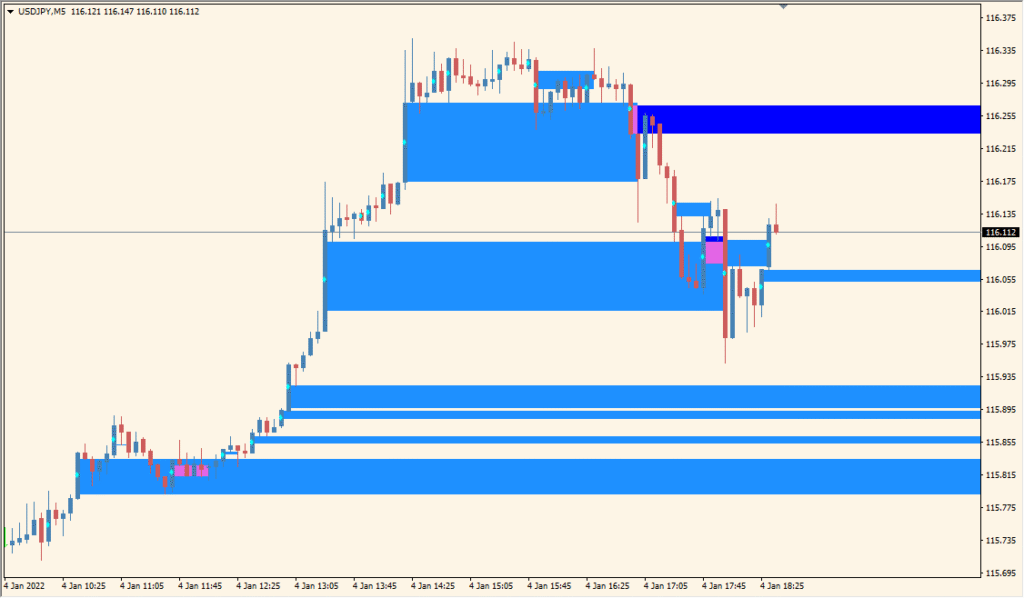
WRB Hidden Gap for MT4 identifies wide-range bars and marks the hidden gap between their open and close. The display uses shaded rectangles so the price area remains easy to compare with later chart movement.
UseWholeBars controls whether the full wide-range bar or only the hidden gap is highlighted. WRB_LookBackBarCount controls the scan, and WRB_WingDingsSymbol adds an optional visual marker for the bar.
How to Use It in Practice
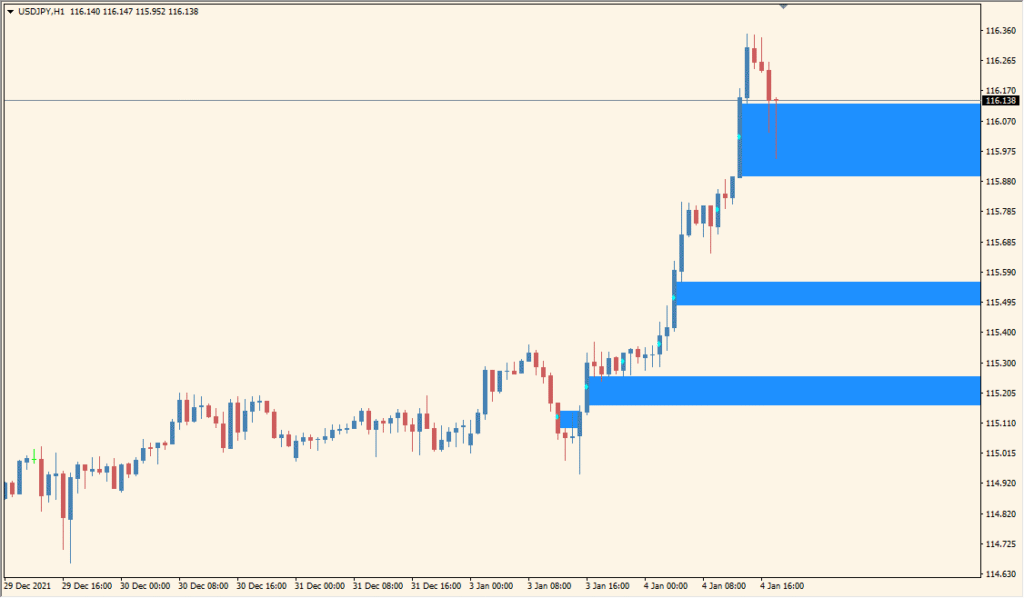
The MT4 WRB Hidden Gap display marks cyan and blue hidden-gap bands, with pink where two gaps overlap. A filled gap no longer remains an active gap display, and the band area is distinct from its adjacent wide-range bar.
- Read the cyan, blue, and pink bands against the wide-range candles and subsequent candles on the chart.
- Set UseWholeBars to true when high and low should be used for hidden-gap detection, then adjust WRB_LookBackBarCount for the detection scan.
- Set StartCalculationFromBar to limit the history shown, HollowBoxes to draw outlines instead of filled bands, and DoAlerts only for optional gap-touch notices.
Hidden gaps are separated from the surrounding bar, the full-bar option is available when needed, and lookback and marker settings keep the display adjustable.
MT4 Indicator Parameters
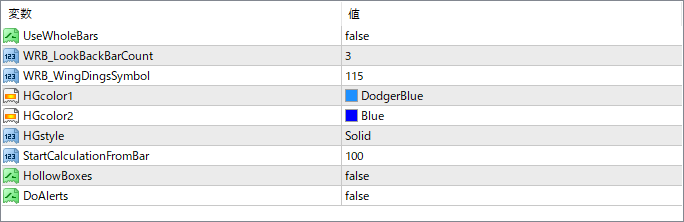
The screenshot above shows the default input parameters in the MT4 settings window.
| Parameter | Description |
|---|---|
| UseWholeBars | If true, the indicator draws the entire WRB as a zone. If false, it only highlights the hidden gap (between open and close). |
| WRB_LookBackBarCount | Defines how many bars back to look when identifying whether a candle qualifies as a WRB. |
| WRB_WingDingsSymbol | Sets the Wingdings symbol to mark the WRB visually on the chart. This is for added clarity. |
| HGcolor1 | Sets the main fill color for the gap zones. |
| HGcolor2 | Defines the secondary color (often used for borders or blending effect in the zone). |
| HGstyle | Determines the border style of the zone, such as solid or dashed. |
| StartCalculationFromBar | Controls from which bar in history the calculation begins. Useful to limit backtest range for performance reasons. |
| HollowBoxes | If set to true, the boxes will be drawn as hollow outlines. If false, they are solid filled zones. |
| DoAlerts | Enables or disables alert notifications when a WRB and hidden gap is detected. |


