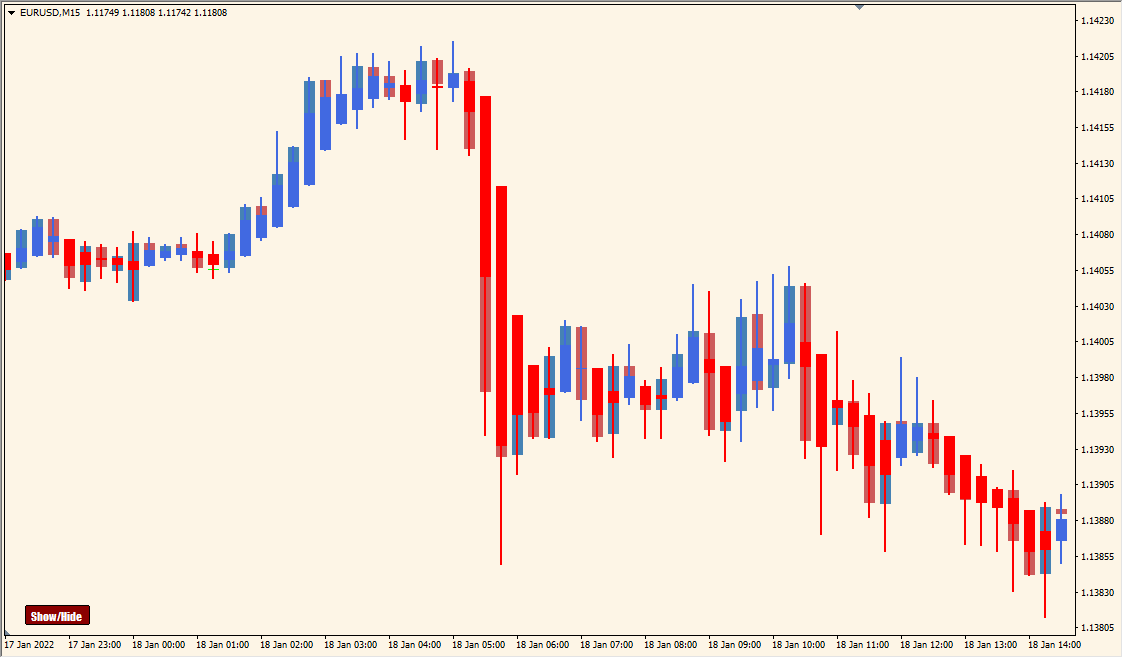
What is WyattsPivots_v2.1_w_toggle Indicator?
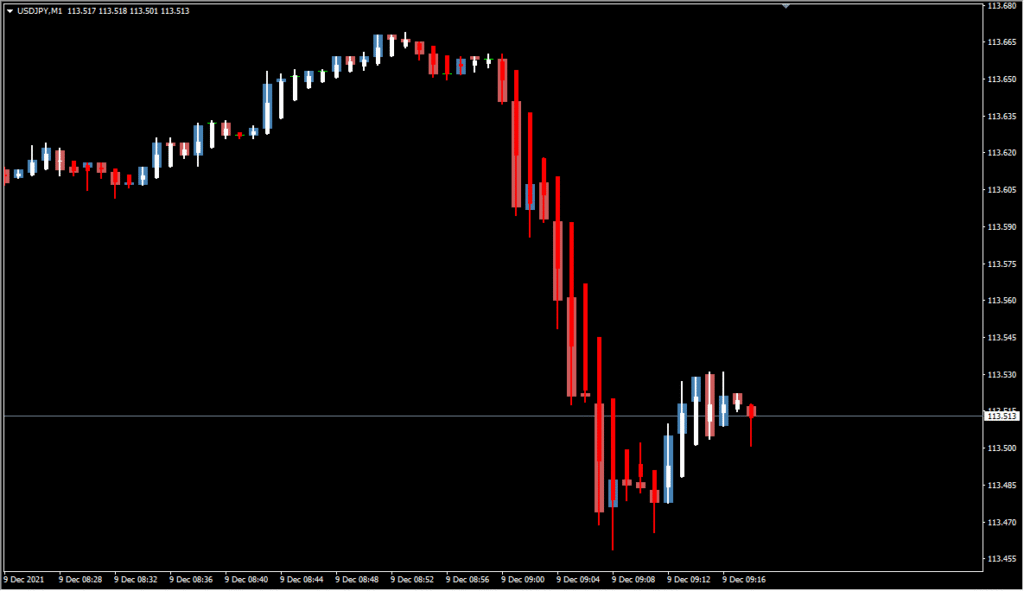
The WyattsPivots_v2.1_w_toggle indicator for MT4 displays classic pivot levels including the main pivot point, support (S1–S3), resistance (R1–R3), and midpoints between them. What makes this tool practical is its built-in toggle switch, allowing traders to show or hide these levels with ease. This helps keep charts clean when pivot data is not needed, especially during sideways markets or high-volatility news events.
Pivot levels are calculated using standard formulas based on the previous period’s high, low, and close. These levels serve as reference zones for potential price reactions.
How to Use It in Practice
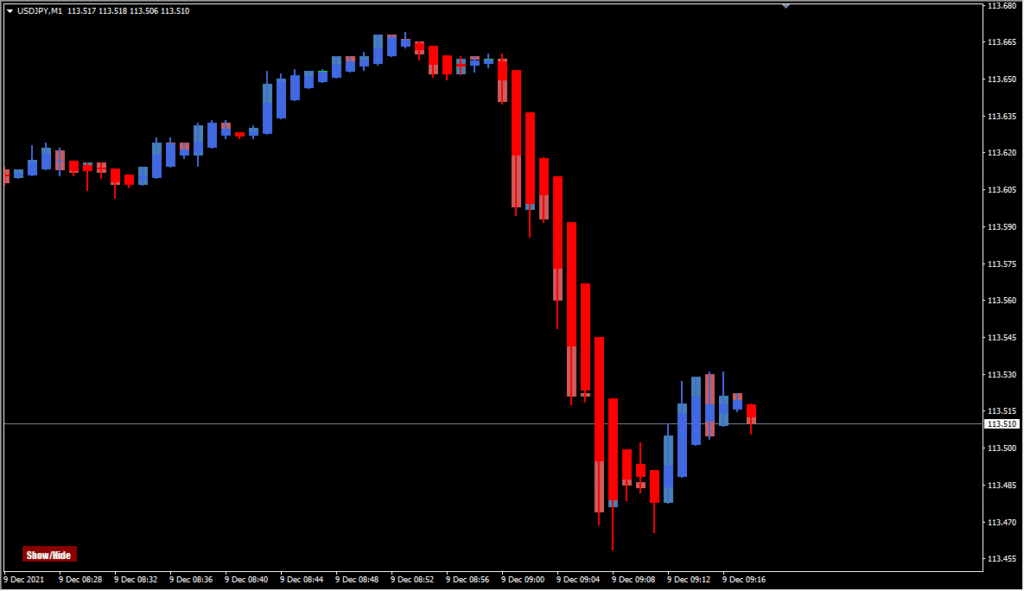
This indicator is useful for:
- Identifying likely bounce or breakout zones at S/R levels.
- Adding objectivity to intraday or swing entries based on historical pivot points.
- Reducing chart clutter with the toggle function to show/hide levels when needed.
- Combining with price action or candlestick patterns for confirmation around pivots.
Because the indicator calculates and displays everything automatically, traders can stay focused on execution rather than drawing levels manually.
Best Settings & MT4 Parameters for WyattsPivots_v2.1_w_toggle
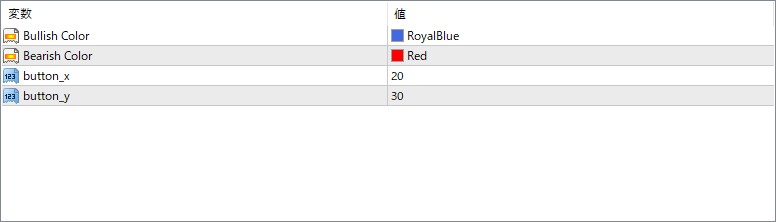
Show Mid Pivot Lines
Enables or disables the display of midpoints between the main pivot levels.
Pivot Width
Sets the thickness of the pivot lines displayed on the chart.
Pivot Style
Defines the line style of the pivot levels (e.g., solid, dashed, dotted).
Color Pivots
Sets the color used for the pivot point line.
Color R1/R2/R3
Defines the color of each resistance line respectively (R1, R2, R3).
Color S1/S2/S3
Defines the color of each support line respectively (S1, S2, S3).
Color Mid Pivots
Sets the color of the optional midpoint lines.
Show Toggle Button
Displays a toggle button on the chart to show/hide all pivot lines.
Toggle Corner
Sets the corner of the chart where the toggle button appears (e.g., top-left, bottom-right).
Label Color
Defines the color of the text labels for each pivot level.
Label Font Size
Sets the font size for pivot labels to ensure readability on different screen sizes.
Label Offset
Adjusts the horizontal or vertical offset of the pivot labels from the lines.


