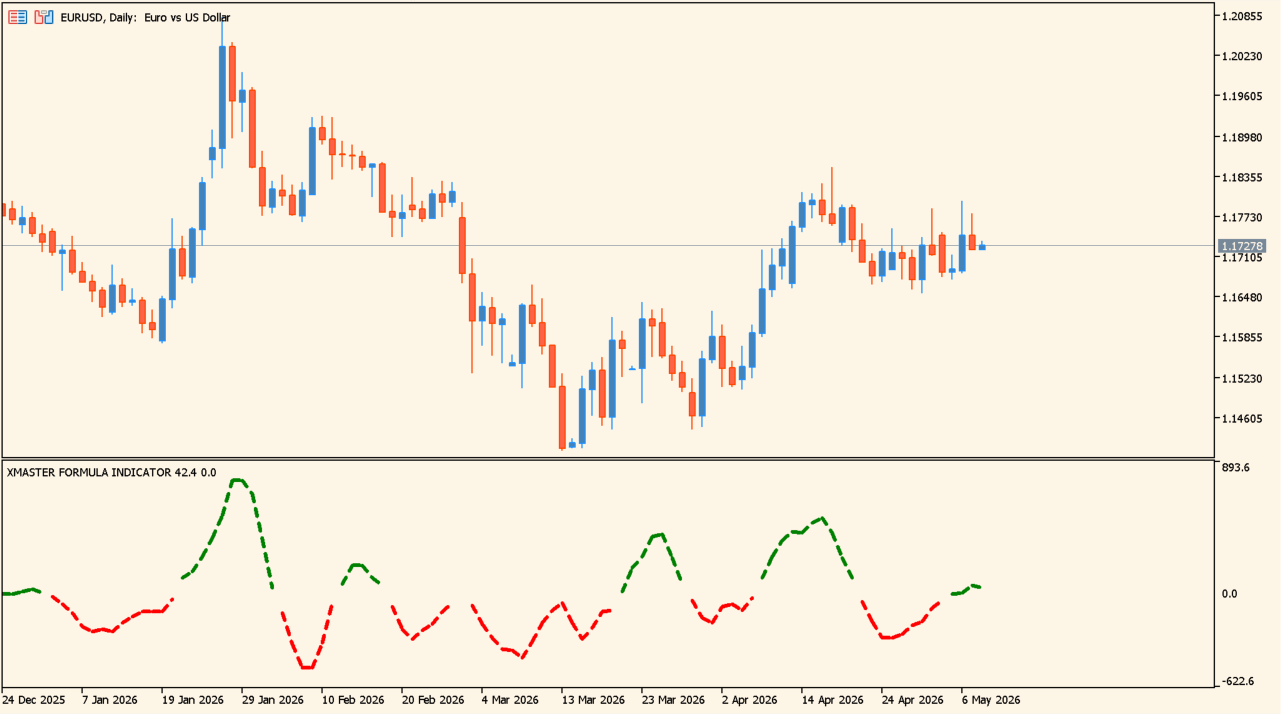
What is Xmaster Formula MT5 Indicator?
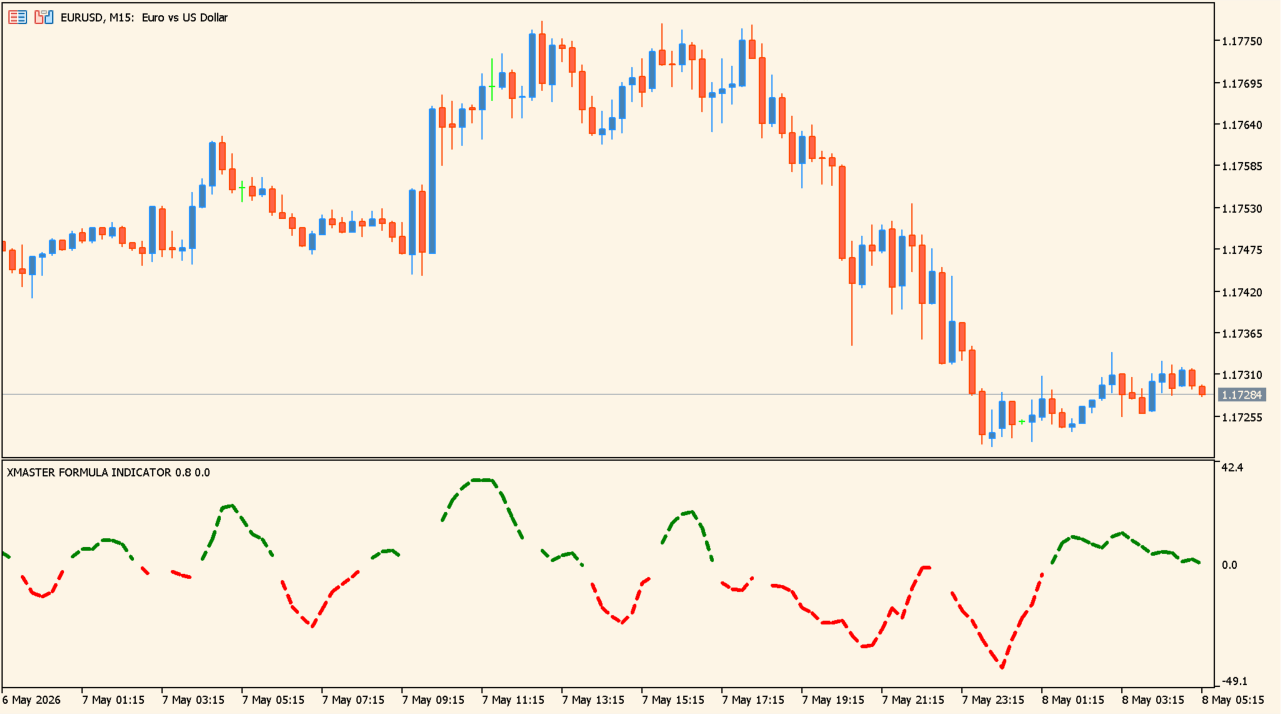
Green indicates buying pressure; red indicates selling pressure.
Xmaster Formula MT5 Indicator is an MT5 oscillator that applies its formula logic to price data for momentum and possible trend-change context.
XMASTER_PERIOD and BARS_TO_ANALYZE are its two calculation controls. It provides no fixed threshold, crossover, or standalone signal rule.
How to use Xmaster Formula MT5 Indicator
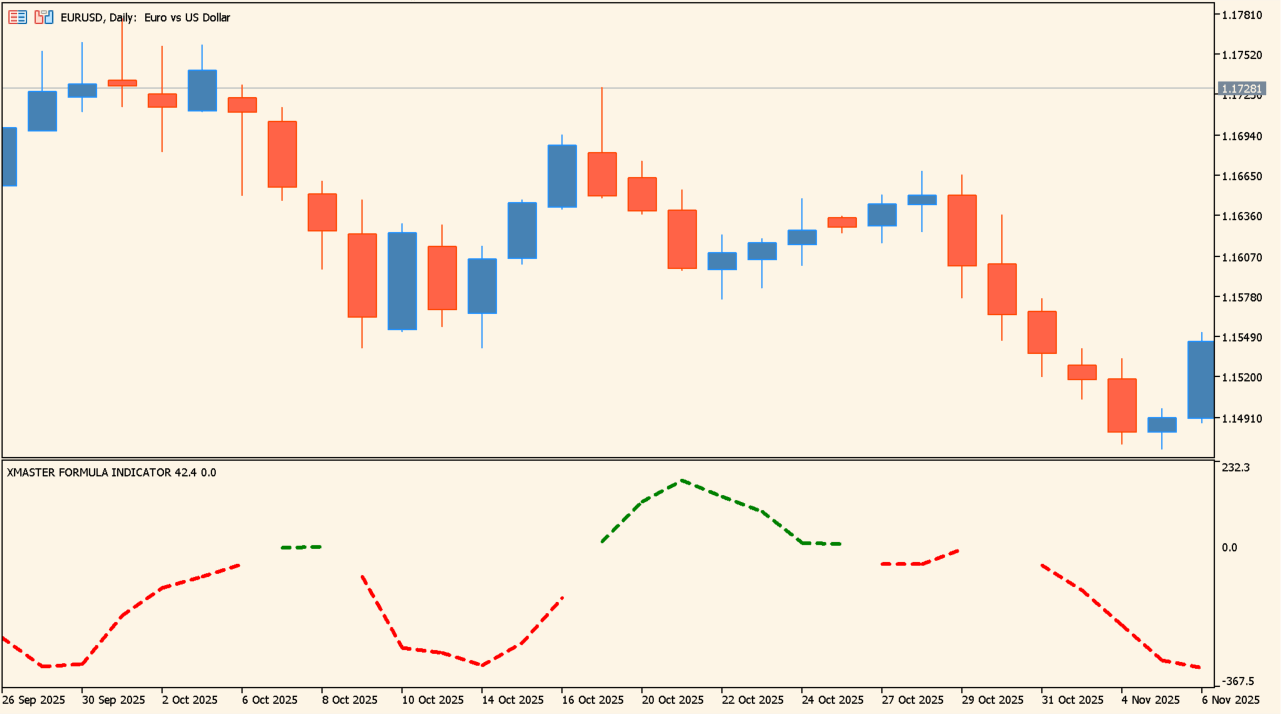
When the color and direction align, the display can be reviewed as a trend-development reference.
The indicator analyzes price movement over a selected period and displays the result as a waveform in a subwindow.
Review peaks, troughs, and movement near the zero line as oscillator context. It provides no standalone entry condition.
Where it helps
The oscillator provides the momentum display.
XMASTER_PERIOD is the period control.
BARS_TO_ANALYZE controls the number of bars considered.
MT5 Indicator Parameters
The table below lists the available MT5 indicator parameters. You can customize these options in the MetaTrader Inputs dialog to match your trading preferences.
| Parameter | Description |
|---|---|
| XMASTER_PERIOD | Sets the indicator calculation period. Higher values smooth the result, while lower values respond more quickly. |
| BARS_TO_ANALYZE | Sets the number of bars analyzed. Higher values cover more history but may require more processing. |
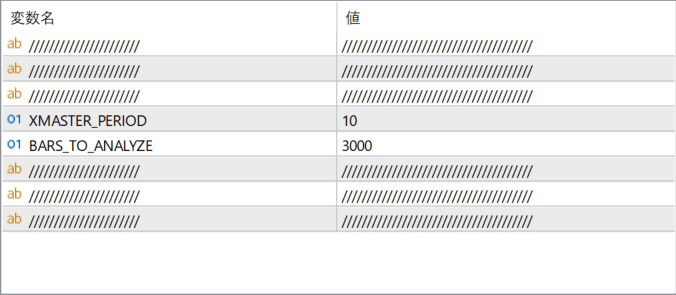
The screenshot above shows the default input parameters in the MT5 settings window.
How to Install .ex5 Indicator in MetaTrader 5
- Download the ZIP file and extract it.
- In MT5, select File → Open Data Folder.
- Open MQL5 → Indicators and copy the EX5 or MQ5 file into it.
- If the package includes library files, copy them to MQL5 → Libraries. Copy TPL files to the top-level templates folder.
- Restart MT5, find the indicator in the Navigator, and drag it onto a chart.
Test the tool on a demo account first. File contents and required folders can vary between packages.


