What is zig-zag-fibonacci-fan-indicator?
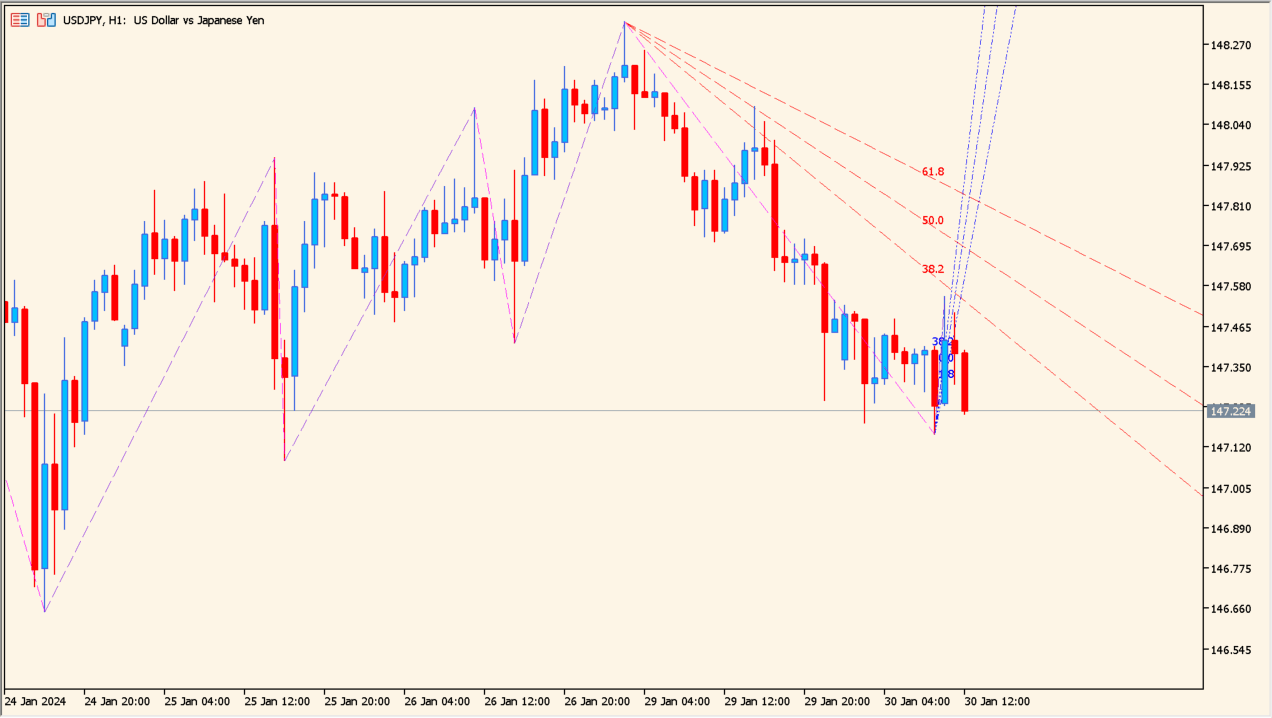
Zig Zag Fibonacci Fan is an MT5 chart indicator that uses displayed ZigZag swing points to draw angled Fibonacci fan lines. Depth, deviation, backstep, fan levels, colors, and extension settings control the visible geometry.
The fan creates a sloped reference grid for comparing price movement with recent swing structure. It is a visual drawing and does not establish that price will follow or react to an angled line.
How to Use It in Practice
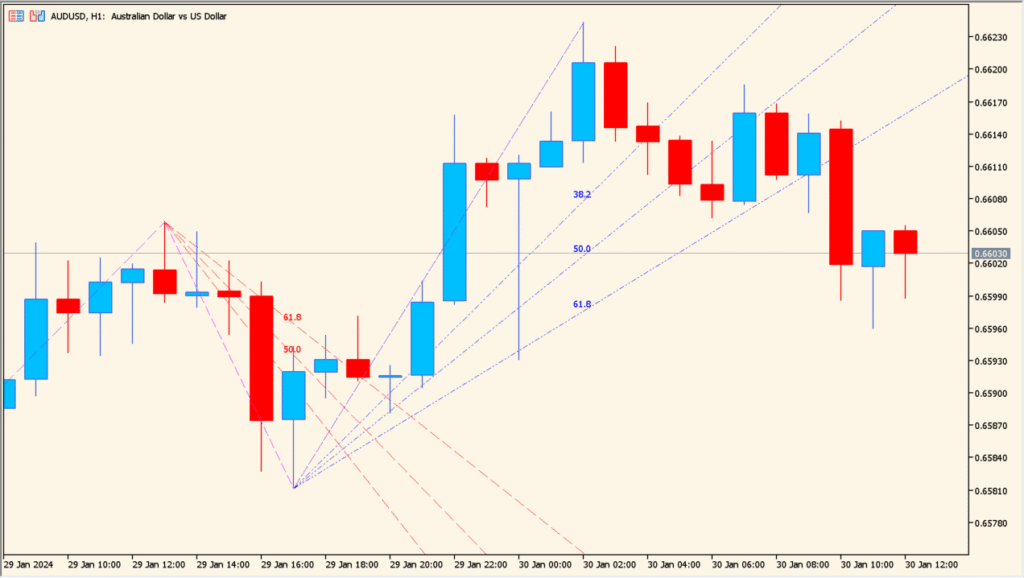
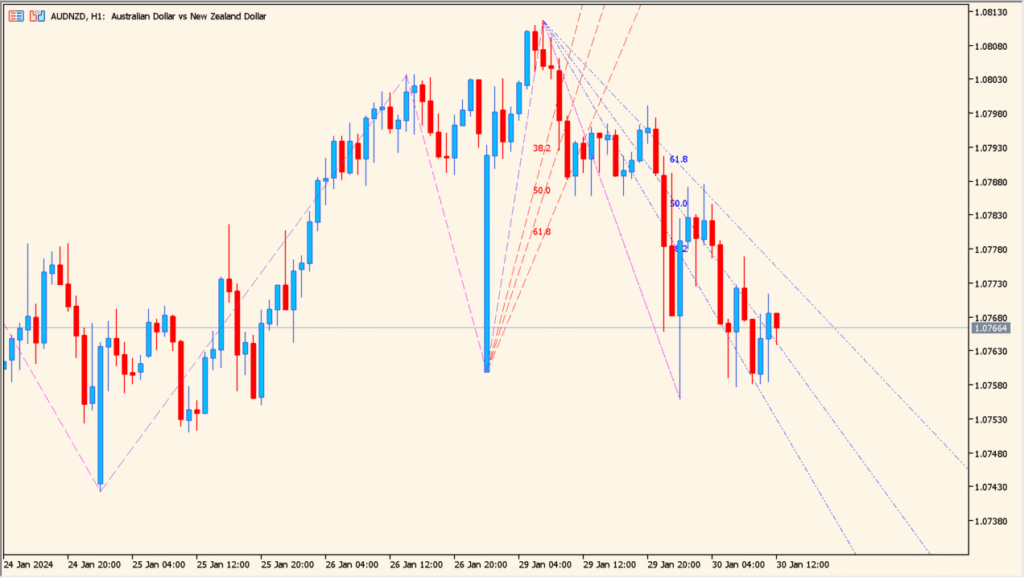
Read the Fibonacci fan from the two most recent ZigZag high-low anchors, with the labels showing the displayed fan ratios. Both upward and downward fans are available, and this older drawing method should be treated cautiously on modern charts.
- Identify the two ZigZag anchors before following the angled fan lines, so the origin of each displayed slope remains clear.
- Adjust ZigZag depth, deviation, backstep, fan levels, and extension only to compare the resulting geometry and labels.
- Compare the fan with a longer chart sample since simple high-low anchoring may not carry consistently across conditions.
Swing-based fan lines are drawn automatically, configurable levels support visual comparison, and extension controls keep the chart organized.
MT5 Indicator Parameters
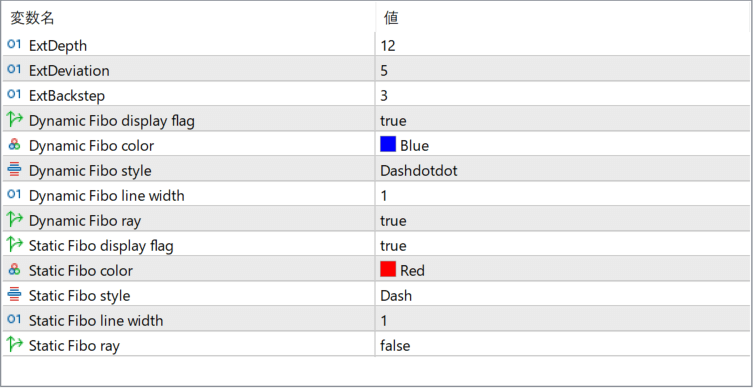
The screenshot above shows the default input parameters in the MT5 settings window.
| Parameter | Description |
|---|---|
| ExtDepth | Controls how many bars are considered when detecting swing highs and lows. Higher values focus on larger, more significant swings. |
| ExtDeviation | Defines the minimum price deviation required to confirm a ZigZag turning point. Increasing this value filters out smaller fluctuations. |
| ExtBackstep | Sets the minimum number of bars between consecutive ZigZag points. This helps prevent excessive swing clustering. |
| Dynamic Fibo display flag | Enables or disables the dynamic Fibonacci fan that updates as new price data forms. |
| Dynamic Fibo color | Specifies the line color used for the dynamic Fibonacci fan. |
| Dynamic Fibo style | Defines the line style (solid, dashed, dotted, etc.) for the dynamic Fibonacci fan. |
| Dynamic Fibo line width | Controls the thickness of the dynamic Fibonacci fan lines. |
| Dynamic Fibo ray | Determines whether the dynamic Fibonacci fan lines extend infinitely to the right or stop at a fixed length. |
| Static Fibo display flag | Enables or disables static Fibonacci fans drawn from completed ZigZag swings. |
| Static Fibo color | Specifies the line color used for static Fibonacci fans. |
| Static Fibo style | Defines the line style for static Fibonacci fans. |
| Static Fibo line width | Controls the thickness of static Fibonacci fan lines. |
| Static Fibo ray | Determines whether static Fibonacci fan lines extend forward as rays or remain limited in length. |


