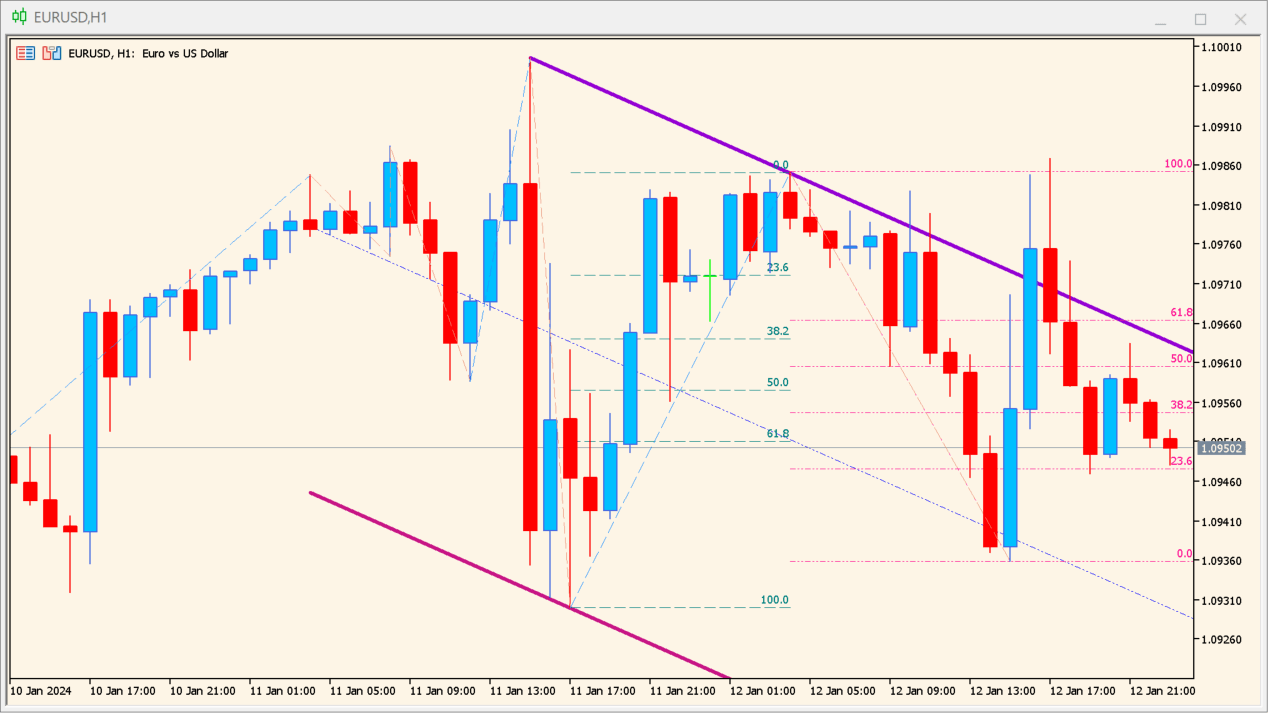
What is zig-zag-on-parabolic-fibo-channel Indicator?
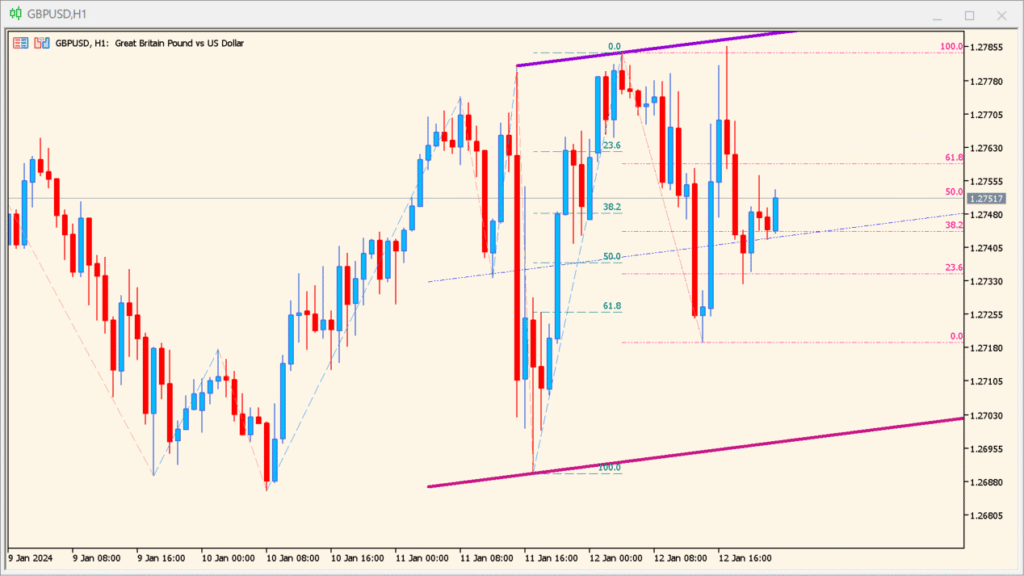
ZigZag on Parabolic Fibo Channel is an MT5 chart indicator that combines displayed ZigZag swings with Parabolic SAR context and Fibonacci channel geometry. Swing, parabolic, level, color, and extension settings shape the chart drawing.
The combined lines provide a visual framework for comparing price movement with recent structure and volatility. They are reference drawings and do not define fixed objectives or future reactions.
How to Use It in Practice
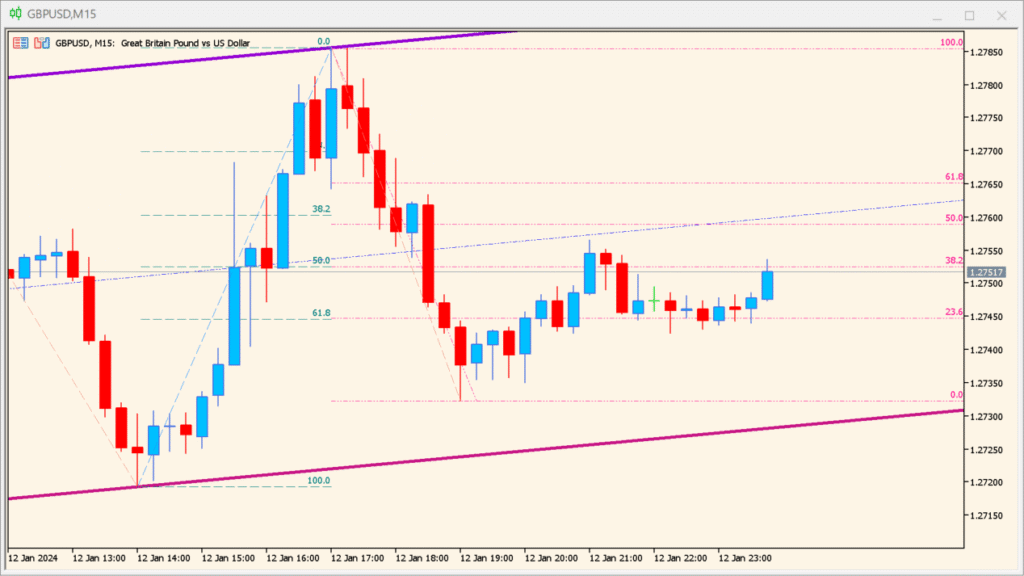
Inspect the ZigZag swings, the Parabolic-style channel, and the two Fibonacci drawings as one chart overlay:
Several structural references share one chart, configurable levels support comparison, and automatic updates reduce repetitive manual drawing.
- Locate the Fibonacci drawings from the latest bar and from an earlier prominent high or low, then compare them with the channel geometry.
- Distinguish the Parabolic calculation's channel-line display from the usual Parabolic SAR dot display.
- Review places where the Fibonacci lines and the channel occupy the same part of the chart as overlapping visual references.
- When a recent large movement makes the channel placement difficult to read, increase the calculation period and reassess the drawing.
MT5 Indicator Parameters
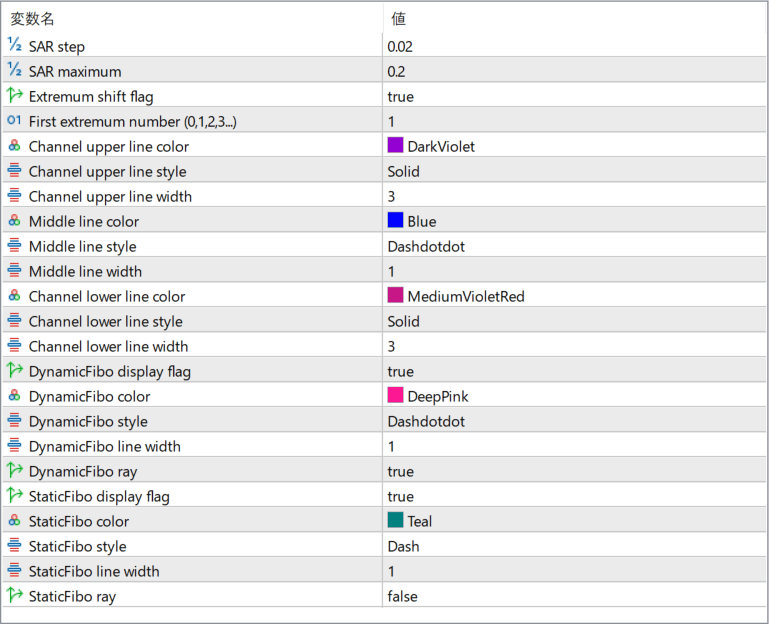
The screenshot above shows the default input parameters in the MT5 settings window.
| Parameter | Description |
|---|---|
| SAR step | Controls the acceleration factor of the Parabolic SAR calculation. Smaller values create smoother channels, while larger values make the channel react faster to price changes. |
| SAR maximum | Sets the maximum acceleration limit for the Parabolic SAR logic, affecting how sharply the channel can curve during strong trends. |
| Extremum shift flag | Enables or disables adjustment of detected swing points to better align with actual price extremes. |
| First extremum number (0,1,2,3…) | Selects which detected ZigZag extremum is used as the starting reference for channel construction. |
| Channel upper line color | Defines the color of the upper boundary of the parabolic channel. |
| Channel upper line style | Sets the line style used for the upper channel boundary. |
| Channel upper line width | Controls the thickness of the upper channel line. |
| Middle line color | Defines the color of the channel’s median line. |
| Middle line style | Sets the visual style of the middle channel line. |
| Middle line width | Controls the thickness of the middle channel line. |
| Channel lower line color | Defines the color of the lower boundary of the parabolic channel. |
| Channel lower line style | Sets the line style for the lower channel boundary. |
| Channel lower line width | Controls the thickness of the lower channel line. |
| DynamicFibo display flag | Enables or disables dynamic Fibonacci levels that adjust as new swings form. |
| DynamicFibo color | Sets the color used for dynamic Fibonacci levels. |
| DynamicFibo style | Defines the line style of dynamic Fibonacci levels. |
| DynamicFibo line width | Controls the thickness of dynamic Fibonacci lines. |
| DynamicFibo ray | Determines whether dynamic Fibonacci levels extend forward as rays. |
| StaticFibo display flag | Enables or disables fixed Fibonacci levels based on the selected structure. |
| StaticFibo color | Defines the color of static Fibonacci levels. |
| StaticFibo style | Sets the visual style of static Fibonacci lines. |
| StaticFibo line width | Controls the thickness of static Fibonacci levels. |
| StaticFibo ray | Determines whether static Fibonacci levels are drawn as rays or fixed segments. |


